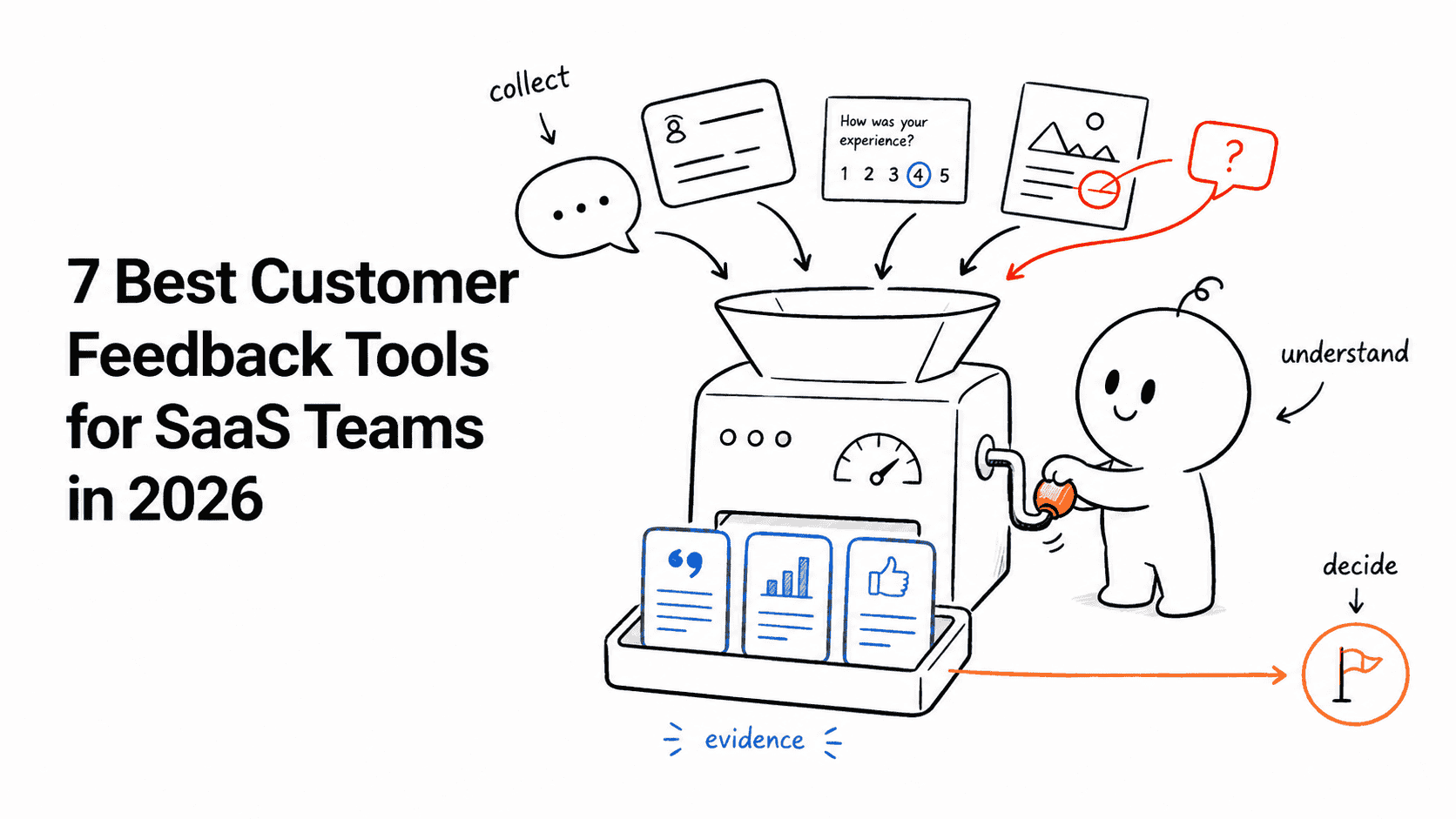








For a SaaS product team, the reliable way to turn customer feedback into a product roadmap is to collect signals, group them by the problem underneath, score the themes by customer value and evidence, route each theme to the right queue, and communicate what happens next. Support conversations are one of the highest-signal sources, but they should become structured evidence rather than an unfiltered feature backlog.
Userorbit supports this loop with Support Suite, feedback boards, a customer-facing product roadmap, announcements, and adoption surfaces in one workspace. The system is useful only when the team still makes the product tradeoffs: votes, volume, and AI suggestions are evidence, not automatic roadmap decisions.
Product truth checked on November 26, 2026: Userorbit Support Suite receives in-app/help-center, email, and Slack conversations, keeps replies on the originating channel, and supports internal discussions, AI-assisted triage, no-code workflows, SLA-aware support work, and feedback capture. Paid Support Suite access is listed on Scale and Enterprise; an eligible active 14-day trial or workspace-specific override can also grant access for a particular workspace. The current pricing page shows Growth at $95/month and Scale at $249/month in its annual view: Growth includes feedback boards and a public roadmap, but not Support Suite. Feedback can become roadmap input so the team can keep the evidence and status connected. Check the Support Suite plan-access guide for the workspace-specific access rule.
Product teams usually start with a pile of requests and no clear path from signal to decision.
One customer wants a new integration. Another wants a smaller fix. Support is forwarding bugs. Sales wants enterprise checkboxes. The roadmap becomes a negotiation between the loudest channel and the latest Slack message.
That is how trust erodes. Customers stop believing the roadmap reflects real demand, internal teams stop believing feedback is useful, and the product organization collects more input while making slower decisions.
The fix is not collecting less feedback. It is building a system that turns raw feedback into clear priorities, visible roadmap topics, and shipped changes users can discover. This guide shows a practical workflow, including the support-to-feedback handoff that prevents customer conversations from disappearing after the reply.
Support conversations are product evidence
Support software should do more than collect a reply and mark a thread done. For a product-led SaaS team, the conversation may reveal a documentation gap, an onboarding problem, a bug, or a repeated product need. The useful workflow keeps the source channel and customer context attached while giving the team a deliberate next step.
| Support signal | Next action | Why it should not go straight to the roadmap |
|---|---|---|
| One customer asks how an existing feature works | Improve the help article, reply with the answer, or add onboarding guidance | The capability may already exist; a new feature would not fix discoverability |
| The same problem appears across several accounts | Create or merge a feedback item, add the affected segment, and review the evidence | Repeated support volume is evidence, not a complete prioritization decision |
| A validated product gap needs customer-visible progress | Keep the feedback item connected to a roadmap view and communicate its status | A roadmap should describe an outcome, not merely preserve an internal ticket |
| A change ships | Update the feedback and roadmap status, then publish an announcement or changelog entry | Closing the engineering task does not tell the affected customers what changed |
| A product request arrives in Slack | Send the message or full thread to feedback and check for a duplicate | Connected customer-support mentions need separate handling so one message is not recorded twice |
In Userorbit, the support inbox can carry a conversation into feedback without asking an agent to retype the whole story. The Support Suite overview documents the inbox, channels, tasks, internal discussions, SLAs, and workflows. The feedback module guide and roadmap guide explain how feedback is triaged and how roadmap views stay backed by the underlying feedback data.
For the broader support-software shortlist, use Best Customer Support Software for B2B SaaS. This workflow guide covers what happens after a support platform captures the conversation.
Customer feedback should not go straight onto the roadmap
The biggest mistake is treating every request like roadmap material.
Some feedback belongs on the roadmap. Some belongs in onboarding. Some belongs in the help center. Some belongs in the changelog after you already shipped the fix. A surprising amount belongs nowhere because it is too narrow, too early, or too weakly supported.
When every piece of input gets framed as a feature request, the roadmap becomes bloated and unreliable.
The job is to convert raw input into the right kind of action.
The feedback-to-roadmap operating model
Use this model to decide where each signal goes next.
| Signal | What it usually means | Best destination | Why |
|---|---|---|---|
| Repeated request from high-value accounts | A real product gap or missing workflow | Roadmap topic | The need is broad enough to justify planned work |
| Confusion around an existing feature | The capability exists but users cannot find or use it | Onboarding flow or product tour | Shipping a new feature will not fix discovery |
| Repeated support question | Documentation or UI clarity is weak | Help article or in-app announcement | You can reduce friction faster than a full build cycle |
| Small paper cut with obvious fix | A narrow but real usability problem | Quick-win backlog | It needs action, not a six-week prioritization exercise |
| Strong reaction after release | You shipped, but users still need context | Changelog plus targeted announcement | Closing the loop is incomplete without distribution |
| One-off request from an edge case | A valid use case with limited reach | Watchlist or "not now" queue | Preserve the signal without crowding the roadmap |
That table matters because it forces a product team to stop asking one vague question, "Should we build this?", and start asking a better one, "What is the right response to this signal?"
Step 1: Cluster feedback into themes, not tickets
Raw feedback is noisy by design.
Users describe the same problem in different language. Support logs it as a bug. Sales logs it as a blocker. Product sees it as onboarding friction. If you review items one by one, you will overreact to wording and underreact to patterns.
Start by grouping feedback into themes:
- Activation friction
- Missing integrations
- Reporting gaps
- Team collaboration blockers
- Confusion around pricing or permissions
- Release communication gaps
The theme is more useful than the individual sentence because it shows the job to be done underneath the request.
A request for "CSV export in feedback board" and a complaint that "I cannot share results with leadership" may point to the same underlying problem: reporting workflows are incomplete.
If your team already uses a feedback board, tag by theme before you prioritize. If you do not have a structured workflow yet, start with a simple weekly review and group items manually. The exact tooling matters less than consistency.
If you need the mechanics, these guides cover the building blocks:
- Set up customer support in Userorbit
- Capture product feedback from Slack
- Understanding Userorbit Feedback Boards
- The complete guide to feedback collection
Step 2: Score opportunities, not opinions
Once feedback is clustered, score the theme instead of debating each request separately.
A lightweight scoring model is usually enough:
| Factor | Question | Example score guide |
|---|---|---|
| Frequency | How often does this problem appear? | 1 = rare, 5 = constant |
| Segment value | Which users are affected? | 1 = low-fit edge case, 5 = core ICP or expansion accounts |
| Outcome severity | What breaks if you do nothing? | 1 = mild annoyance, 5 = activation, retention, or expansion risk |
| Strategic fit | Does this support the product direction? | 1 = distraction, 5 = directly aligned |
| Confidence | Do you have enough evidence to act? | 1 = guesswork, 5 = repeated across channels plus behavior data |
This keeps prioritization grounded in evidence instead of recency.
It also exposes a useful truth: the loudest request is not always the best roadmap candidate. A theme raised quietly by dozens of trial users may matter more than a single enterprise request that arrives with more urgency.
If you already track behavioral data, add it here. Feature drop-off, failed onboarding steps, weak announcement engagement, and repeated help-center searches are strong context signals. They tell you whether the request reflects a real adoption problem or a narrow preference.
Step 3: Split work into five queues
A clean roadmap process uses more than one queue.
After scoring, place each theme into one of these buckets:
1. Roadmap
Use this for clear, strategic work that deserves public visibility. These are the items you want customers and teammates to track over time.
2. Quick wins
Use this for obvious fixes that should not wait for a quarterly roadmap review. Small usability repairs often create more trust than large promises because users feel the product is responsive.
3. Docs and education
Use this when the problem is not capability but clarity. If users keep asking how a feature works, the next move may be a help article, an FAQ update, or a better setup guide.
4. Onboarding and in-app guidance
Use this when the feature already exists but adoption is weak. A checklist, product tour, tooltip, or targeted announcement can solve the problem faster than new development.
5. Not now
Use this for ideas worth preserving without promoting them into active planning. "Not now" is healthy when it is honest and searchable.
This is where a lot of teams get better immediately. They stop forcing every signal through a single pipeline.
Step 4: Write roadmap topics in customer language
Many roadmap entries are too internal to build trust.
Titles like "Refactor permissions architecture" may be accurate for engineering, but they do not tell customers what improves. Public roadmap topics should describe the user outcome, not the implementation layer.
Compare these:
-
Weak:
Role refactor for workspace permissions -
Better:
Granular teammate permissions for shared workspaces -
Weak:
Feedback export improvements -
Better:
Export feedback by board, tag, and status
The second version gives customers something concrete to follow. It also makes the roadmap easier to search later.
When you publish roadmap topics, include:
- the problem being solved
- who it helps
- what changes for the user
- what stage it is in now
That is enough to create transparency without overcommitting to technical detail.
If you want the operational side of publishing and maintaining roadmap topics, use:
Put the decision into Userorbit
Once a theme has enough evidence, make the workflow concrete instead of leaving the decision in a meeting note:
- Keep the original support thread, source channel, customer, and account context available while the team investigates.
- Create or update a feedback item with the customer's problem, affected segment, and useful context. From Slack, use the message action to send the message or full thread to Feedback, or use the Userorbit feedback command or mention, then check the duplicate suggestion before creating a new item.
- Tag, merge, assign, and status the feedback so related evidence can be reviewed together. Votes and volume help show demand, but the team still evaluates severity, strategic fit, and confidence.
- Move validated work into a feedback-backed roadmap view with a customer-readable outcome, not an internal implementation label.
- Keep the roadmap status honest as the work changes, then publish an announcement or changelog entry when the change ships.
- Review whether the change reduced the original support friction. If it did not, keep the evidence attached and decide whether the next action is product work, documentation, onboarding, or "not now."
The Support Suite setup guide recommends starting with one channel and testing the full reply path. The Slack feedback guide documents the message action, full-thread capture, duplicate handling, and the rule that customer mentions in connected support channels are not captured as duplicate feedback automatically.
Step 5: Treat shipping as the middle of the loop
This is where many teams quietly fail.
They collect feedback, prioritize work, and ship it. Then they assume the loop is closed because the ticket is done.
It is not.
Users do not experience roadmap progress through Jira. They experience it through changelogs, announcements, onboarding, and the product itself.
A complete feedback loop looks like this:
- Collect the signal
- Cluster and score it
- Add it to the right queue
- Ship the change
- Publish what changed
- Guide the right users to it
- Measure whether adoption improved
The final three steps are where trust gets built.
If a customer requested a feature and you shipped it, do not stop at "completed." Link the shipped work back to the original request, post the changelog entry, and announce it in context.
These companion guides help with that layer:
- Best product changelog and release notes software
- Changelog generation and automation for teams that ship weekly
- Product tours for activation
Step 6: Use onboarding to solve adoption problems before you build more
A lot of roadmap inflation comes from a false diagnosis.
Users ask for something new. The team assumes the product lacks capability. In reality, the feature already exists and users are simply not reaching it, understanding it, or trusting it.
That is an adoption problem.
Before promoting a request into roadmap work, ask:
- Did the user ever reach the relevant screen?
- Did they see the feature announcement?
- Did they try the feature and drop off?
- Did similar users complete the flow successfully?
- Is the friction in discovery, setup, or ongoing use?
If the answer points to discoverability or setup friction, the better move may be a targeted guide instead of a new build.
This matters for product-led teams because adoption work is often faster to ship and easier to validate than net-new features.
Run feedback, roadmap, changelogs, and in-app guidance from one workflow
Userorbit helps product teams collect demand, publish roadmap updates, announce releases, and guide users to adoption without stitching together separate tools.
Step 7: Let AI handle pattern detection and drafting, not final judgment
AI is useful in this workflow, but only for the parts that benefit from speed and synthesis.
Good uses:
- cluster similar feedback into themes
- summarize repeated complaints
- draft roadmap topic descriptions
- draft changelog entries after a release
- suggest which user segments need an announcement or guide
Bad uses:
- deciding strategy without context
- promoting requests based only on volume
- publishing customer-facing updates without review
- flattening nuanced feedback into generic summaries
The practical model is simple: let AI compress the noise, then let humans make the tradeoff.
That works especially well when feedback, roadmap topics, changelog drafts, and help content live in the same system because the context is already connected.
A weekly operating rhythm you can actually keep
If your team wants a repeatable process, use a short weekly review:
Monday or Tuesday
- Pull all new feedback from the last seven days
- Group it into themes
- Merge duplicates and tag affected segments
Midweek
- Score the top themes
- Move them into roadmap, quick wins, docs, onboarding, or not now
- Update public roadmap topics that changed stage
Release day or Friday
- Publish the changelog
- Send targeted in-app announcements
- Update the related feedback and roadmap statuses
- Review early adoption signals
This cadence is intentionally small. The point is not creating a ceremony. The point is preventing feedback from becoming a passive archive.
What a healthy system looks like
You know the workflow is working when:
- roadmap topics map to repeated customer problems, not isolated requests
- shipped updates get communicated back to the right users
- support and product use the same language for recurring issues
- onboarding changes reduce requests for features you already have
- the roadmap stays smaller, clearer, and easier to trust
That is the real outcome.
Not "more feedback."
Better decisions from the feedback you already have.
Final thoughts
Customer feedback is only valuable when it changes what the team does next.
The strongest product teams do not treat the roadmap as a dumping ground for requests. They use feedback to understand patterns, choose the right response, and make shipped progress visible.
That is what users trust: not a longer roadmap, but a clearer one with evidence behind it and follow-through after release.
If your current process feels noisy, start with one small change this week. Pick a recurring theme, score it, route it into the right queue, and decide how users will hear about the result when it ships.
Frequently asked questions
Turning customer feedback into a product roadmap
Practical answers for SaaS teams connecting support conversations, feedback, and roadmap work.