









Choosing changelog software starts with where your customers need to see an update. A public release history, an in-app notification, and an update tied to a feedback request solve different parts of the release workflow. Decide which of those your team needs before comparing plans.
This guide compares ten tools for SaaS product managers, founders, and customer success teams responsible for communicating releases. Evaluate the publishing workflow, customer-facing experience, targeting, and cost of the capabilities you will actually use.
We publish Userorbit, which combines announcements with onboarding and feedback. That combination is useful when the same team owns launch communication and feature discovery; a standalone feed can be sufficient when you already handle the rest elsewhere.
See Userorbit's public changelog for a real publishing example, or explore the in-app announcement widget.
Define the release workflow you are buying for
| Your main requirement | What to ask vendors to show |
|---|---|
| A public release history | A readable hosted feed, categories, stable post URLs, and your branding options |
| Updates inside your SaaS app | Widget installation, announcement previews, audience rules, and dismissal behavior |
| Closing the feedback loop | How a shipped update connects to the original request and reaches interested customers |
| Coordinated release communication | Who can draft and publish, how subscriptions work, and which delivery channels the plan includes |
| Helping users try a feature | A next step from the announcement into the feature, help article, or guided experience |
Use one recent release as the evaluation sample. The goal is to see whether your team can publish and deliver it correctly without an improvised process around the tool.
Changelog vs release notes vs announcements
These categories overlap, but they are not identical.
- Changelog software is the ongoing product update feed users can browse later.
- Release notes tools usually emphasize the write-up for a launch or version.
- In-app announcement tools focus on getting updates in front of users inside the product.
- Product update feeds combine publishing, widgets, and notification surfaces.
For most SaaS teams, the buyer question is not which label sounds right. It is whether the tool can help you publish updates, distribute them in context, and connect them to adoption. That is why this guide favors platforms that work across announcements, engagement workflows, and post-release measurement instead of standalone feeds alone. When the communication job extends beyond releases into onboarding, nudges, contextual education, and conversion, compare the best user onboarding and product adoption software.
When a release needs more than written notes, compare the interactive demo, product tour, and demo video formats to choose the right path from launch awareness to real feature use.
What makes a good changelog tool?
A good changelog tool should help your team do five things well:
- publish updates quickly without turning every release into a writing project
- organize updates in a clean, searchable public feed
- distribute changes across channels like in-app, email, or widgets
- target updates to the right audience instead of blasting everyone
- measure engagement so release communication improves over time
In other words, the job is not just documentation. It is activation.
That matters because users do not adopt what they never notice.
How we evaluated these release notes tools
We looked at each tool across the dimensions that matter most to SaaS teams:
- publishing workflow: how fast a team can go from shipped feature to published update
- distribution options: hosted changelog, widget, email, in-app, or integrations
- segmentation and targeting: whether updates can be shown to the right users
- adjacent workflows: feedback, onboarding, roadmaps, announcements, or analytics
- fit for SaaS teams: whether the product feels built for product-led growth or broader enterprise comms
- pricing posture: whether the product is accessible for growing teams or mainly enterprise-oriented
We are intentionally biased toward tools that help lean product teams move fast.
Because frankly, a changelog nobody maintains is worse than a simple one that ships every week.
Best changelog software and release notes tools in 2026
1. Userorbit - Best overall for changelog plus adoption workflows
Userorbit is the best option for SaaS teams that want changelog software to do more than host updates.
Userorbit changelog and product updates
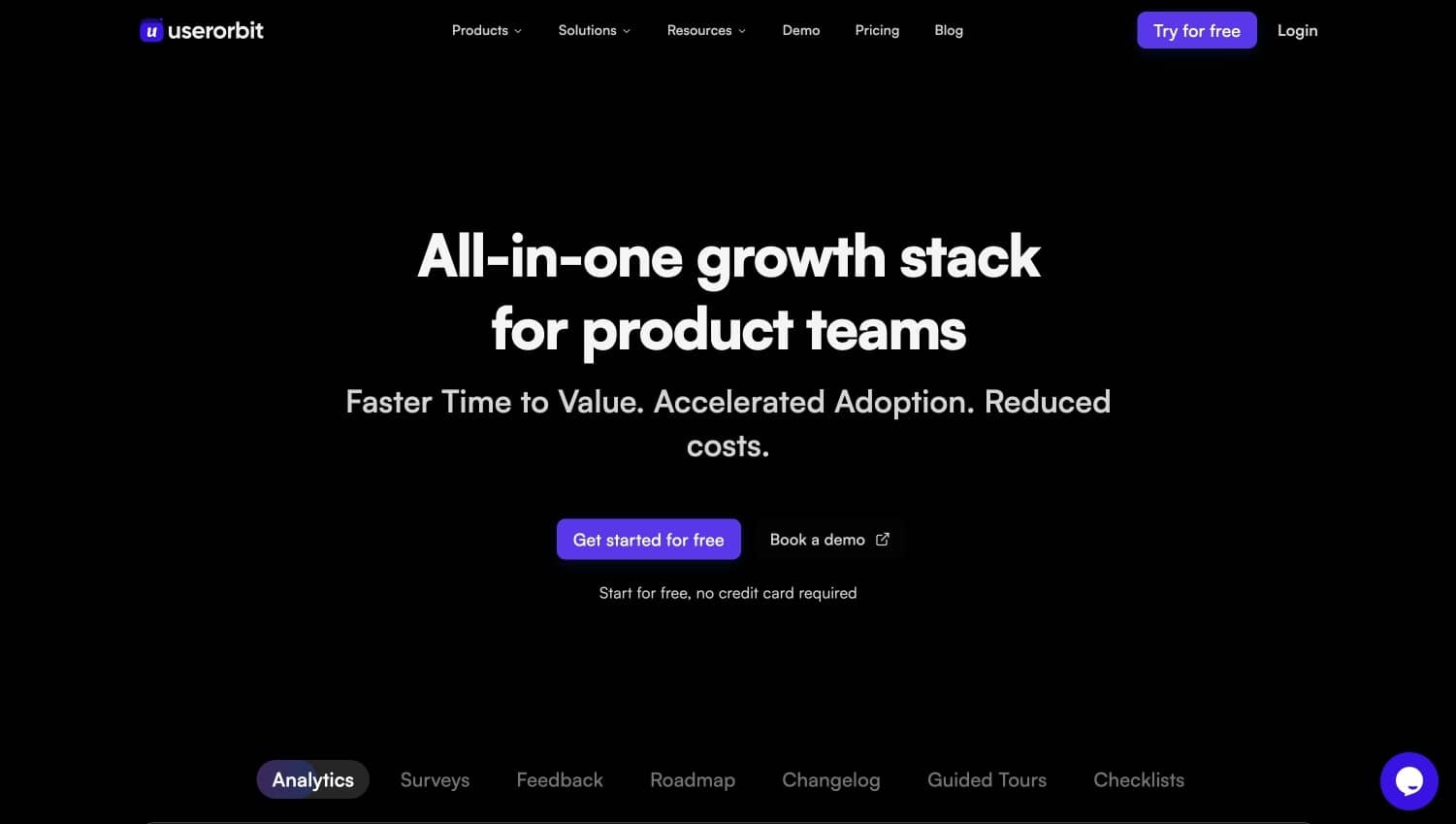
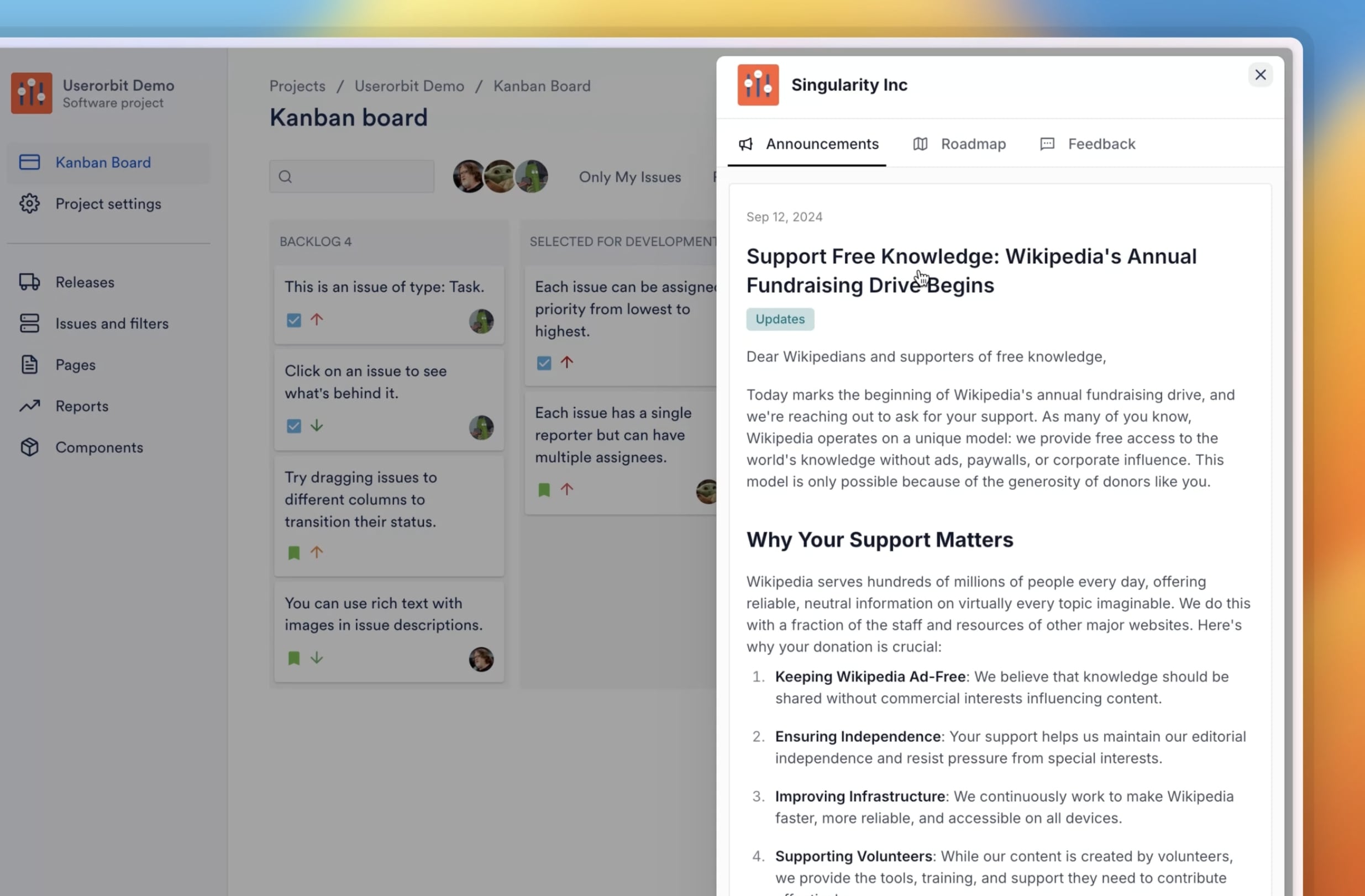
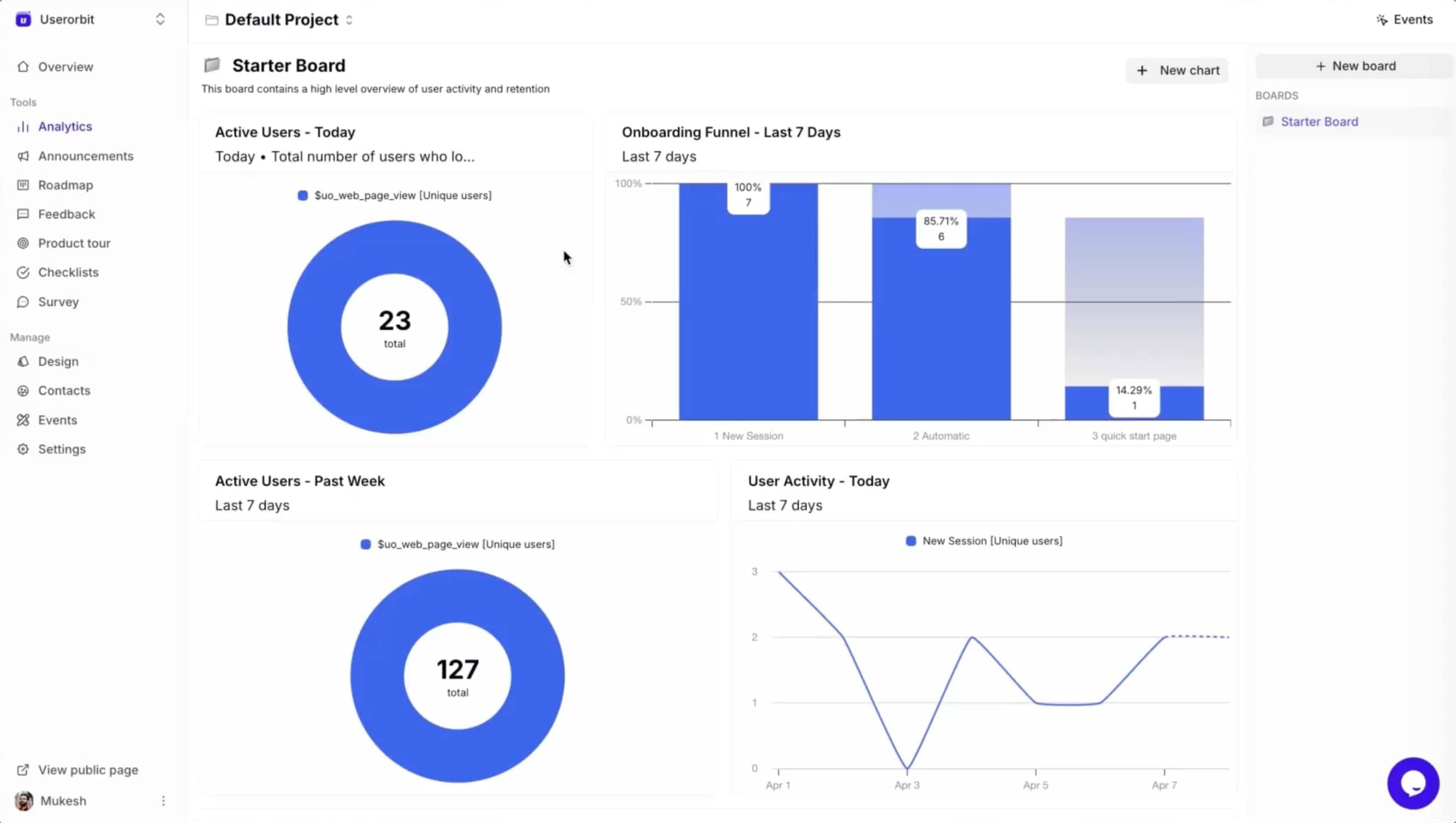
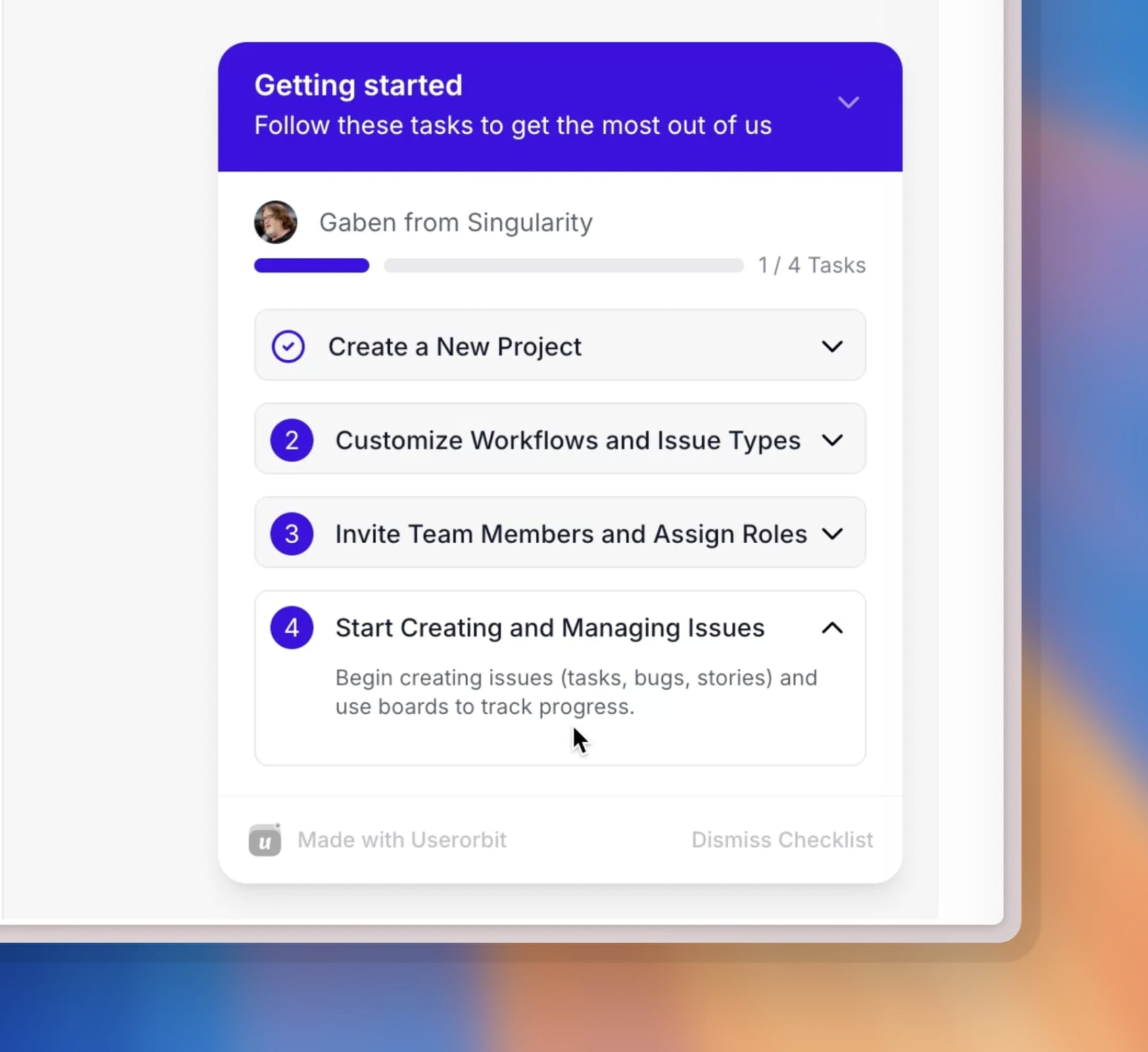
Userorbit is an all-in-one product adoption, onboarding, feedback, roadmap, changelog, and customer engagement platform for product-led SaaS teams. It combines changelogs, announcements, onboarding flows, feedback collection, and adoption analytics in one product. That makes it especially strong for teams that do not want a changelog floating in isolation from the rest of the user communication stack.
Instead of saying "we shipped this," you can actually connect release communication to what happens next:
- users see announcements in context
- product tours can reinforce feature discovery
- feedback can feed back into roadmap decisions
- analytics can show whether the update changed behavior
Teams that want a full release workflow can publish through announcements, reinforce launches through product engagement, and reuse copy patterns from our AI changelog templates library.
Why Userorbit stands out
Most changelog tools are publishing tools.
Userorbit is a product adoption system that also includes changelog publishing.
That difference matters if you care about activation, feature awareness, and closing the loop after a release.
Best for
Product-led SaaS teams that want changelog, announcements, onboarding, and feedback in one workflow.
See how your next update could appear in-app
Explore Userorbit’s changelog widget and announcement examples.
2. LaunchNotes - Best for structured stakeholder communication
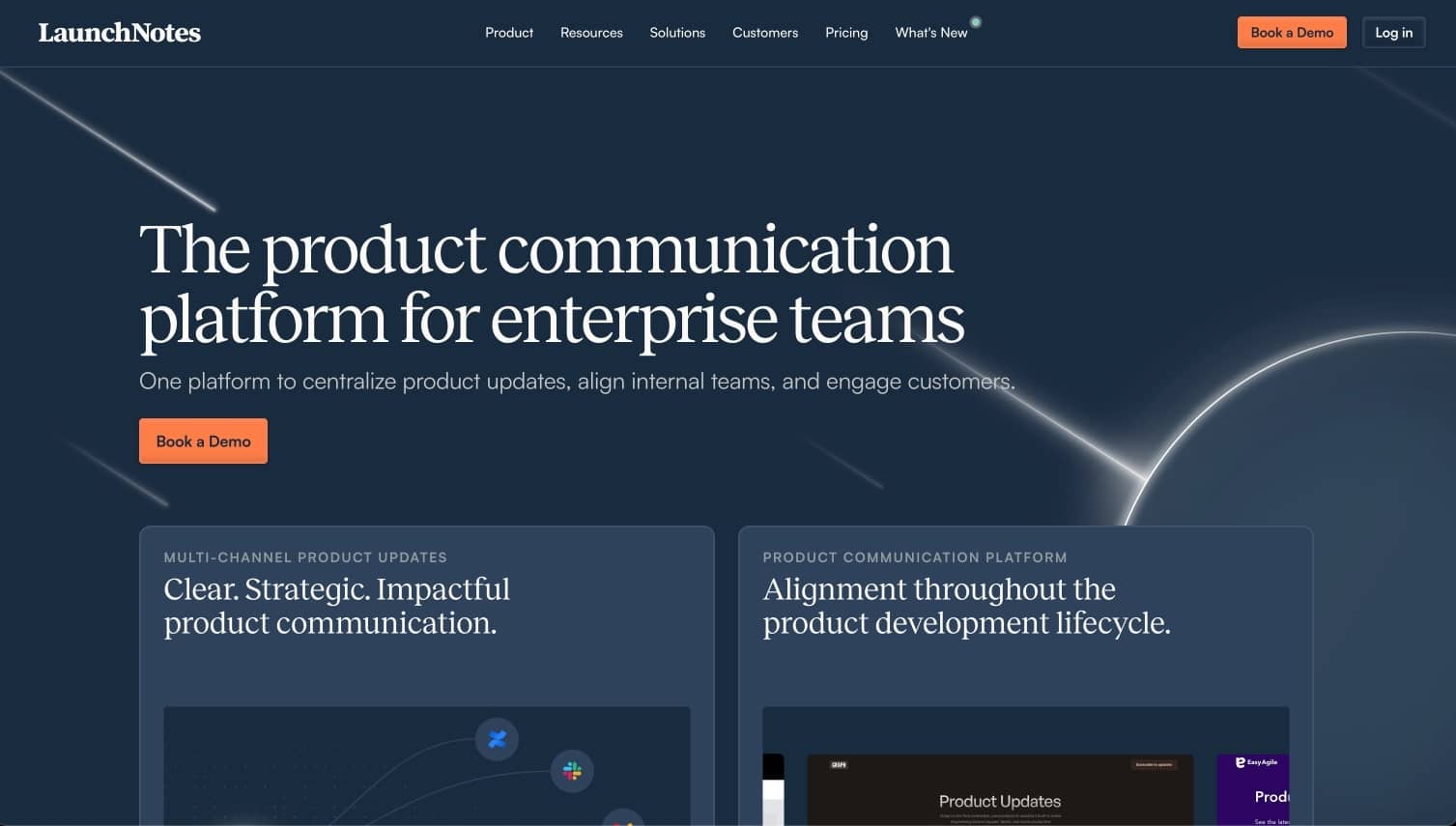
LaunchNotes is one of the more mature products in this category and is built for teams that want more formal release communication.
It is especially useful when updates need to reach multiple audiences such as customers, internal teams, partners, and executives.
Strengths
- polished release communication workflows
- audience segmentation and subscription options
- good fit for scheduled product communications
- stronger structure than a barebones changelog page
Tradeoff
It can feel heavier than what an early-stage SaaS team needs if the real job is simply keeping users aware of product changes.
If that is your shortlist, compare it directly against LaunchNotes alternatives.
3. AnnounceKit - Best for lightweight public changelogs and widgets
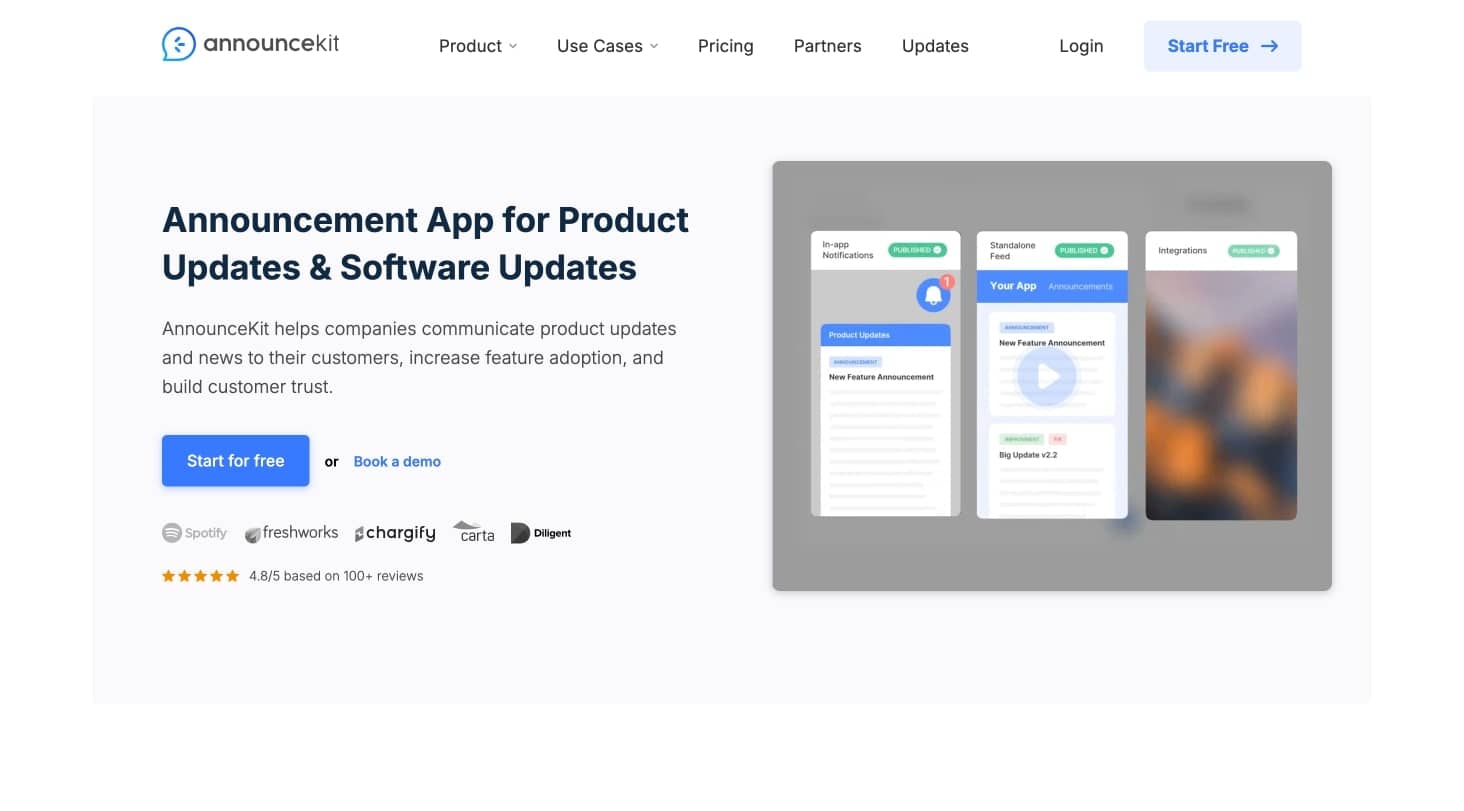
AnnounceKit is a practical option for teams that want an attractive changelog page plus embeddable widgets without a huge implementation effort.
Strengths
- fast setup
- solid visual presentation
- widgets and standalone pages
- straightforward for feature announcements
Tradeoff
It is more of a focused announcement and changelog tool than a broader adoption platform.
See AnnounceKit alternatives if you want to compare it against broader adoption workflows.
4. Beamer - Best for update feeds with engagement features

Beamer is popular because it turns the changelog into a more interactive update feed.
For teams that care about comments, reactions, and in-app visibility, that is a meaningful advantage.
Strengths
- in-app update center style experience
- user engagement features around announcements
- easy distribution across hosted and embedded surfaces
- practical for customer-facing feature updates
Tradeoff
It is strongest when you mainly want announcement visibility, not a deeper product operations workflow.
See the best Beamer alternatives if in-app visibility matters more than maintaining a standalone changelog page, or use the direct Beamer comparison when you are already evaluating Userorbit.
5. Canny - Best if feedback and changelog must live together
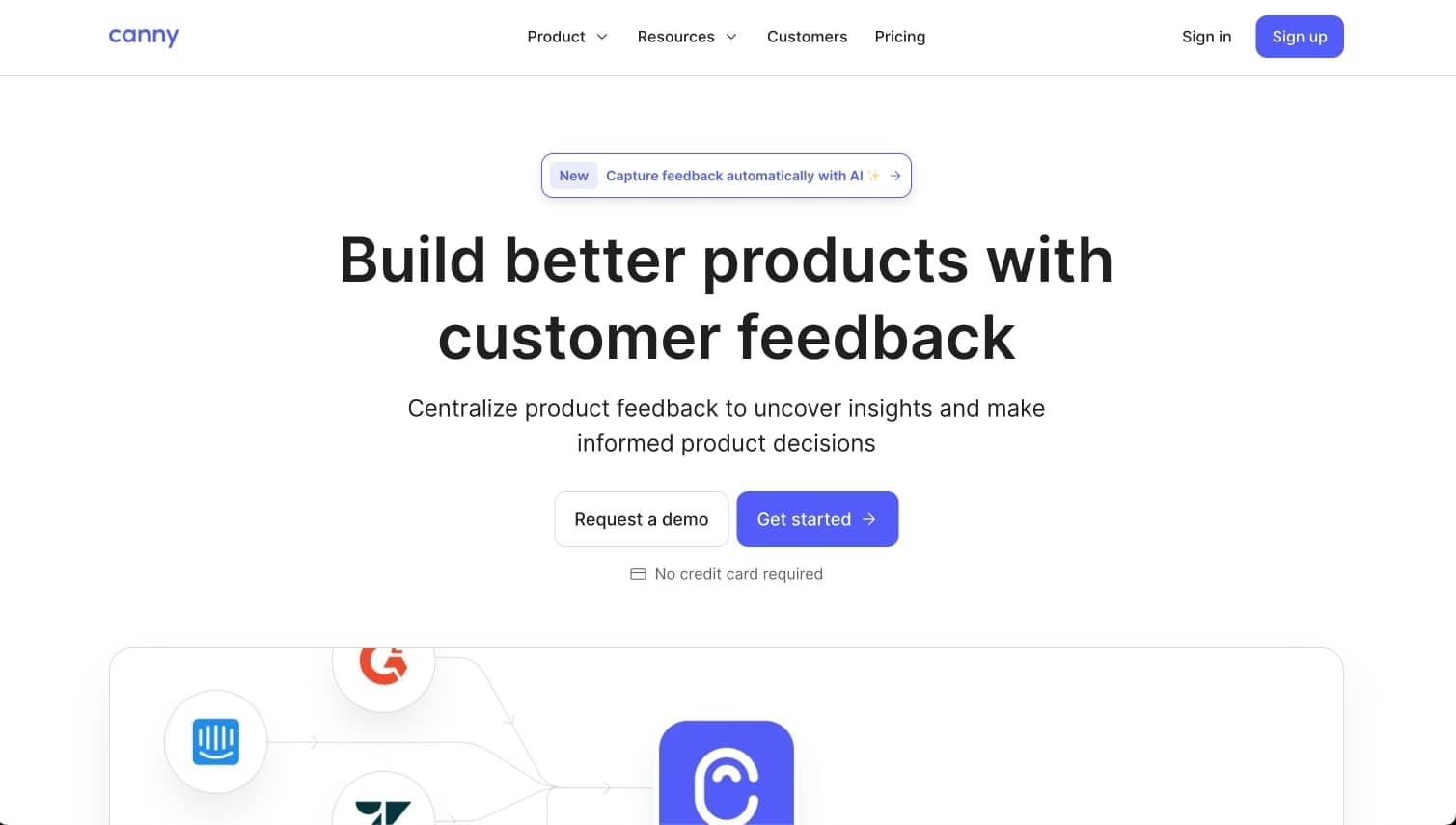
Canny is often shortlisted by teams that already use customer feedback boards and roadmaps as part of their product process.
Its changelog is not the whole product story. It is part of a broader feedback loop.
Strengths
- feedback, roadmap, and changelog in one ecosystem
- useful for closing the loop with customers
- strong familiarity among SaaS teams
Tradeoff
If your primary need is polished changelog distribution or in-app adoption flows, Canny may not feel as complete as more purpose-built alternatives.
See Canny alternatives if you want the same feedback-loop ownership with more product communication depth.
6. Productboard - Best for roadmap-first organizations
Productboard enters the conversation when a team wants changelog communication to stay tightly connected to roadmap management and customer evidence.
Strengths
- strong for product organizations with mature planning workflows
- roadmap alignment is a real advantage
- useful when releases need to connect back to strategic planning
Tradeoff
It is not usually the simplest choice if you just want a fast, easy release notes system for a growing SaaS product.
7. ReleaseNotes.io - Best for focused changelog-only use cases
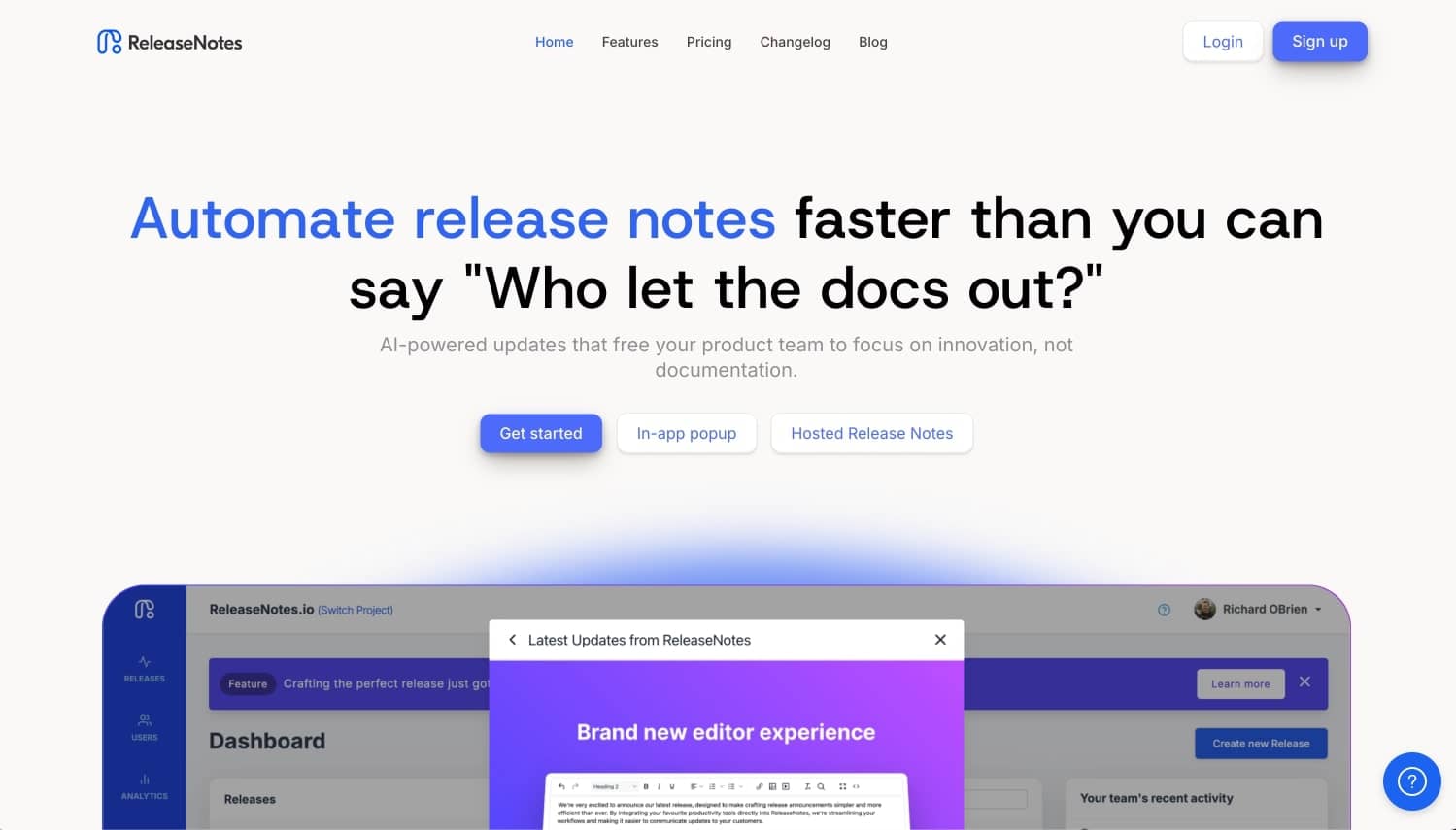
ReleaseNotes.io is attractive when a team wants a dedicated release notes tool without committing to a larger customer engagement suite.
Strengths
- changelog-specific workflow
- simpler scope than all-in-one platforms
- practical for teams that already have surrounding tools in place
Tradeoff
Once you want onboarding, announcements, analytics, or feedback tied into the same flow, the stack starts to fragment again.
8. Headway - Best for simple and affordable public changelogs
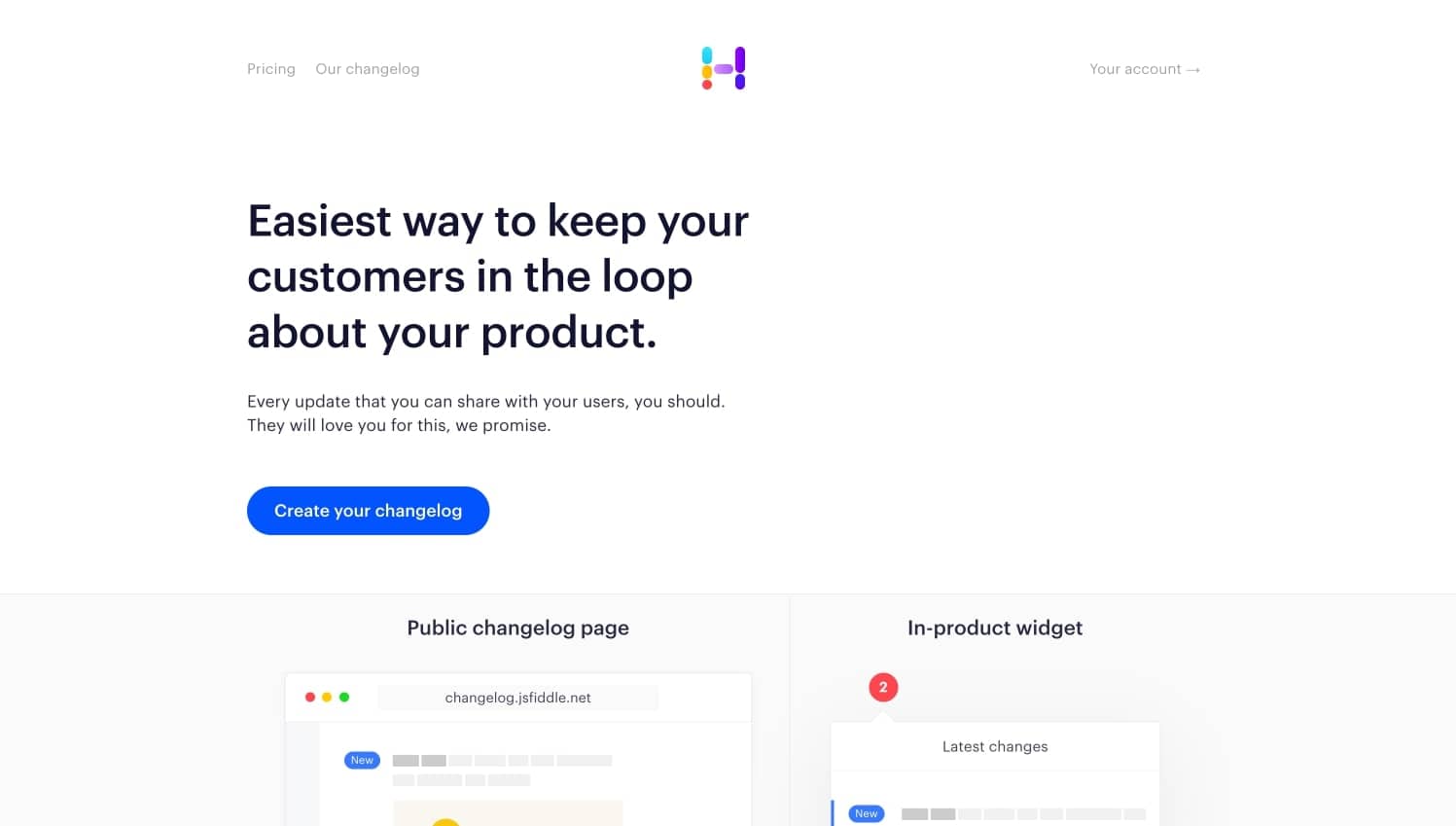
Headway remains a good fit for smaller teams that mostly need a clean public changelog and a lightweight widget.
Strengths
- simple setup
- low operational overhead
- accessible for teams with basic release communication needs
Tradeoff
It is intentionally lightweight, which also means limited depth once your workflow becomes more sophisticated.
See Headway alternatives if you expect your release process to expand into onboarding or announcements later.
9. Notion - Best DIY option for teams that want flexibility over polish
Some teams use Notion as a makeshift changelog because it is already part of their internal stack.
That can work, especially at a very early stage.
Strengths
- flexible and familiar
- easy to publish quickly
- low barrier if the team already lives in Notion
Tradeoff
Calling Notion a changelog platform is a bit like calling a spreadsheet a CRM. You can do it, but you eventually feel the mismatch.
10. ProductLift - Best for teams experimenting with feedback-roadmap-changelog flow
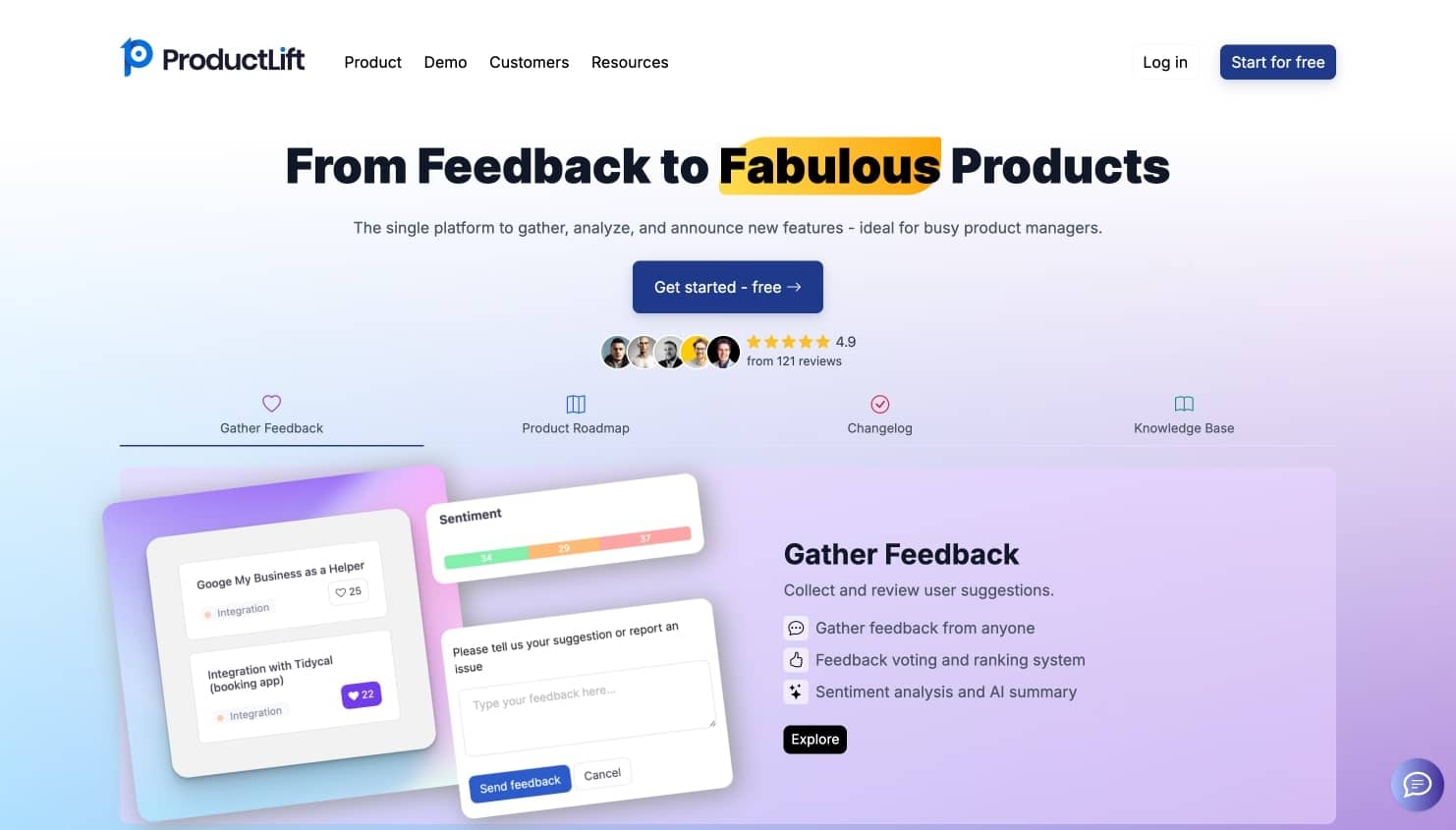
ProductLift tries to connect roadmap, feedback, and changelog motion into one product.
Strengths
- unified product communication concept
- approachable pricing posture
- reasonable fit for smaller product teams testing this workflow
Tradeoff
The product has a smaller footprint than more established competitors, which can matter for teams that want deep integrations or long-term platform confidence.
Comparison table
| Tool | Best for | Distribution depth | Adjacent workflows | Complexity | Fit for growing SaaS teams |
|---|---|---|---|---|---|
| Userorbit | Changelog plus adoption workflows | High | Onboarding, announcements, feedback, analytics | Low to medium | Strong |
| LaunchNotes | Structured release comms | High | Stakeholder communication | Medium | Good |
| AnnounceKit | Lightweight public changelogs | Medium | Announcements | Low | Good |
| Beamer | Interactive update feeds | Medium to high | Engagement around updates | Low to medium | Good |
| Canny | Feedback plus changelog | Medium | Feedback, roadmap | Medium | Good |
| Productboard | Roadmap-first product orgs | Medium | Product planning | High | Mixed |
| ReleaseNotes.io | Dedicated changelog workflow | Medium | Limited | Low | Good |
| Headway | Simple public changelog | Low to medium | Limited | Low | Strong for small teams |
| Notion | DIY changelog setup | Low | Flexible docs | Low | Mixed |
| ProductLift | Unified feedback-roadmap-changelog | Medium | Feedback, roadmap | Medium | Mixed |
Who should not buy a changelog-only tool
You probably should not buy a standalone changelog tool if:
- you need launches to show up inside the product, not only on a hosted page
- you already run feedback boards or a public roadmap and want release communication tied to that loop
- you expect onboarding tours, checklists, or activation prompts to support bigger launches
- you care whether updates changed adoption, not just whether they were published
For those teams, a changelog page is only one step in a broader operating loop: feedback comes in, the roadmap gets updated, the release ships, the announcement goes live, and product teams measure whether usage moved. Buying a changelog-only tool for that job usually means adding more tools a quarter later.
How SaaS teams close the loop after release
The strongest workflow is not just publish and hope.
- Collect and triage feedback so you know which requests actually matter.
- Publish roadmap progress or customer-facing status as work moves closer to launch.
- Announce the release in a changelog, email, widget, or in-app surface users will actually see.
- Measure whether feature discovery and adoption improved after the launch.
If you want deeper examples of that operating model, start with best Canny alternatives, best in-app feature announcement tools, and changelog generation automation.
If your team is still deciding whether this job belongs in a changelog, a deeper release note, or an in-app message, use our breakdown of release notes vs changelog vs product announcements before choosing a tool.
What to look for when choosing changelog software
1. In-app visibility matters more than you think
A public changelog page is useful.
But if users never visit it, you are still relying on chance.
That is why in-app widgets, announcement centers, or contextual prompts matter so much. The best release notes software meets users where they already are.
2. Segmentation beats broadcasting
Not every user needs every update.
A good tool helps you show relevant changes to the right accounts, roles, or customer segments instead of creating notification fatigue.
3. Your changelog should not be disconnected from the rest of product communication
This is where a lot of tools break down.
Teams write one thing for the changelog, another for in-app announcements, another for email, and another for customer success.
That duplication is why release communication becomes inconsistent and delayed.
The stronger pattern is one shared workflow that connects feedback, roadmap updates, release notes, announcements, and adoption measurement.
4. Speed wins
If the workflow feels annoying, it will decay.
Choose the tool your team will actually keep using on a weekly basis.
Which changelog tool should you choose?
Choose Userorbit if you want
- a changelog tool built around product adoption, not just publishing
- announcements, onboarding, and feedback tied into the same workflow
- a lean setup that works well for growing SaaS teams
- one system instead of a pile of loosely connected tools
Choose LaunchNotes if you want
- more formal stakeholder communication
- structured release planning and subscriptions
- a stronger enterprise-style release communication workflow
Choose AnnounceKit or Beamer if you want
- a focused customer-facing changelog experience
- hosted pages and widgets without much overhead
- a lighter solution for feature announcements
Choose Canny or Productboard if you want
- changelog communication attached to customer feedback and roadmap management
- a product org workflow where release updates are one part of a bigger system
Test one release before choosing a plan
Draft a real customer-facing update, add a screenshot and a link to the feature, and preview it on both a public page and the in-app surface you plan to use. Ask your product and CS owners to review it before publication.
Verify the audience rules with eligible and ineligible test users. Check narrow screens, the notification state after dismissal, and whether an existing customer can find the update again. Then confirm which of those capabilities are included in the quoted plan, along with any MAU, subscriber, seat, or delivery limits.
Measure announcement views and clicks separately from feature use. A click tells you the update attracted attention; your product's own success event tells you whether the customer used the feature.
For Userorbit, start with the announcement features and examples and current pricing. If you are replacing an existing feed, the Beamer migration checklist illustrates the content, audience, and widget checks to plan before cutover.
Preview your next product announcement
Use a real release to evaluate Userorbit’s publishing and customer-facing experience.
Related comparison paths
- Compare release-first tools through LaunchNotes alternatives, AnnounceKit alternatives, and Headway alternatives.
- Compare in-app communication options through Beamer alternatives and best in-app feature announcement tools.
- Compare feedback-led workflows through Canny alternatives and best Canny alternatives.
Frequently asked questions
What is the difference between changelog software, release notes tools, and in-app announcement software?
In practice, teams often blur the terms, but the workflows are different.
"Changelog" usually means the ongoing stream of product updates. "Release notes" usually refers to the write-up for a specific launch or version. "In-app announcement software" focuses on getting that update in front of the right users inside the product. The best SaaS tools connect all three.
What is the best changelog software for product-led SaaS teams?
For most product-led SaaS teams, the best choice is Userorbit because it connects changelog publishing with announcements, onboarding, feedback, and adoption measurement. If you only need a lightweight hosted feed, Headway or AnnounceKit may be enough. If you need a stronger in-app update center, Beamer is more relevant.
When should a SaaS team buy a changelog-only tool?
Buy a changelog-only tool when the main job is simply publishing public updates and you already have the rest of the workflow covered elsewhere. If you still need onboarding, feedback, roadmap communication, or in-app distribution, a changelog-only product usually creates more stack sprawl than it removes.
Do SaaS startups really need dedicated changelog software?
Not always on day one.
But once updates become frequent, multiple teams need to contribute, or users start missing important changes, a dedicated tool quickly becomes worth it.
Make the choice around your release workflow
Choose a tool your team can maintain every time you ship. If you need a public feed, evaluate that experience first. If customers need targeted updates inside your product, make audience rules and widget behavior part of the trial. Add onboarding and feedback capabilities when your team has a concrete use for them.
Explore Userorbit's announcement examples, then compare plans for the audience and workflow you tested.