Session Replay

Watch where users get stuck. Let AI find the patterns.

Replay any session yourself, or ask an AI agent to review recordings and extract feedback, recurring friction, and the evidence behind every finding.

Start for free, no credit card required

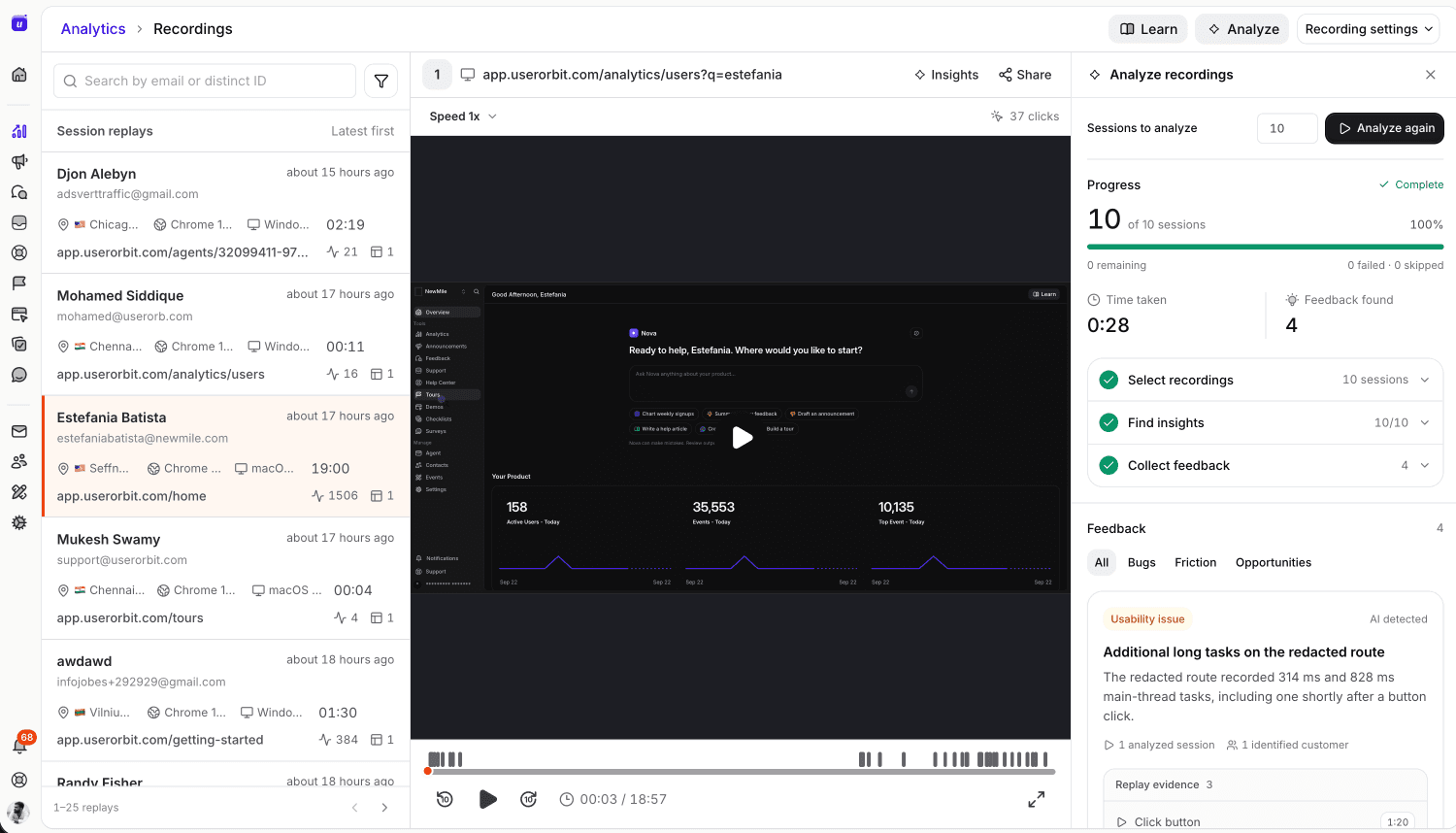
Session replay workspace showing the session list, replay player, and AI analysis panel

AI replay agents

From hours to findings

Don’t watch every recording yourself.

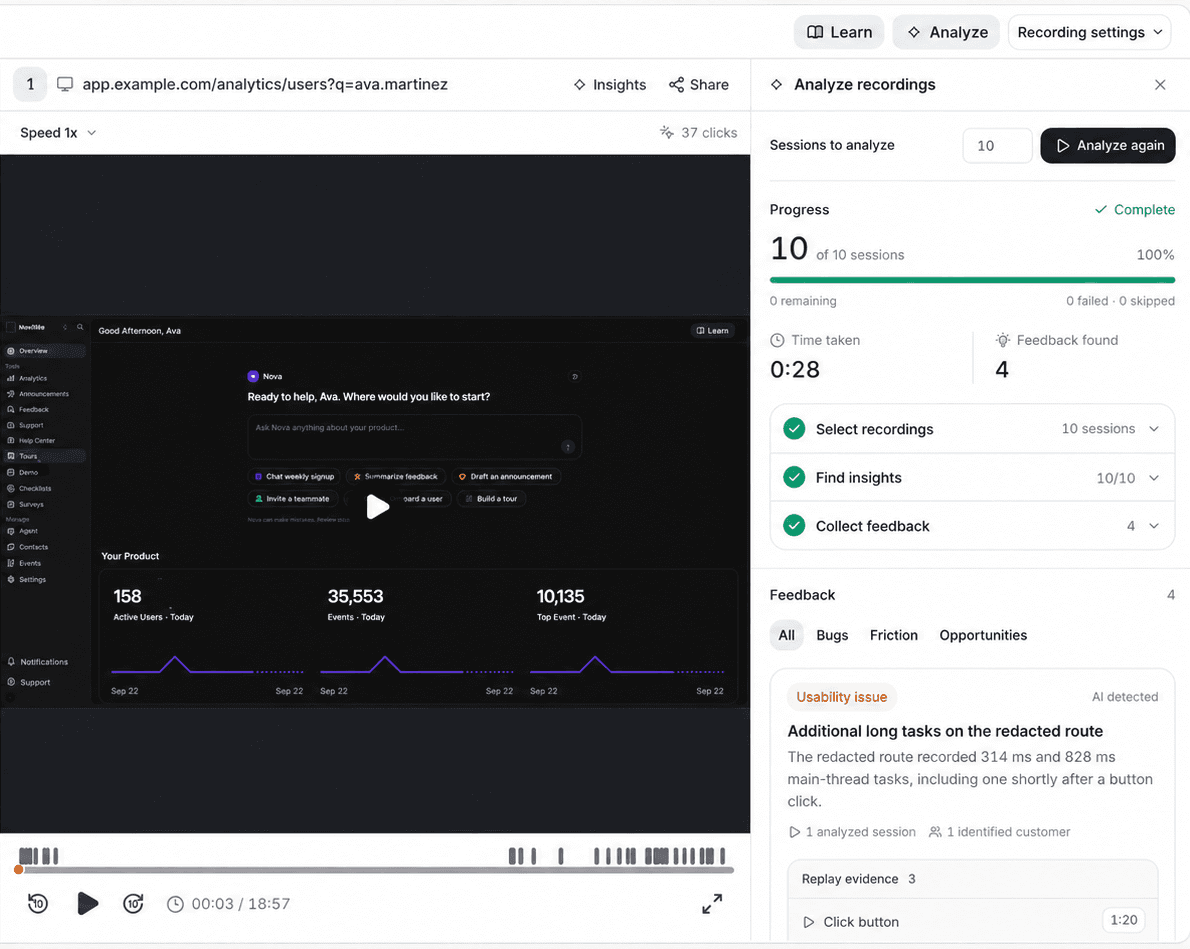
Give an agent a research question. It reviews the relevant sessions, extracts customer feedback and behavior patterns, and returns the moments worth your attention.

  • Extract feedback users say or demonstrate
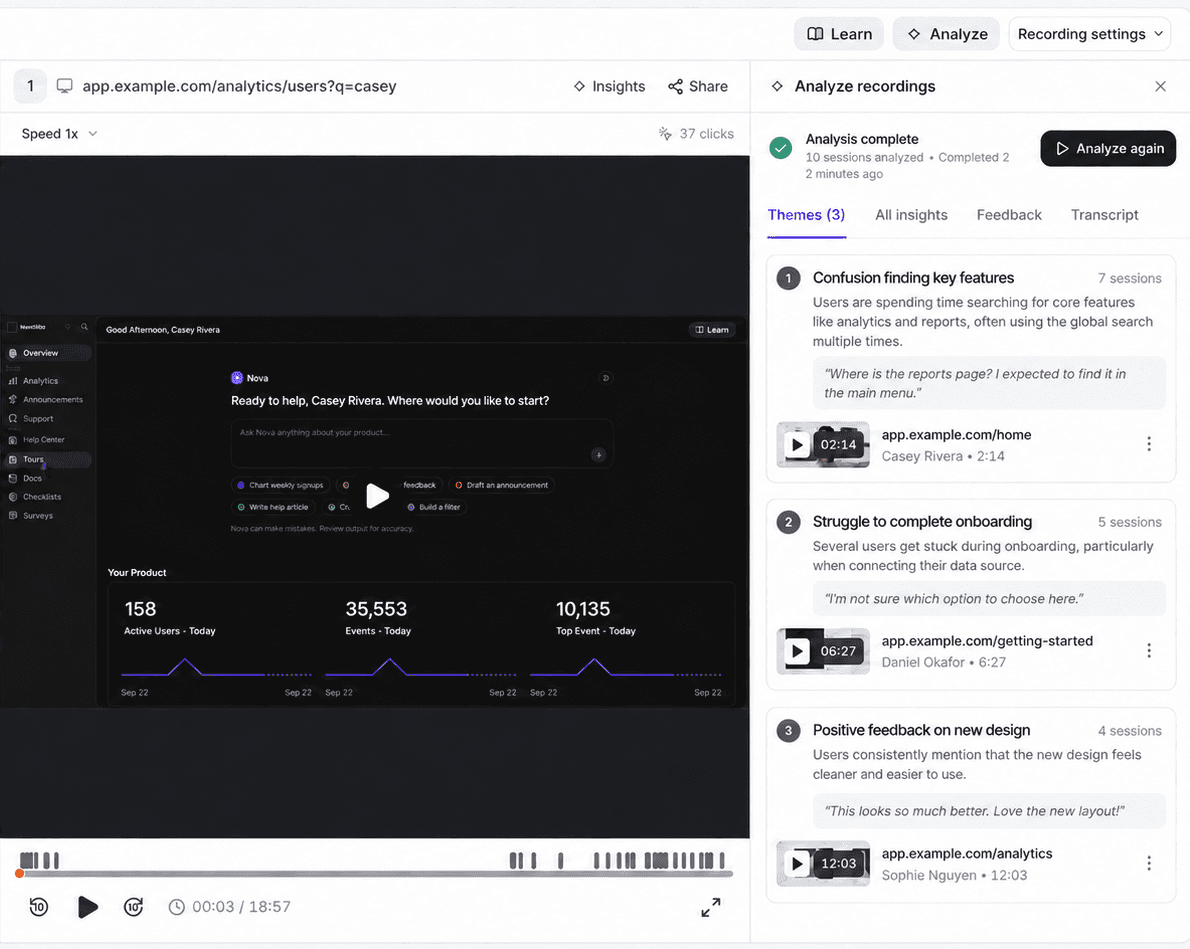
  • Group repeated friction into clear themes
  • Trace every finding back to its recording
AI replay agent analyzes anonymized sessions and presents findings with replay evidence

How it works

From question to improvement

Find the session, uncover the pattern, and improve what happens next.

Find

Start with the session that matters

Search by email or distinct ID and narrow the date range. Begin with the customer, support question, or behavior change you want to understand.

  • Search by user identity
  • Narrow by date
  • See session duration and click count
Find matching sessions with a signup drop-off filter in the Userorbit session replay interface
Watch

Move directly to the interaction

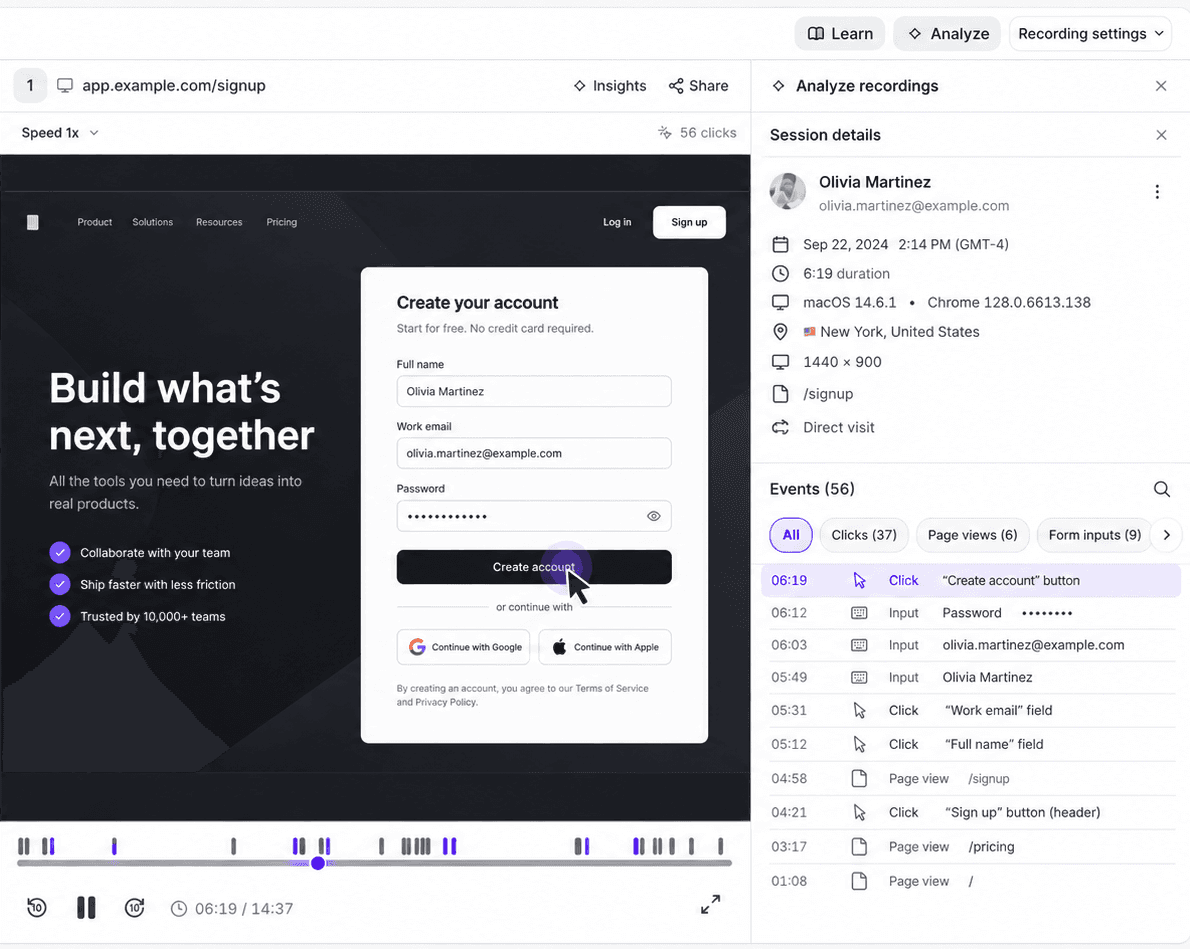
Use the timeline and click markers to scan a visit. Seek, skip, change playback speed, or enter fullscreen when a moment needs closer attention.

  • Jump between recorded clicks
  • Seek forward or back
  • Control speed and playback
Watch an anonymized session with its replay timeline in the Userorbit session replay interface
Analyze

Let agents review more sessions

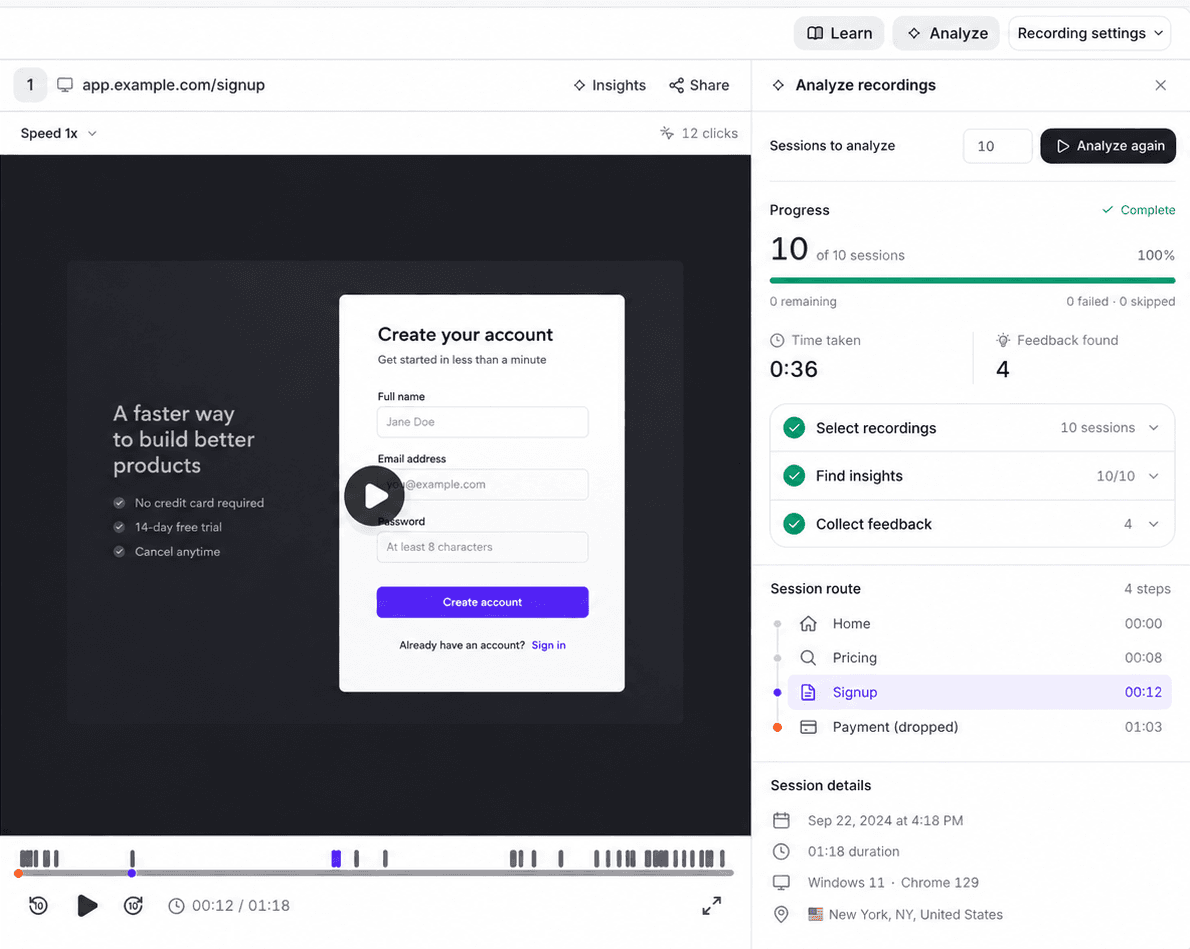
Ask an AI agent to extract feedback, recurring friction, and other useful signals across relevant recordings—then open the evidence behind every finding.

  • Extract customer feedback
  • Find repeated themes
  • Review the source evidence
Review recurring themes and source evidence from session analysis in the Userorbit session replay interface
Improve

Turn the finding into a better experience

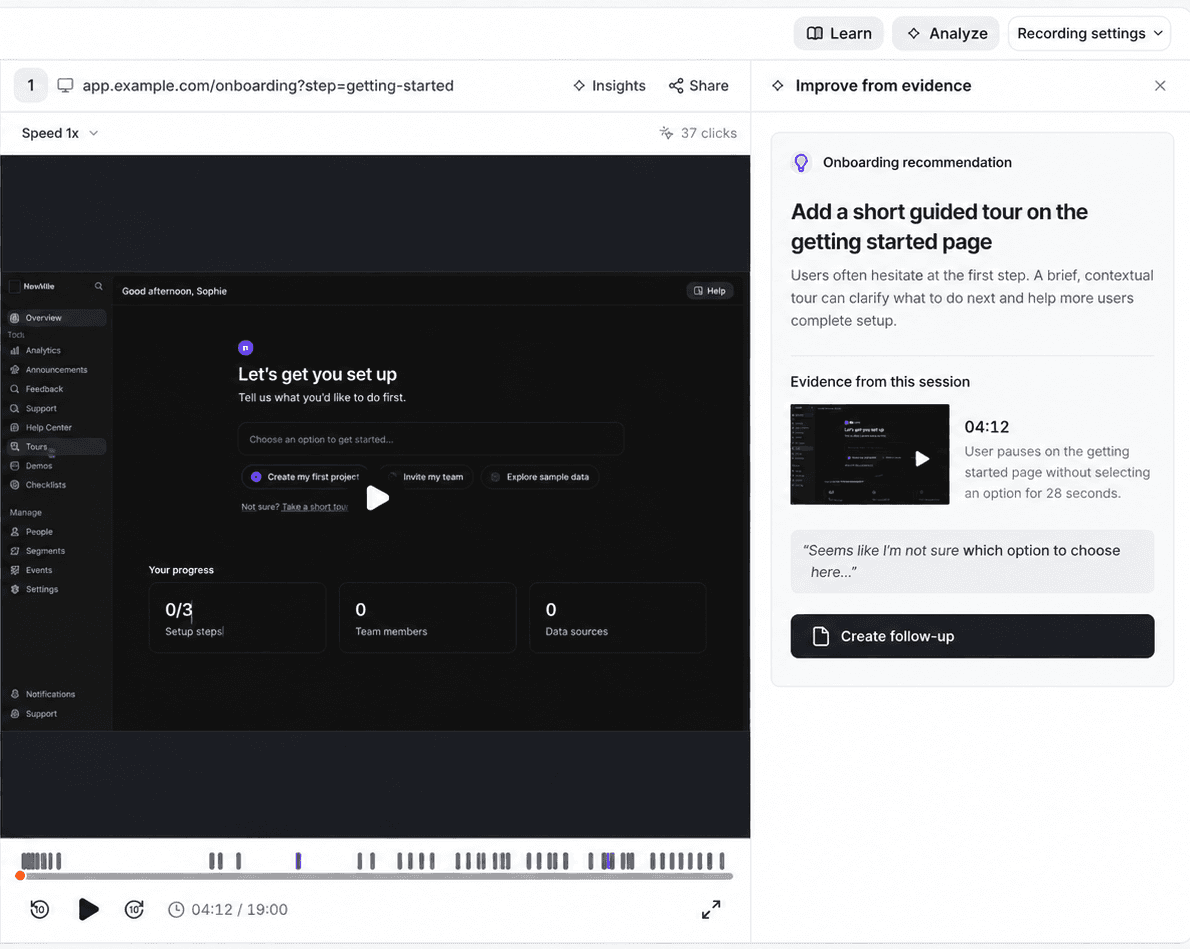
Clarify the product screen, revise a tour or checklist, or add the help content the user needed. Then use analytics and customer signals to validate the change.

  • Improve onboarding
  • Clarify help content
  • Measure what changes next
Connect replay evidence to a practical onboarding improvement in the Userorbit session replay interface

Platform

Replay works better with the rest of the customer experience.

Use analytics to find the signal, replay and agents to understand it, and Userorbit’s onboarding, help, and feedback tools to improve and validate the experience.

Session replay and AI findings in the analysis workspace in the Userorbit session replay interface
01

Product analytics

Find the funnel, adoption, or retention change that deserves a closer look.

02

Session replay

Watch the individual experience behind the quantitative signal.

03

AI agents

Review recordings at scale and extract feedback, recurring friction, and supporting evidence.

04

Onboarding and help

Revise the tour, checklist, tooltip, screen, or article that supports the step.

05

Feedback and surveys

Keep listening after the change and validate whether the experience improved.

Better together

One replay. The context to do something about it.

Move from observed friction to the product, onboarding, support, or feedback work it informs—without adding another disconnected tool.

01

Answer support questions with context

Review the relevant visit before asking a customer to recreate the problem or send another screenshot.

Explore customer support
02

See the experience behind a drop-off

Use product analytics to locate a behavior change, then inspect the sessions that help explain it.

Explore product analytics
03

Improve onboarding from real behavior

See where guidance stops making sense and refine the tour, checklist, or explanation that supports the step.

Explore product tours
04

Keep listening after the fix

Use surveys and feedback to understand whether the improvement solved the problem customers actually had.

Explore surveys

Available on Scale and Enterprise

Scale includes 90-day retention. Enterprise offers custom retention options.

View plans

FAQs

Your questions answered

Can't find what you're looking for? Contact our customer support team.

Does Userorbit have session replay?

Yes. Userorbit records web sessions so product teams can watch navigation, clicks, and page changes alongside product analytics. Search by user identity and date, then use the replay timeline to inspect what happened.

Which plans include session replay?

Session replay is included on Scale and Enterprise. Scale includes 90-day replay retention; Enterprise has a 90-day default with custom retention options. Recording must be enabled for your workspace.

How does Userorbit protect sensitive information?

Workspace owners can choose a privacy mode, mask form values, and add CSS selectors for elements that should always be masked or excluded. Review these settings before enabling recording for a production workspace.

Can I use replay to investigate onboarding friction?

Yes. Use funnels or adoption reports to find a drop-off, then watch relevant sessions. Turn the finding into a clearer screen, tour, checklist, or help article.

Can AI agents analyze session recordings for me?

Yes. Give an agent a research question and it can review relevant recordings, extract feedback and recurring themes, and surface the evidence behind each finding. Your team reviews the findings and decides what to act on.

Can I migrate old recordings from Pendo or Userpilot?

New session recording and importing historical recordings are separate capabilities. Preserve access to historical recordings in the previous system unless an import method has been confirmed.

Session Replay

See the moment. Find the pattern.

Watch sessions yourself or let AI agents extract feedback and friction across recordings—then improve the experience in the same workspace.