

Turn a prompt into a product video
Describe the story, add your product's screenshots or URLs, and get a draft video with scenes, captions, and voiceover. Edit it, render it, publish it.
Start for free, no credit card required
Product videos without the production
Launch videos, social clips, onboarding explainers, and sales follow-ups used to need an editor and a week. Now they need a prompt and a review.
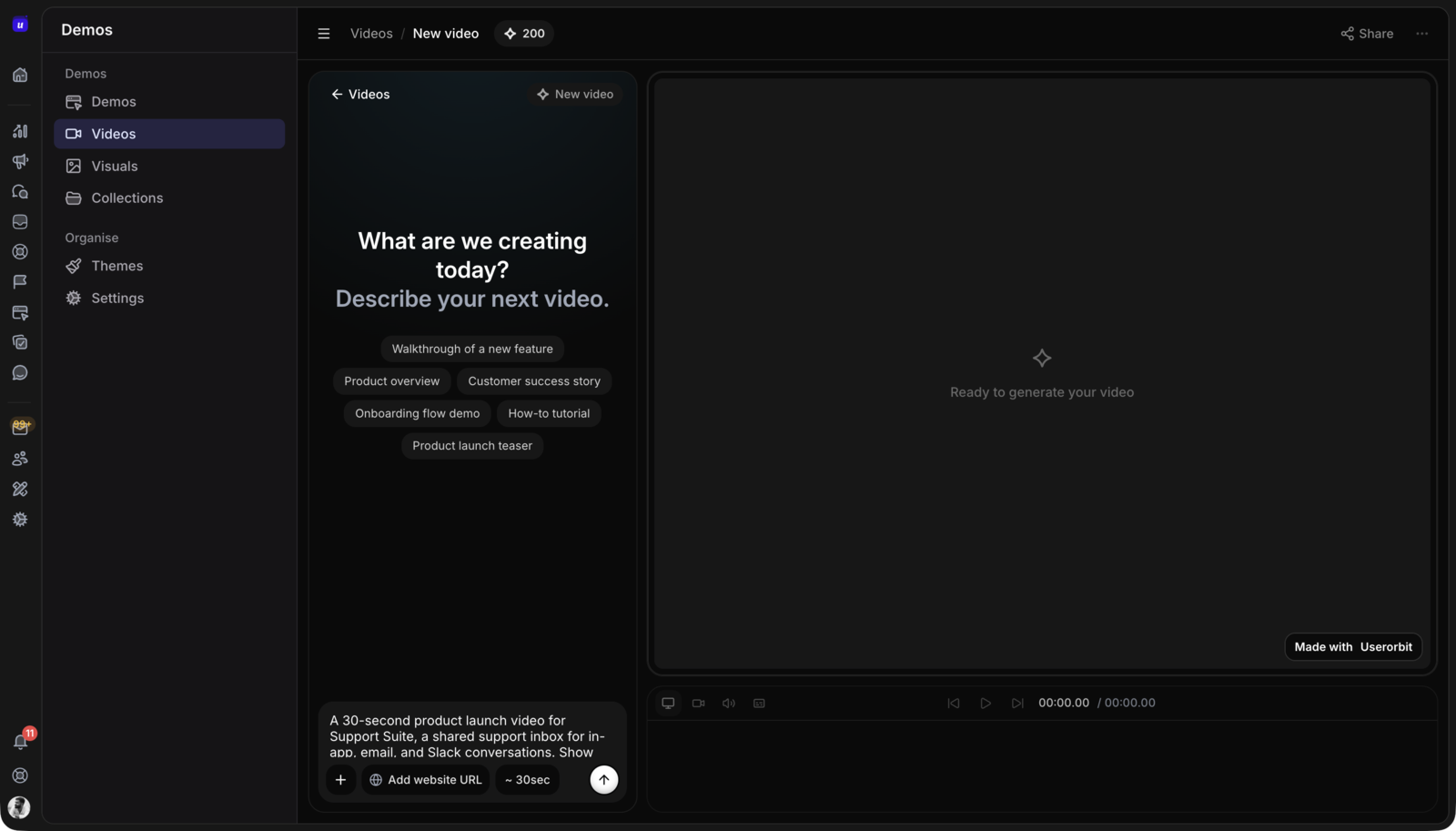
Describe the video, get a draft
Write a short prompt, choose 15, 30, or 60 seconds, and add the URLs or assets that should inform the video. Userorbit drafts the scenes, captions, voiceover, and motion.
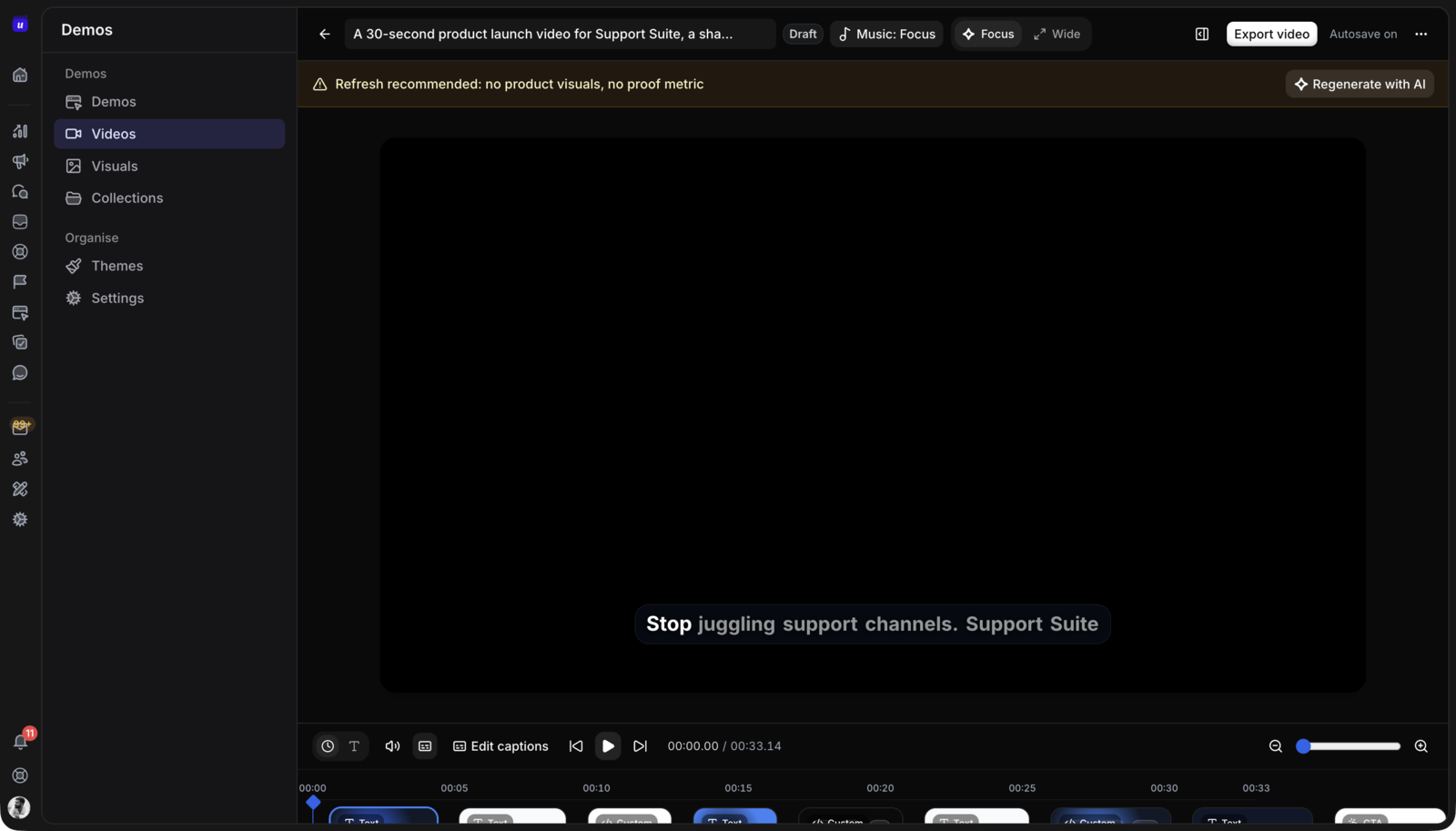
Edit scenes like a document
Review and change scenes, captions, timing, voiceover, and the call to action in one editor. The AI writes the first cut, you make it yours.
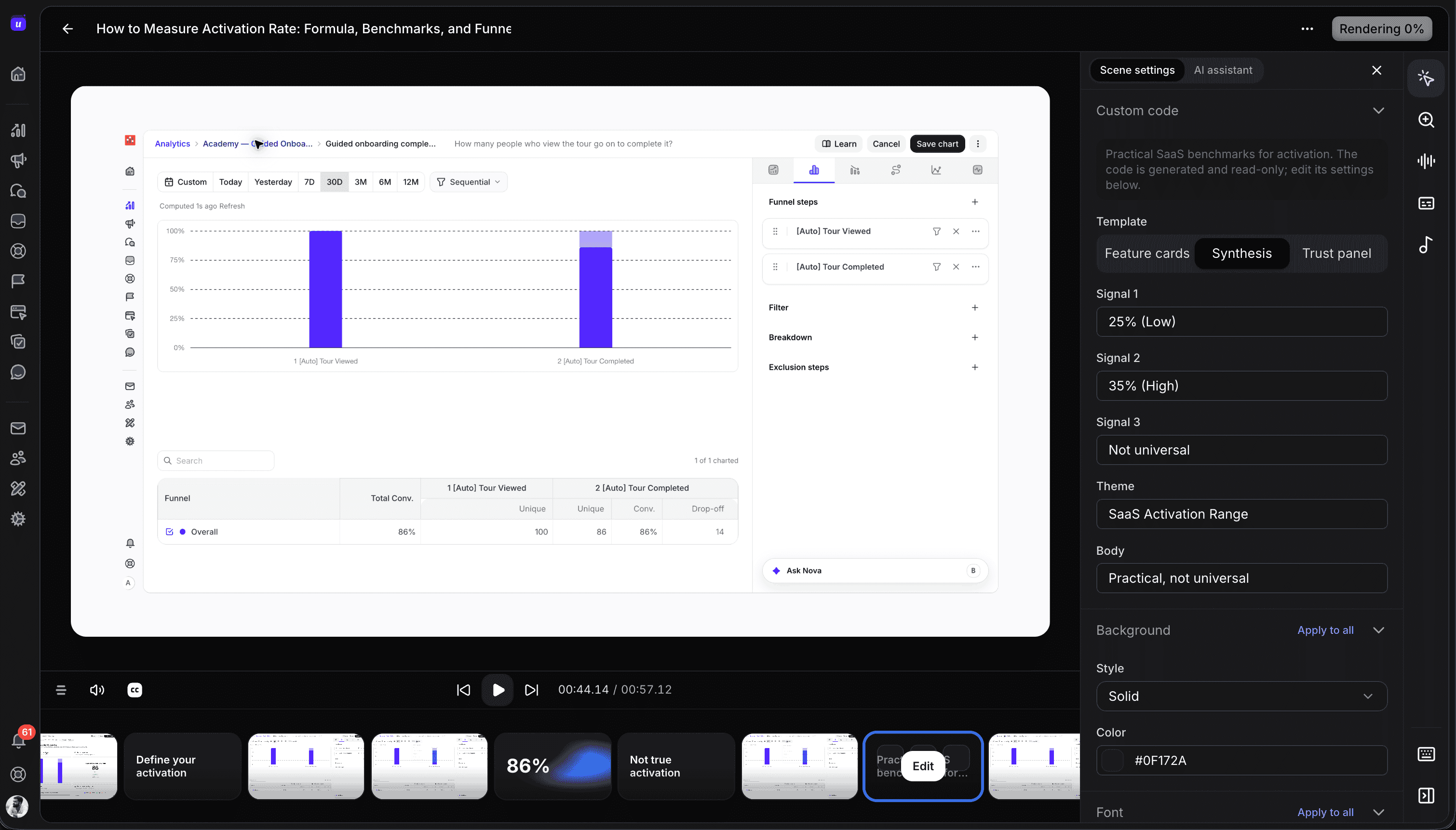
Built from your real product
Use website URLs, product screenshots, and Chrome extension captures as source material, so every frame shows your actual interface.
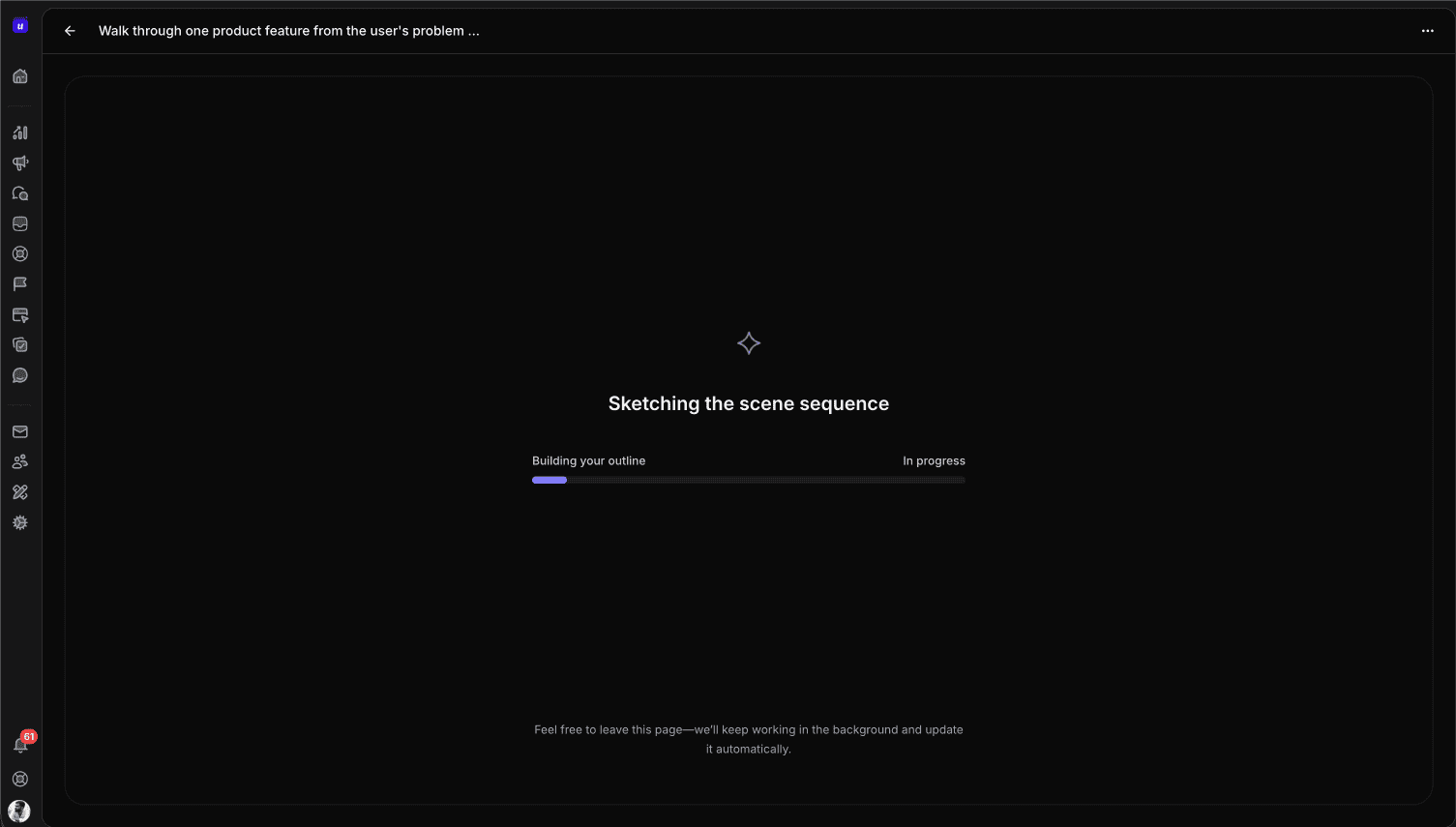
Render once, publish everywhere
Export a polished MP4 for launch pages, social channels, onboarding emails, sales follow-ups, and help articles. Track views, leads, and sessions after it ships.
Pick the format for the moment, not the tool you happen to have.
Some moments need a story people can watch in 30 seconds. Others need a workflow people can click through. Userorbit builds both from the same product captures.
Demo videos are watched
Best when the viewer should get the story fast: launch announcements, social clips, onboarding emails, and sales follow-ups. No clicks required.
Interactive demos are clicked
Best when the viewer should explore the workflow themselves: website evaluation, onboarding, and help articles.
Both start from the same capture
Record a workflow once with the Chrome extension, then reuse it as an interactive demo and as demo video source material.
Both feed the same analytics
Views, leads, and sessions land in the same workspace, so you can compare which format moves users to the product.
Everything between the prompt and the publish
Userorbit handles the script, scenes, voiceover, and rendering, and keeps you in control of the final cut.
Prompt-to-video generation
Describe the goal and audience, and get a complete draft video document with scenes, captions, and motion.
15, 30, or 60 second targets
Pick a target length up front so the draft is paced for the channel it will ship on.
Website and asset ingestion
Point the generator at website URLs, screenshots, and product assets so the video reflects your real interface.
Demo capture reuse
Reuse workflows recorded with the Userorbit Chrome extension as video source material.
Scene and caption editor
Edit scenes, captions, and timing after generation. The draft is a starting point, not the final cut.
AI voiceovers
Add narration to any video and adjust it scene by scene in the editor.
Background music
Set the tone with background music that renders into the final cut.
MP4 render and export
Render the approved draft to MP4 and publish it on your website, social channels, emails, and help content.
Video analytics and leads
Track views, sessions, and captured leads so you know which videos move people to the product.
Create graphics for your next launch
Use AI Visuals to generate announcement covers, social posts, testimonial graphics and ads. Choose a format, refine the result and export the asset for your campaign.
Explore AI Visuals →How does AI video generation work?
Describe the video you want, pick a target length such as 15, 30, or 60 seconds, and add website URLs, screenshots, or demo captures for context. Userorbit generates a draft video with scenes, captions, voiceover, and motion that you review before rendering.
Can I edit the AI-generated draft?
Yes. Every draft opens in an editor where you can change scenes, captions, timing, voiceover, motion, and the call to action. Nothing renders until you approve the draft.
Can I use my own screenshots and recordings?
Yes. Demo videos can use product screenshots, website assets, and captures recorded with the Userorbit Chrome extension, so the video shows your real product instead of stock footage.
Does it support voiceover and music?
Yes. Add AI voiceover narration and background music to any video, then fine-tune both in the editor before rendering.
What is the difference between a demo video and an interactive demo?
A demo video is watched: use it for launch videos, social clips, and sales follow-ups. An interactive demo is clicked: use it when viewers should explore the workflow themselves. Both are built in Userorbit and can share the same captures.
What format is the final video?
Videos render to MP4, so you can publish them on your website, social channels, sales emails, help articles, and launch announcements.
Ship the launch video with the launch
Create demo videos, interactive demos, announcements, and help content from the same Userorbit workspace.