Choose the purpose
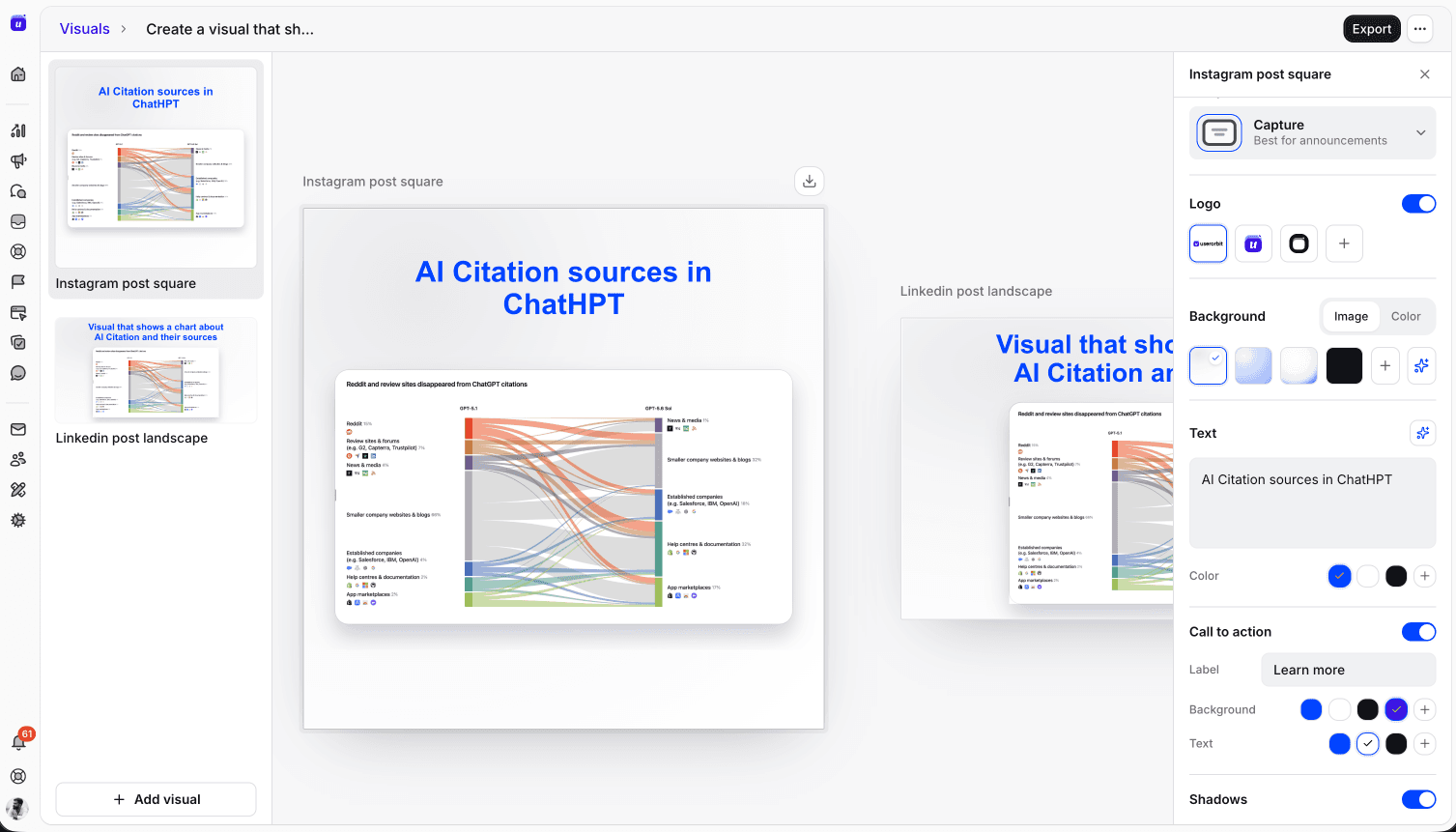
Open Visuals and choose a starting point such as an announcement cover, testimonial, social post or ad. Select a format for the channel.


Userorbit AI Visuals helps you create graphics for product announcements, social posts, testimonials and ads. Start with a template and format, generate a visual, refine it, and export an asset for your campaign.
Start for free, no credit card required
Creative workflow
Choose where the visual will appear, create a draft, then refine and export it for your campaign.
Open Visuals and choose a starting point such as an announcement cover, testimonial, social post or ad. Select a format for the channel.
Provide the content and direction for your visual. Review the result, edit it and regenerate when you want to explore another version.
Export the finished graphic for your announcement or campaign. Keep visual creation alongside the product content your team already manages.
Use cases
Consistent visuals make product launches easier to recognize and share. Develop a starting point, adapt it to the channel, and prepare a reviewed asset for your campaign.
Give a release or feature announcement a cover that matches its message. Visual generation is also available from the announcement editor.
Choose a channel format when creating social graphics or advertising assets, rather than starting every design from an empty canvas.
Turn customer-provided testimonial copy into a graphic. Review the wording and design before exporting it for use.
Refine the generated visual in the editor, try a new result, and export the asset when it is ready.
Explore connected features
Bring campaign graphics into the same workflow as the product updates, demos, and experiences they help explain.
Publish product news with its visual asset.
Explore AnnouncementsShow how a product experience works.
Explore Demo videosLet buyers explore a guided product story.
Explore Interactive demosYes. AI Visuals includes templates for announcement covers, testimonials, social posts and ads, with generation, editing and export.
No. AI Visuals creates graphics. Demo Videos creates scene-based product videos with narration and video export. Userorbit offers both workflows.
Open Visuals in the demos area of your workspace. Access follows the interactive-demo entitlement, and AI generation is subject to your workspace's AI quota.
Export produces an asset you can use in your campaign. Publish it through the channel or publishing tool you use for that campaign.
Generate a first direction, refine it for your audience, and export a visual for your next product update.