






An Intercom migration changes where customers ask questions and where your team finds the history needed to answer. Start with the live reply path, then decide how much history needs to move.
The safe sequence: agree on scope, verify export and destination support, test sample records, pilot one channel, and expand after the pilot passes. Do not cancel Intercom because a new widget appears on the site.
This is a planning guide, not a promise of a one-click Intercom importer. Confirm the current migration method with Userorbit before scheduling the move. Support Suite is available on Scale and Enterprise, and temporarily during an eligible active trial; see plan access.
Understand the different Intercom exports
Intercom documents conversation exports to cloud storage separately from reporting exports. Its cloud-storage guide describes JSON or JSONL conversation exports to Amazon S3 or Google Cloud Storage, an attachment option, historical export, and periodic exports. Verify your account's eligibility and the documented historical window before relying on it for a complete archive.
Help content needs its own path. Intercom's public articles FAQ points to the REST API for extracting articles rather than an article export from the workspace UI. A reporting CSV is not a substitute for article bodies, conversation parts, or attachments.
Ask for a sample from each export you intend to use. Check fields, authors, timestamps, files, and languages against the migration specification. Export availability does not establish that the destination can recreate every object.
Separate the Messenger rollout from the data transfer
List the entry points your customers actually see: the in-app launcher, support email, help-center search, article links, and any proactive messages. Capture the expected experience for a signed-in user, an anonymous visitor, and a returning customer with an open conversation.
| Intercom surface | Pilot question |
|---|---|
| Messenger | Does the customer see one clear place to ask for help? |
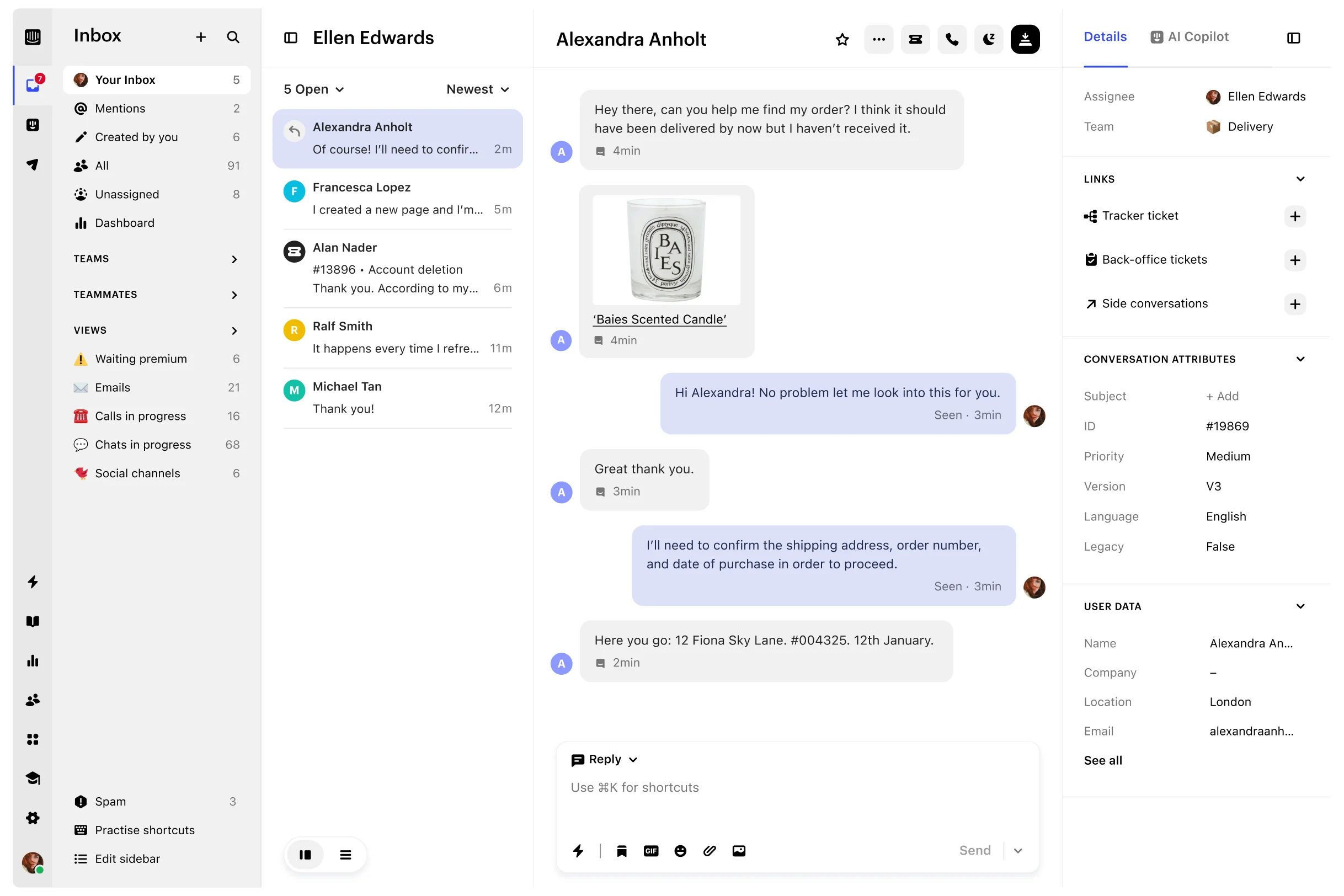
| Conversations | Can an agent find the agreed history and continue the right request? |
| Fin and escalation | What answer source and human handoff should replace the current behavior? |
| Articles | Do language variants, embedded media, and old article links still work? |
| Outbound messages | Which campaigns should stop, continue, or be rebuilt? |
Keep campaign changes separate from the support cutover. Otherwise an unexpected message can look like a support-routing bug, and two teams may change the same customer experience while debugging it.
Decide what must move and what can stay archived
Moving every historical record is a different project from moving new support work. Write down the required scope before choosing a cutover date.
| Record or behavior | Acceptance check |
|---|---|
| Customers and companies | Stable identities map to the correct people and accounts |
| Open conversations | An owner, next action, and reference to the source survive |
| Closed history | The team can retrieve the records it agreed to retain |
| Attachments and private notes | Required files open and internal content stays private |
| Help articles | Titles, images, links, languages, and redirects are checked |
| Routing and automations | Rules are rebuilt and tested against representative cases |
| Reporting | The team understands which old metrics cannot be compared directly |
Treat this table as a migration specification. It does not imply that Userorbit automatically imports these objects. Agree on the supported method and limitations for each row before moving production traffic.
Run a small acceptance test
Use the Userorbit setup guide for migrating from Intercom alongside this checklist when you configure the pilot workspace.
Use test accounts and representative requests from each required channel. Include an attachment, an internal note, a reply from the customer, an unassigned request, and an escalation. Verify that customer-facing replies reach the correct destination and internal collaboration never does.
Keep a source-to-destination mapping for any records transferred. Reconcile counts and inspect samples; a matching total alone will not catch incorrect authors, lost attachments, or shifted timestamps. If the supported path cannot preserve an essential property, keep the source archive accessible or change the scope before rollout.
Move one channel with a rollback plan
Start with a bounded cohort, support address, or customer channel. Name the person who can revert the change and record the previous configuration. Rebuild only the routing rules needed for the pilot, then check incoming requests, outgoing replies, ownership, and service targets.
Avoid running two automatic responders for the same inbound message. During overlap, give every open conversation one authoritative home and an owner who knows where to reply. Keep the old system available until the team can retrieve the agreed history and handle reopened requests.
Expand after the pilot passes
Review missed requests, duplicate replies, broken attachments, routing errors, and customer confusion. Resolve them before adding channels. Export the final changes from the old system where supported, document the cutoff time, and check that the archive still works before ending the old subscription.
A completed migration means the support team can receive, investigate, answer, and follow up on customer questions. An empty old queue is only one part of that result.
Rebuild the customer experience in Userorbit
Follow the existing guides to set up support, configure email channels, and configure Slack support. Check the workspace plan before assigning work to a trial workspace that may expire during migration.
Review the old Messenger's entry points, saved replies, AI behavior, help links, and escalation instructions individually. Product tours, proactive messages, and customer-support conversations have different acceptance checks. For the broader buying decision, read Intercom alternatives.
Sources checked November 15, 2026: the official Intercom conversation-export and articles guides linked above, plus the linked Userorbit implementation and plan-access documentation.
Frequently asked questions
Practical answers for SaaS teams evaluating support costs and migration.