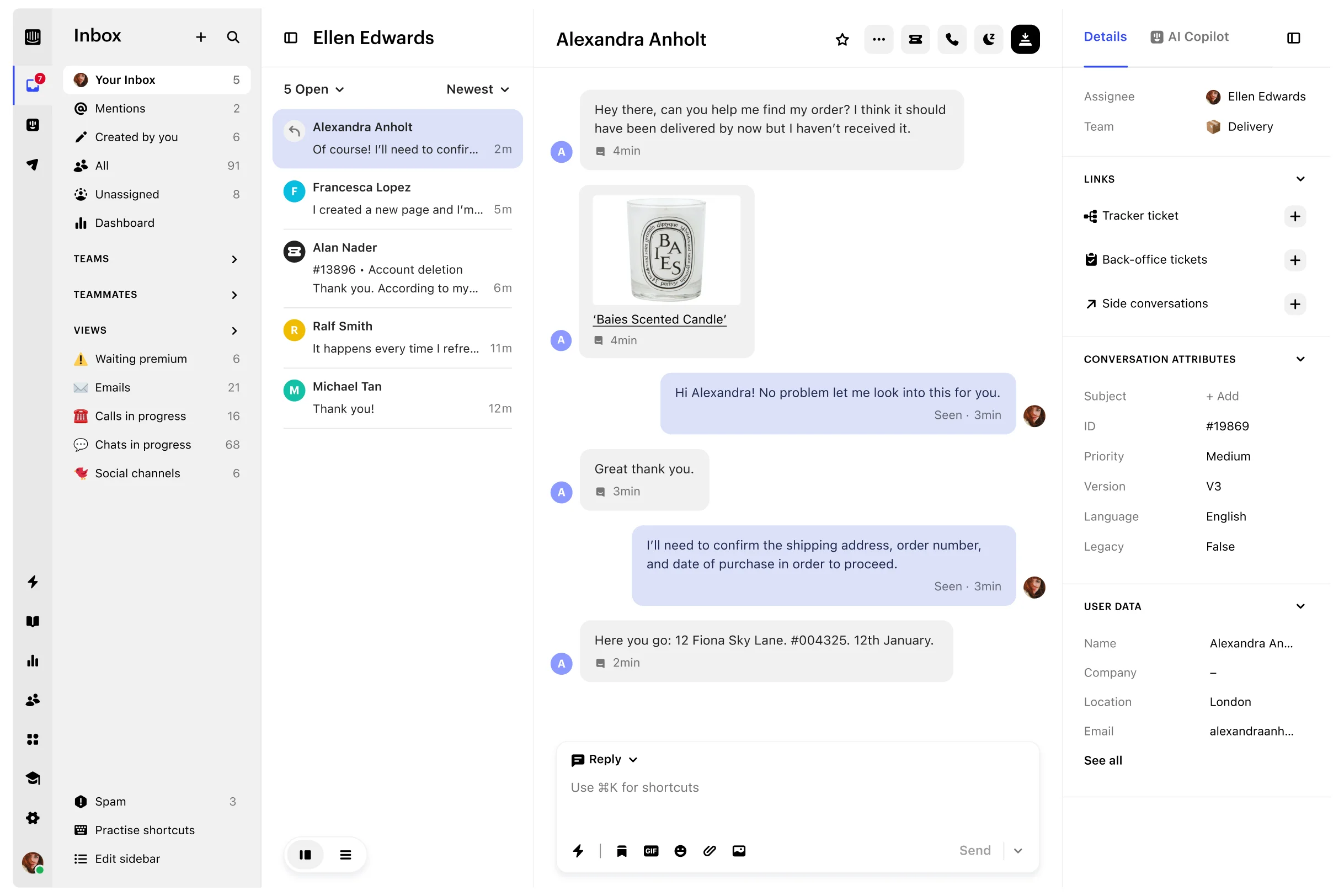








Intercom remains a strong option for teams that rely on Messenger, Fin, outbound messaging, and a mature support ecosystem. An alternative becomes worth evaluating when customers expect support in Slack or Microsoft Teams, AI costs are difficult to forecast, technical issues need better debugging context, or support conversations should connect more directly with product and customer-success work.
There is no universal replacement. Plain fits API-first support, Pylon specializes in B2B customer channels, Atlas brings debugging context into the helpdesk, Zendesk suits complex service operations, and Chatwoot gives teams a self-hosted path. Userorbit is one option when the job extends from answering a conversation to improving onboarding, feedback, roadmap communication, and help content.
For a narrower three-way support decision, see Zendesk vs Intercom vs Userorbit. It keeps Intercom's messaging and Fin model, Zendesk's service-operations depth, and Userorbit's product-connected support loop on one canonical comparison page.
Help Scout and Plain pricing rechecked October 21, 2026. Other vendor snapshots were checked October 14, 2026. Prices are in USD and should be confirmed with each vendor.
How we evaluated the alternatives
The shortlist uses seven questions that matter in a B2B support operation:
- Where can customers ask for help? We looked at in-app chat, email, Slack, Microsoft Teams, voice, and self-service entry points.
- How does the team work? We considered routing, SLAs, internal collaboration, customer context, and participation from engineering, product, and customer success.
- What does AI do and how is it billed? An agent assist, an autonomous resolution, and an investigation agent are different products with different cost models.
- How much administration is required? A focused shared inbox and an enterprise service platform solve different operational problems.
- What happens to existing data? We looked for public export, importer, migration, and deployment information.
- What stays connected after the reply? Some platforms stop at ticket resolution. Others connect the conversation with code, product behavior, account health, feedback, or documentation.
- What makes the bill change? We compared seats, workspaces, outcomes, credits, usage limits, and custom quotes before comparing headline prices.
Intercom alternatives at a glance
| Alternative | Best fit | Distinctive model | Public pricing signal |
|---|---|---|---|
| Plain | API-first and engineering-led B2B support | Programmable support infrastructure with native business messaging | Foundation $45/user/month; Horizon $99; Frontier custom |
| Atlas | Technical support that needs product-session context | Helpdesk with session replay, console, network, and bug context | Basic from $39/seat/month |
| DevRev | Enterprise support connected with product development | Support and product data in a shared knowledge graph | Mini free; Pro, Max, and Support App pricing are custom |
| Pylon | High-touch support in Slack and Microsoft Teams | Account-aware B2B support across customer channels | Custom quote |
| Userorbit | Support connected with feedback, onboarding, and roadmap work | Support and product workflows in one suite | Scale from $249/month billed annually |
| Front | Collaborative, email-led operations | Shared inbox used across support, success, and operations | Professional from $65/seat/month annually |
| Help Scout | Straightforward email and knowledge-base support | Lightweight mailbox-first helpdesk | Free for up to 5 users; Standard $25/user/month |
| Zendesk | Complex and governed service operations | Mature enterprise ticketing and service suite | Suite Team from $55/agent/month annually |
| Crisp | Small teams wanting predictable workspace pricing | Broad support toolkit priced by workspace | Essentials $95/workspace/month |
| Chatwoot | Teams that need self-hosting and data control | Open-source omnichannel support platform | Community Edition free; paid self-hosted support from $19/agent/month annually |
When staying with Intercom makes sense
Changing a helpdesk is expensive. Intercom is still a sensible choice when:
- Messenger and in-app chat are the main customer entry points
- Fin already resolves enough conversations to justify its outcome-based cost
- outbound messages, product tours, and support campaigns are part of the same operating model
- the team depends on Intercom integrations, reports, workflows, or historical context that would be difficult to reproduce
- the current contract is predictable and the support team is not losing time to channel or product-context gaps
A migration should solve an operating problem large enough to repay the switch. A different interface or lower entry price is rarely enough.
What the Salesforce agreement changes
Salesforce signed a definitive agreement to acquire Fin, formerly Intercom, for about $3.6 billion on June 15, 2026. The transaction was announced as subject to closing conditions. The announcement is a reason to ask about roadmap, contract, data, integration, and export commitments. It is not evidence that customers will be forced onto Salesforce products.
The public announcements checked for this guide also do not explain whether Fin Academy credentials will move to Trailhead. Download current certificates and ask for a written credential policy if that matters to your team.
Compare pricing models before totals
Entry prices are not feature-equivalent. They are useful for understanding what makes each bill move.
| Platform | Primary pricing unit | Public entry point relevant to this comparison | AI or usage consideration |
|---|---|---|---|
| Intercom | Full seats plus outcomes and channel usage | Essential $29/full seat/month annually or $39 monthly | Fin starts at $0.99 per outcome; add-ons and paid channels can apply |
| Plain | Base plan, seats, and monthly credits | Foundation $45/user/month billed annually with up to 5 member seats | Ari, Sidekick, and Connected Agent work use plan credits |
| Atlas | Seats and session volume | Basic $39/seat/month | Zeus AI is an add-on without a public price |
| DevRev | Credits and platform apps | Mini free | Pro, Max, and Support App require a quote |
| Pylon | Custom contract | Contact sales | Confirm agent, channel, AI, and migration units in the quote |
| Userorbit | Workspace plan and MAU allowance | Scale $249/month annually or $293 monthly | Support Suite is included; custom limits move to Enterprise |
| Front | Seats plus optional add-ons | Professional $65/seat/month annually | Copilot, QA, and other AI products can add per-seat cost |
| Help Scout | Users plus some AI resolutions | Standard $25/user/month | AI Answers is listed at $0.75 per resolution |
| Zendesk | Agents, outcomes, and add-ons | Suite Team $55/agent/month annually | AI outcomes, Copilot, workforce, and contact-center products can add cost |
| Crisp | Workspace, agent allowance, and profiles | Essentials $95/workspace/month | Included AI credits vary by plan |
| Chatwoot | Self-hosting operations or cloud agents | Community Edition $0 license cost | Infrastructure, maintenance, and advanced self-hosted features still have a cost |
Use the Intercom pricing guide for current plan and team-size scenarios, then use the Intercom exit calculator to model your own seats, Fin outcomes, migration cost, and payback period. Treat the calculator result as planning analysis, not a vendor quote.
API-first and technical support platforms
Plain: for programmable B2B support
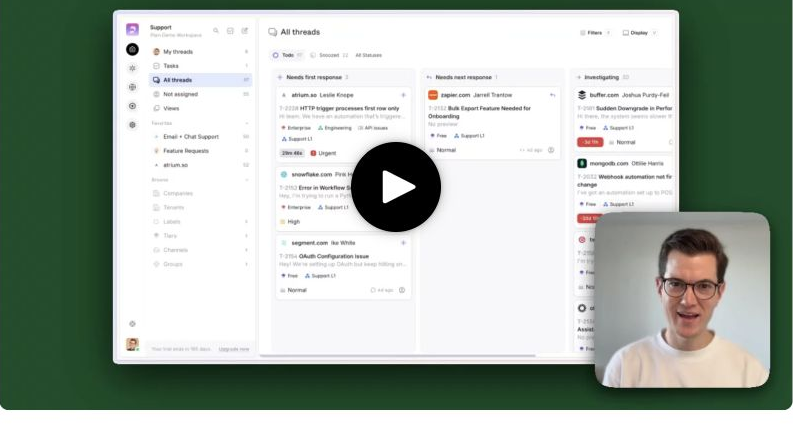
Best fit: Developer-tool and technical SaaS companies that want native business messaging, strong APIs, and engineering workflows.
What stands out: Plain exposes a GraphQL API, supports Slack as a first-class customer channel, and connects support work with Linear, GitHub, and Jira. Its product is designed around a customer timeline rather than a traditional ticket portal.
Watch-outs: Teams that need a conventional enterprise helpdesk, broad telephony, or a large marketplace should compare Plain with Zendesk and Intercom carefully. Microsoft Teams is on a higher plan than Foundation.
Pricing model: Foundation is $45 per user per month billed annually, with up to five member seats and 1,000 monthly credits. Horizon is $99 per user per month billed annually, with a three-seat minimum, up to ten member seats, and 2,500 monthly credits. See the Plain pricing guide for the current credit, channel, and governance limits.
Migration note: Plain publicly advertises an Intercom importer. Confirm the exact coverage for contacts, messages, attachments, internal notes, tags, help content, and reporting history.
Atlas: for debugging customer issues with session replay
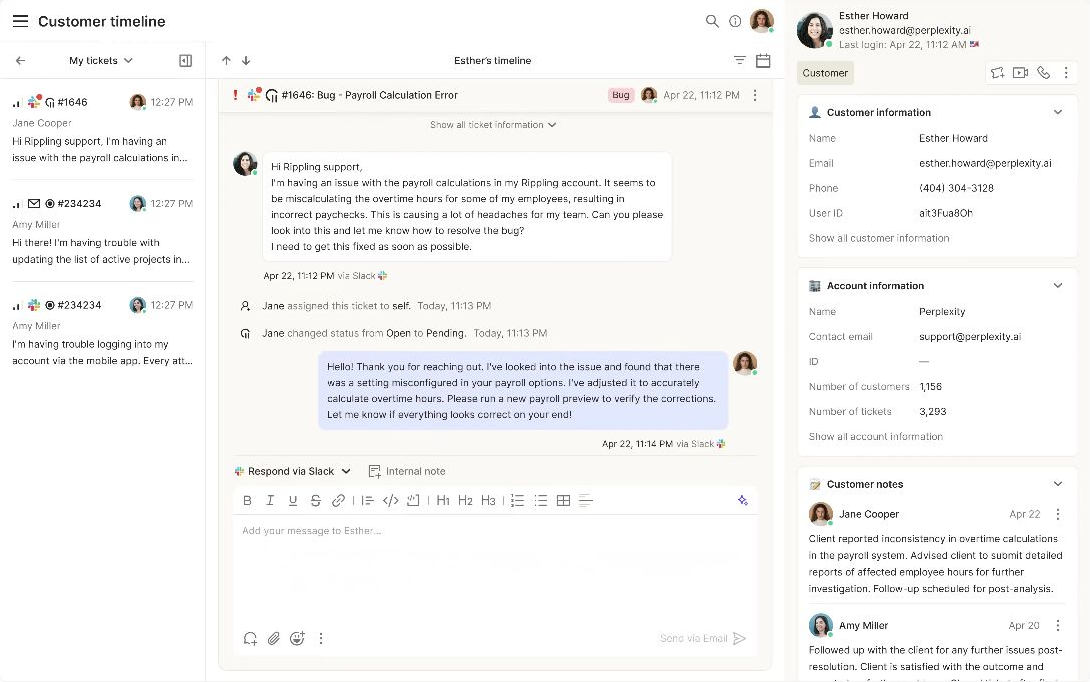
Best fit: Technical product teams that spend too much support time reproducing browser problems.
What stands out: Atlas combines ticketing with customer timelines, session recordings, live sessions, console and network data, and bug context. An agent can inspect what happened before the customer wrote in instead of beginning with a request for screenshots and reproduction steps.
Watch-outs: Atlas still uses per-seat pricing. Slack, custom data, APIs, and bug context begin on Standard rather than Basic, while SLA rules, routing, and SSO move to Pro. Zeus AI is an add-on without a public price.
Pricing model: Basic is $39 per seat per month, Standard $79, and Pro $119 on the public monthly view. Session limits and storage periods vary by plan.
Migration note: Atlas documents migration tooling for Zendesk but does not publish equivalent Intercom import coverage. Ask for an object-level migration plan before treating it as a full replacement.
DevRev: for enterprise support connected with product development
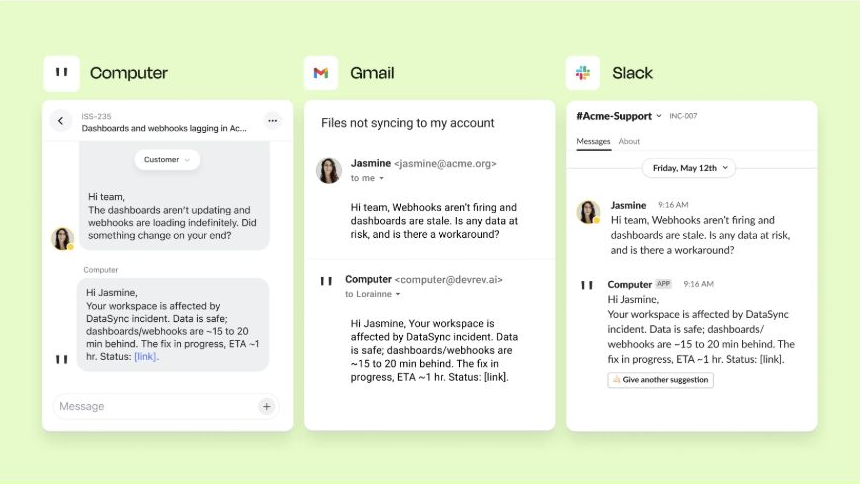
Best fit: Larger technical organizations where the hardest problem is connecting support conversations with product, engineering, and organizational knowledge.
What stands out: DevRev Computer+ Support combines ticket management, live chat, routing, analytics, and automation with a shared knowledge graph across product work and connected systems. Its Support App can sit over existing systems or become the working support surface.
Watch-outs: This is a broader enterprise architecture decision than changing inboxes. Credit consumption, connectors, governance, and implementation all need evaluation. Public pricing is not detailed enough for a self-serve cost comparison.
Pricing model: DevRev lists a free Mini tier. Pro and Max require quotes, and the Support App is an add-on for those plans.
Migration note: Define which system remains the source of truth, how tickets and product objects map, and whether DevRev is augmenting or replacing the existing helpdesk.
Customer-channel and product-loop platforms
Pylon: for high-touch B2B support in customer channels
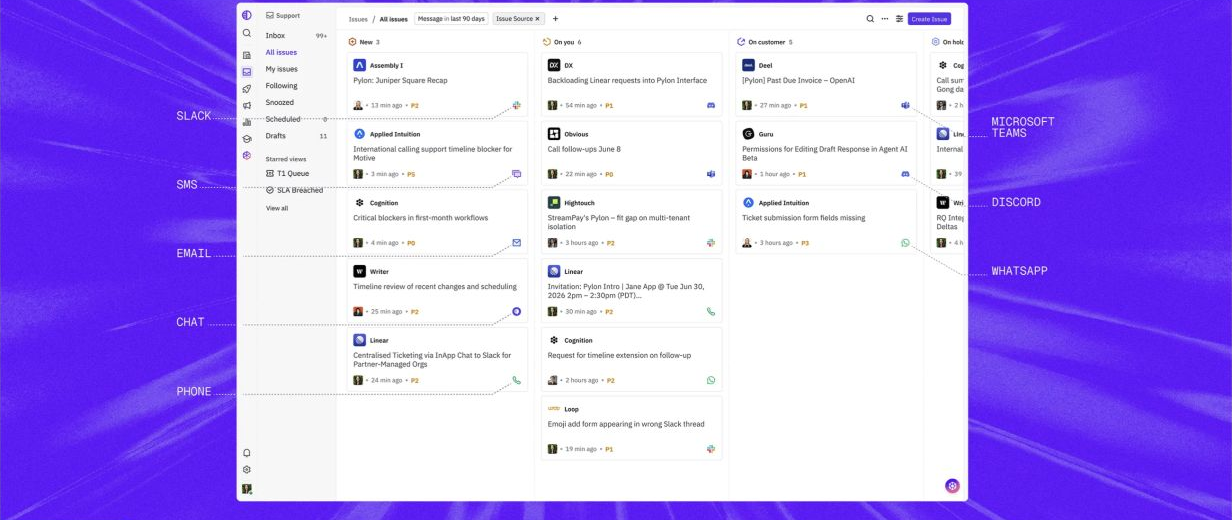
Best fit: B2B companies where strategic customer support already happens in Slack Connect or Microsoft Teams.
What stands out: Pylon treats business messaging as a native support surface and combines it with account context, ticketing, automation, knowledge, and post-sales workflows. Its current positioning extends beyond a Slack inbox into agent-led investigation and account intelligence.
Watch-outs: Pricing is sales-led, which makes early budget comparison difficult. Teams centered on high-volume consumer chat, public social channels, or broad telephony should validate channel fit.
Pricing model: Pylon does not publish a current self-serve price. Ask the quote to separate seats, channels, AI usage, implementation, migration, and support.
Migration note: Pylon's official services documentation lists data migration as volume-based professional services. Ask which historical objects are imported and which remain in an archive.
If this operating model fits, also compare Thena, which lists B2B support across Slack, email, web chat, Teams, and Discord. Its annual pricing starts at $29 per user for Starter and $79 for Standard. Thena overlaps Pylon enough that it is better treated as part of the same customer-channel evaluation than as list padding.
Userorbit: for support connected with product work
Userorbit support inbox mock with synthetic requests across customer channels


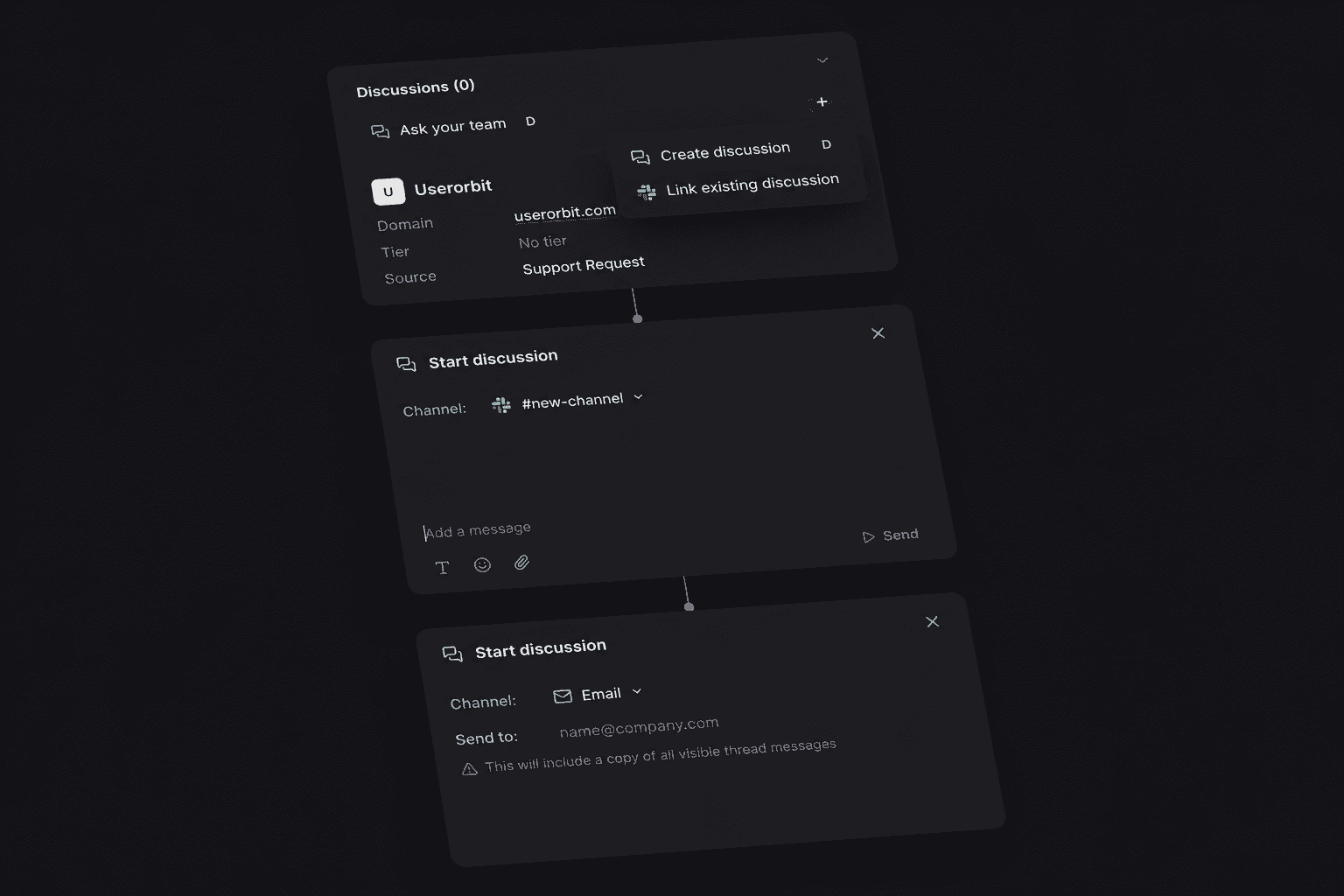
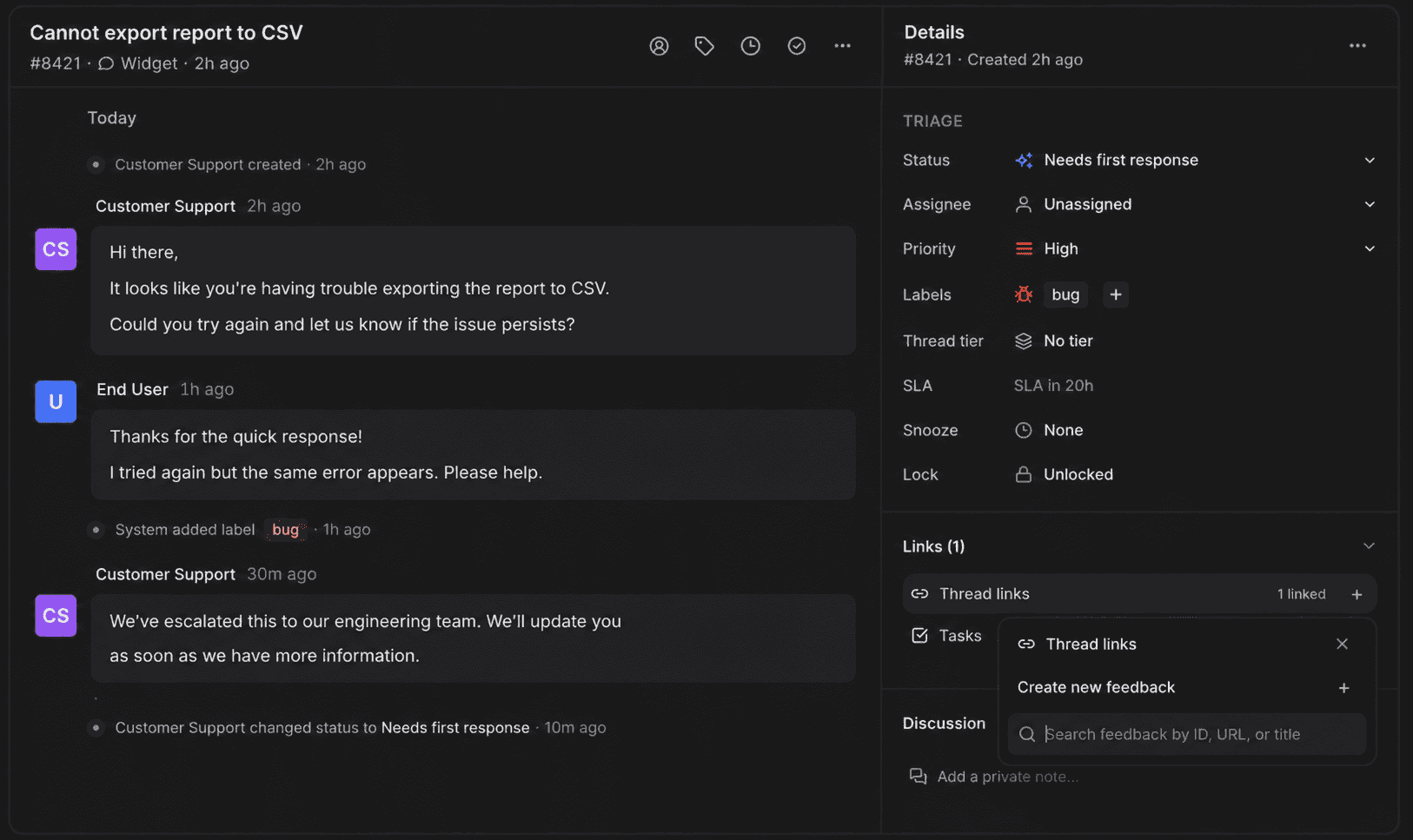
Best fit: Product-led B2B SaaS teams that want support conversations to feed feedback, roadmap decisions, help content, onboarding, announcements, and analytics.
What stands out: Userorbit Support Suite combines in-app, help-center, email, and Slack requests in one inbox. The useful distinction is what can happen after the reply: a conversation can remain connected with feedback and the product communication workflow.
Watch-outs: Userorbit has a younger specialist helpdesk ecosystem than Intercom or Zendesk. It does not advertise native phone support or a public one-click Intercom importer, and Support Suite is not available on the two entry plans.
Pricing model: Support Suite is included on Scale, listed at $249 per month billed annually or $293 month to month, and on Enterprise.
Migration note: Plan for export, field mapping, channel setup, workflow rebuilding, and a controlled cutover. Confirm import assistance and exact data coverage before purchase.
Established shared inbox and service platforms
Front: for collaborative, email-led operations
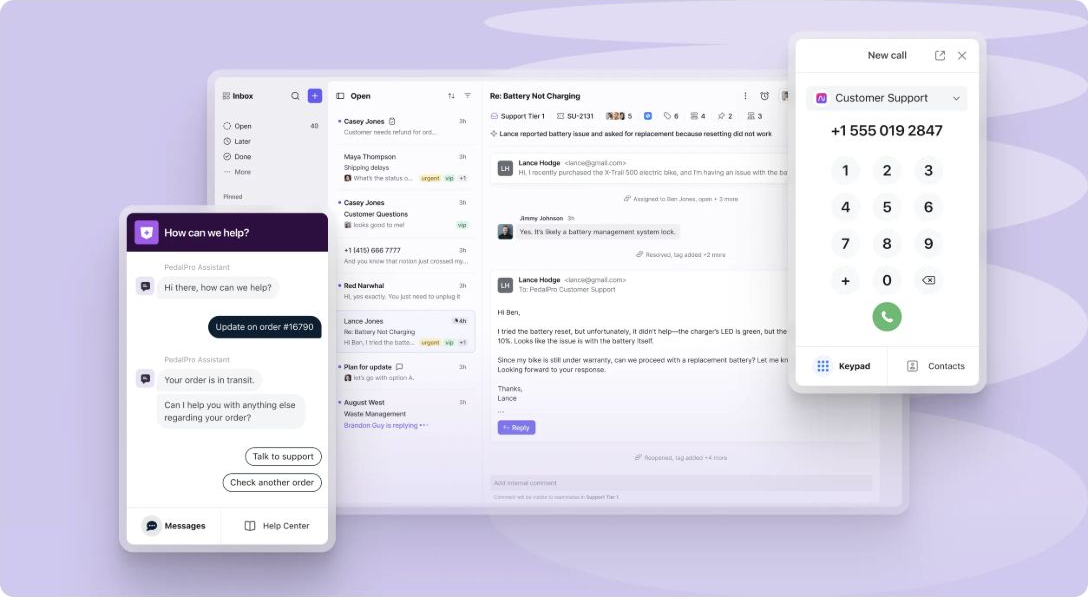
Best fit: Support, success, operations, and account teams collaborating around shared email and multiple operational inboxes.
What stands out: Front combines an email-like workspace with assignment, internal comments, workflow rules, analytics, and multiple channels. It can be easier for non-support teammates to join than a formal ticketing system.
Watch-outs: Per-seat pricing becomes material when many cross-functional users need full access. Starter supports one channel type, so Professional is the more relevant omnichannel comparison. Product feedback and adoption still require adjacent systems.
Pricing model: Starter is $25 per seat per month billed annually, Professional $65, and Enterprise $105. Copilot, QA, CSAT, and Autopilot can introduce additional charges.
Migration note: Front says migration partners can import history from Intercom and other systems. Confirm object coverage, attachment limits, and responsibility for the migration.
Help Scout: for straightforward email support
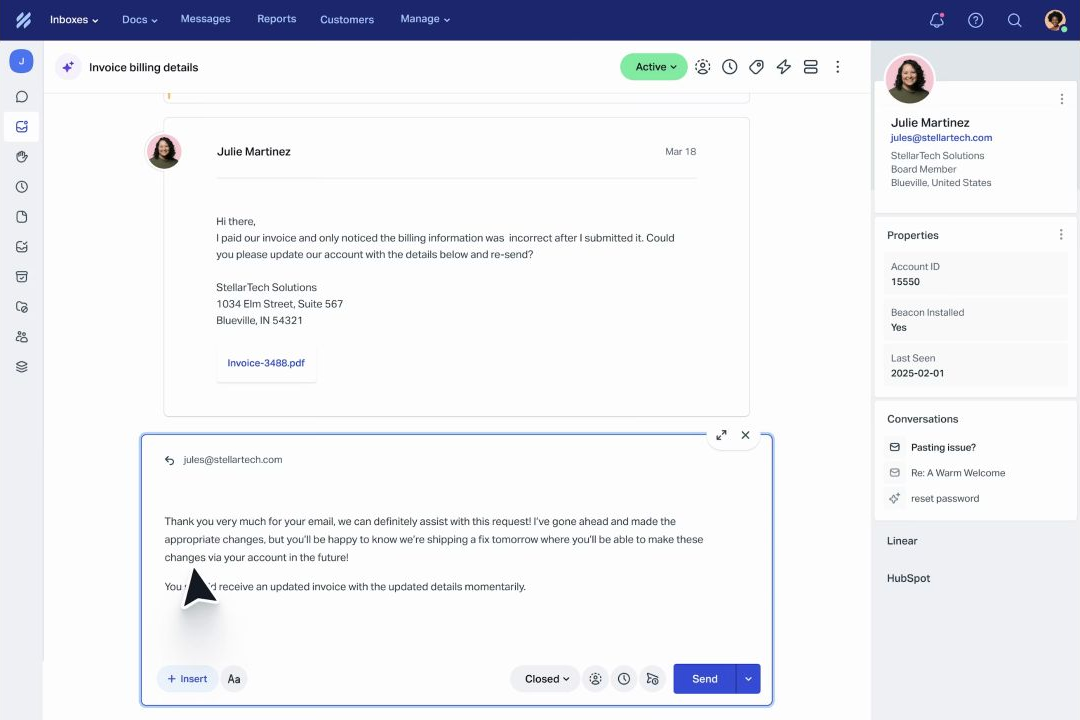
Best fit: Small and midsize teams whose support motion is primarily email plus self-service content.
What stands out: Help Scout uses a familiar mailbox model, provides a knowledge base, and keeps administration lighter than an enterprise helpdesk. Its free entry plan can suit a very small team.
Watch-outs: Teams needing deep Slack or Teams workflows, complex service operations, or tight product and engineering context will need integrations or another platform. AI Answers adds an outcome-based meter.
Pricing model: The public pricing view lists Free for up to five users, Standard at $25 per user per month, Plus at $45, and Pro at $75. AI Answers is $0.75 per resolution. See the Help Scout pricing guide for the plan limits, add-ons, and realistic team costs.
Migration note: Test a representative export before committing. Verify mapping for users, companies, conversations, timestamps, tags, attachments, internal notes, and knowledge-base URLs.
Zendesk: for complex service operations
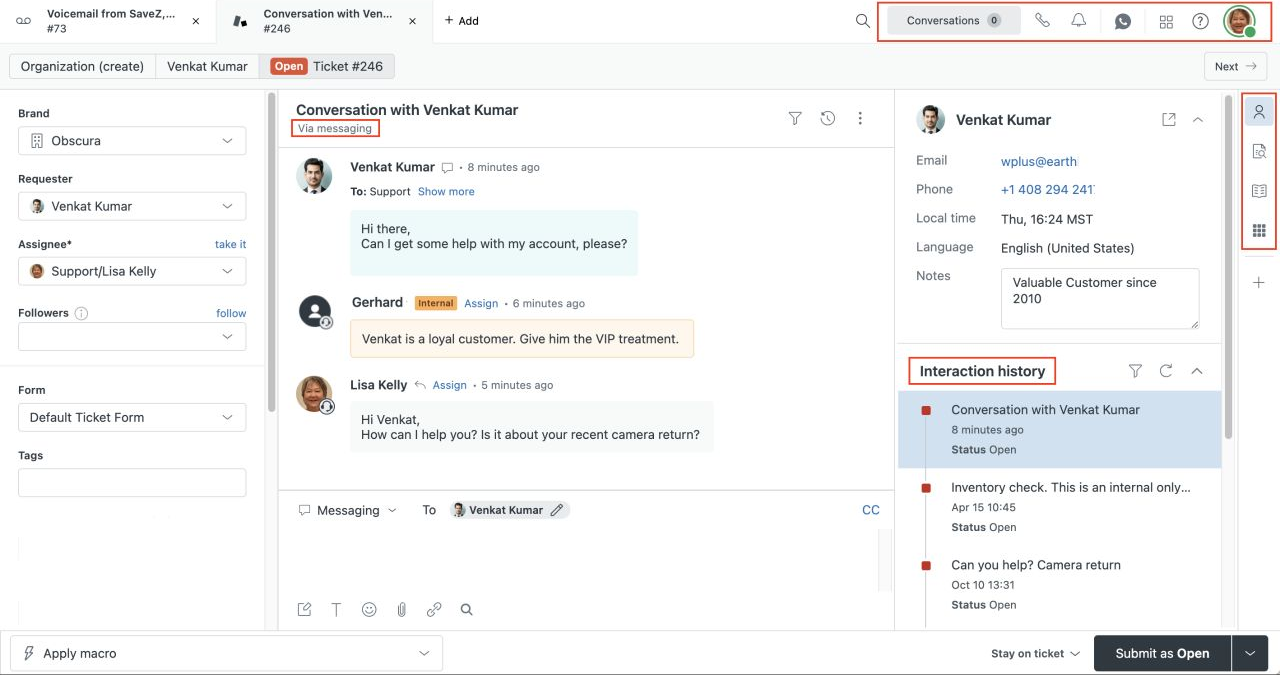
Best fit: Larger support organizations that need mature ticketing, permissions, governance, workforce processes, reporting, and a broad integration ecosystem.
What stands out: Zendesk is designed for formal service operations at scale. It provides deep routing, case management, reporting, administration, and channel coverage that focused B2B platforms may not match.
Watch-outs: Setup and ongoing administration can be heavier than a small SaaS team needs. Several AI, workforce, and contact-center capabilities are additional products. Connecting support evidence with product work remains an architecture decision.
Pricing model: Support Team starts at $19 per agent per month billed annually, Suite Team at $55, and Suite Professional at $115. Copilot and Workforce Management are listed from $50 per agent per month annually. See our Zendesk pricing guide for team-size scenarios and the Userorbit vs Zendesk comparison for the product-work fit.
Migration note: Treat the move as an implementation project. Define forms, fields, macros, triggers, groups, SLAs, roles, reports, integrations, and help-center redirects before importing history.
Predictable-price and self-hosted platforms
Crisp: for predictable workspace pricing
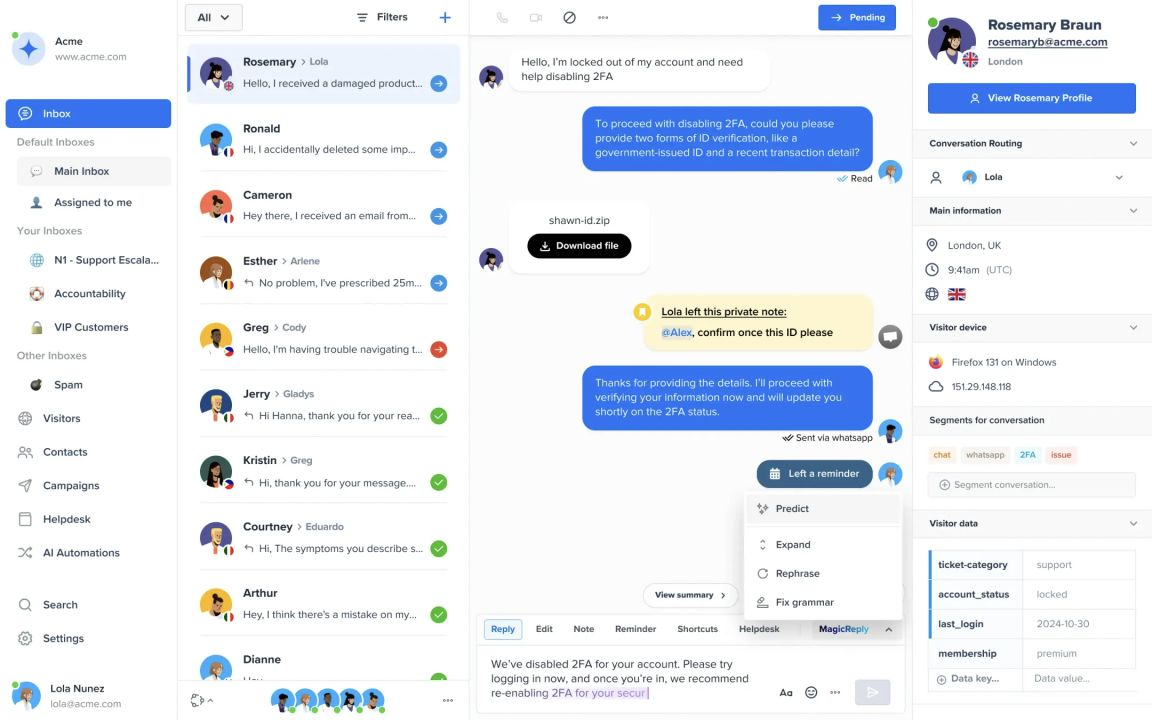
Best fit: Startups and small teams that want a shared inbox, website chat, help content, campaigns, automation, and AI under a workspace price.
What stands out: Crisp prices plans by workspace with an included agent allowance instead of charging every occasional collaborator a full seat. That can make team access easier to forecast.
Watch-outs: Profile and AI-credit limits still vary by plan. Teams replacing an established Intercom operation should validate enterprise permissions, reporting, SLA depth, channel coverage, and migration tooling.
Pricing model: Free supports two agents, Mini is $45 per workspace per month for four agents, Essentials $95 for 10, and Plus $295 for 20 or more. Additional agents on Plus have a separate price.
Migration note: Confirm whether Crisp can import the historical data you need or whether Intercom will remain a read-only archive after cutover.
Chatwoot: for self-hosting and data control
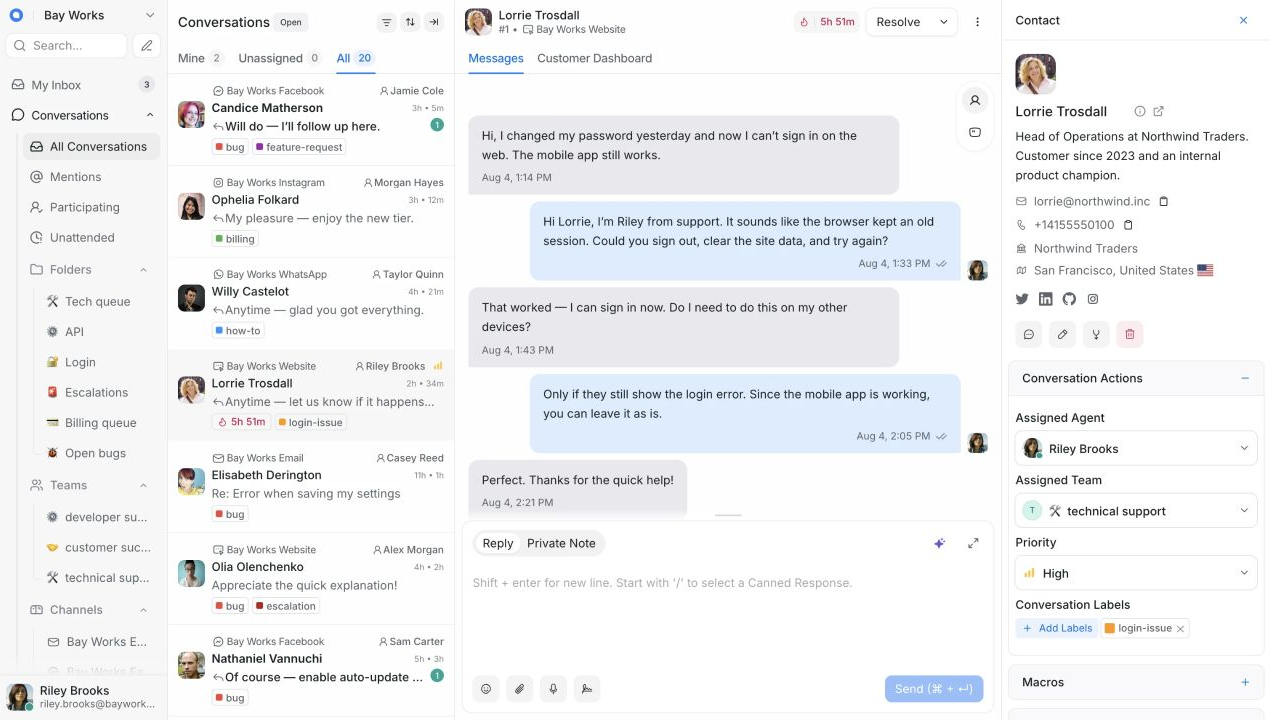
Best fit: Teams with the technical capacity to operate their own support infrastructure and a real requirement for data ownership or deployment control.
What stands out: Chatwoot is an open-source, omnichannel customer support platform available as a managed cloud product or a self-hosted deployment. The Community Edition provides a genuine infrastructure-ownership path that the other products in this guide do not.
Watch-outs: A zero license price does not mean zero operating cost. The team owns deployment, upgrades, monitoring, backups, and security. SSO, SLA policies, advanced support, Captain AI, and other capabilities vary across paid self-hosted tiers.
Pricing model: Self-hosted Community Edition is free. Premium Support is $19 per agent per month billed annually, and Enterprise is $99 per agent per month annually.
Migration note: Budget for both data migration and production operations. Chatwoot documents Linux, PostgreSQL, Redis, and object storage requirements for self-hosting.
You may not need to replace Intercom
Sometimes the missing capability can be added around the current helpdesk.
- ClearFeed can turn Slack, Teams, email, web chat, Discord, and portal conversations into ClearFeed tickets or sync them with systems including Intercom and Zendesk. This can solve a customer-channel gap without immediately moving the system of record.
- Fullview adds session replay, console and network diagnostics, and one-click cobrowsing inside an existing Intercom, Zendesk, Salesforce, or HubSpot workflow. It is relevant when the real problem is reproducing technical issues rather than managing tickets.
- Inkeep adds programmable AI agents, knowledge search, helpdesk integrations, and MCP access. It is an agent layer rather than a complete human-support helpdesk, which can be the right distinction for a team that wants different AI without moving every conversation.
An augmentation path has its own cost and integration risk, but it can be less disruptive than replacing channels, automations, reporting, and history at once.
How to choose your shortlist
Answer these questions before booking demos:
- Do customers primarily contact you in-app, by email, in Slack or Teams, by phone, or across several channels?
- Does support need a conventional ticket queue, a customer-channel workflow, or a programmable platform?
- Who outside support needs access, and will per-seat pricing discourage participation?
- Is AI expected to answer customers, assist agents, investigate technical problems, or all three?
- Does the conversation need to connect with code, product behavior, account health, feedback, roadmap work, or help content?
- Is self-hosting a genuine data requirement or an infrastructure burden the team does not want?
- Which Intercom data and workflows must move, and which can remain in a read-only archive?
- What will the bill look like at the next team size and at low, expected, and high AI volume?
Reduce the market to three products with meaningfully different operating models. Test each with the same sample conversations, escalation, SLA, integration, and export scenario.
A practical Intercom migration plan
Intercom supports contact and company exports, reporting CSVs, and conversation exports. Its conversation export documentation says full message content is available through its API or cloud-storage export, while browser CSV exports contain conversation metadata rather than full transcripts. Its contact export documentation covers users, leads, and companies.
Use a staged migration:
- Inventory the operating model. List channels, inboxes, groups, routing rules, roles, SLAs, macros, tags, custom fields, bots, help content, integrations, and reports.
- Export before changing anything. Save contacts and companies, reporting data, full conversation content through the appropriate API or storage export, and help-center content. Keep the raw files.
- Map only what you still use. Decide which fields, tags, segments, and automations deserve to exist in the new system.
- Build and test the destination. Configure channels, permissions, routing, SLA targets, help content, and integrations. Test real examples with a small internal group.
- Run a controlled cutover. Set a freeze time, route new conversations to the new system, verify replies in every channel, and retain read access to the Intercom archive.
- Measure the first month. Watch missed conversations, first-response time, resolution time, reopen rate, AI outcomes, customer satisfaction, and any manual work created by the new system.
Do not assume an importer covers internal notes, attachments, bot events, custom objects, or exact timestamps. “Intercom importer” is the beginning of migration diligence, not the end.
Intercom alternatives FAQ
Short answers for B2B SaaS teams comparing support models, AI pricing, and migration paths in 2026.