

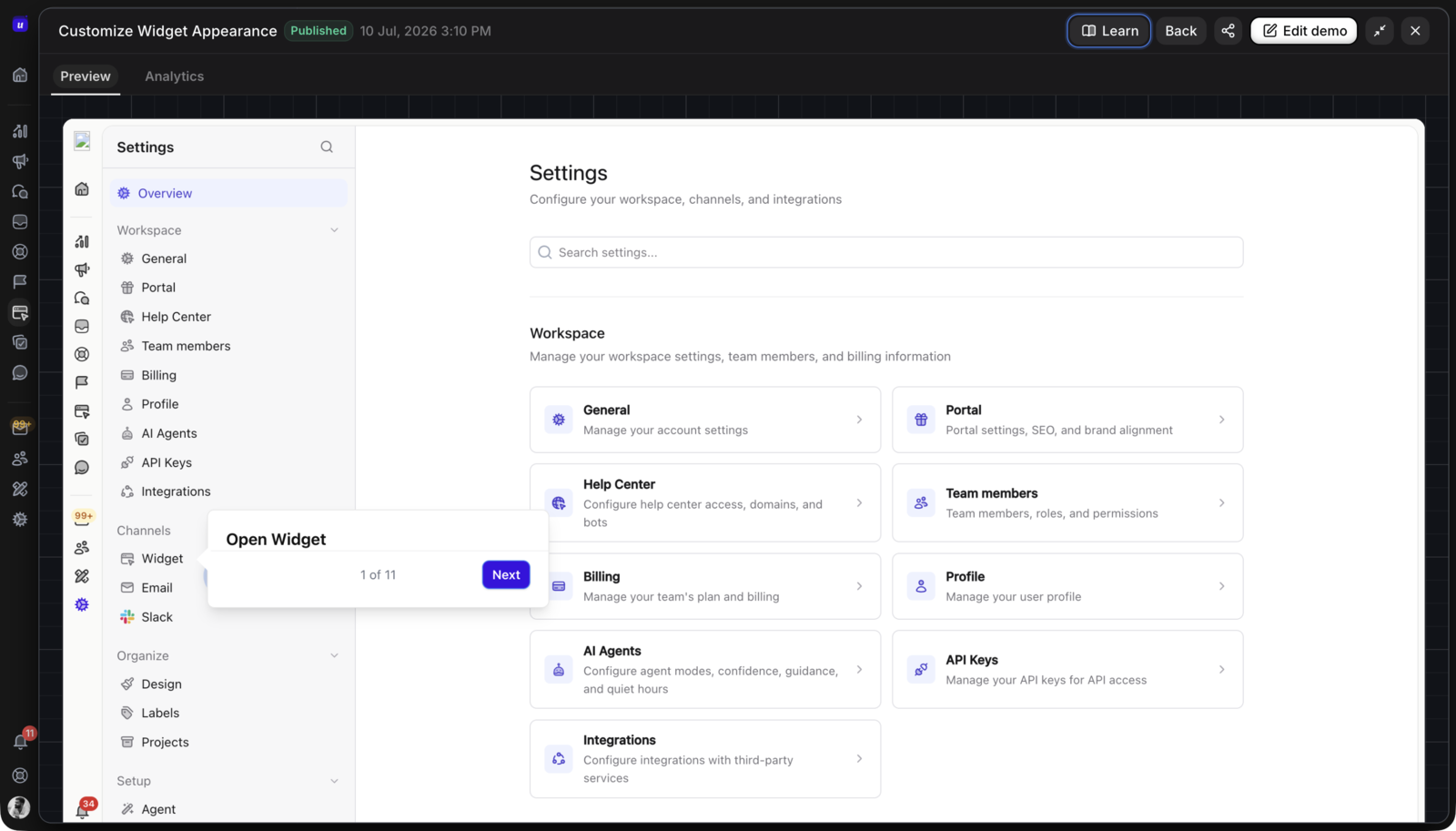








If you are budgeting for Storylane, separate the Demo Suite from the newer RepX product line. The Demo Suite currently has a free tier, paid Starter, Growth, and Premium tiers, and custom Enterprise packaging. The headline prices range from $0 to $1,500 per month on the monthly view, or from $0 to $1,200 per month when billed annually before Enterprise.
The practical answer is: Free tests one published screenshot or video demo, Starter adds unlimited published demos and a low-cost creator seat, Growth is the first tier with HTML editing, Premium adds Hubs, larger sales-team capabilities, and sandbox demos as an add-on, and Enterprise includes sandbox demos, API access, and custom controls.
This guide focuses on Storylane Demo Suite pricing. RepX is a separate conversational sales-agent product with its own visitor-based pricing, so do not mix its $2,000-plus monthly references into a Demo Suite budget.
This guide was reviewed on October 18, 2026 against Storylane's official plans page, product documentation, and current Userorbit product and pricing sources. Plans, limits, billing views, and included features can change, so verify the live page before signing.
Storylane pricing at a glance
The Storylane plans page exposes both monthly and yearly billing views. The annual figures below are the lower monthly-equivalent references shown when billed yearly.
| Plan | Monthly view | Annual billing view | Creator seats | Demo format and main use |
|---|---|---|---|---|
| Free | $0 | $0 | 1 | Screenshot and video guided demos; one published demo |
| Starter | $50/month | $40/month | 1, plus additional seats | Screenshot and video demos; unlimited published demos |
| Growth | $625/month | $500/month | 5, plus additional seats | Screenshot, video, and HTML demos; HTML editor and personalization |
| Premium | $1,500/month | $1,200/month | 10 | HTML demos, Hubs, presenter workflows, Salesforce, and SSO |
| Enterprise | Custom | Custom | Custom | HTML, Hubs, sandbox demos, API, security, and professional services |
The price is only the starting point. Storylane also separates creator seats from presenter seats, and the features that change the buying decision include AI-credit allowance, account reveal, Hubs, sales integrations, custom domains, offline demos, SSO, and sandbox access.
What each Storylane plan includes
Free: validate one demo
The Free plan includes one seat, one published demo, unlimited demo views, screenshot and video demos, lead capture, basic analytics, and a monthly AI-credit allowance. The page also lists media-to-demo support, so a team can test the workflow from existing screenshots or video.
Free is enough to answer a narrow question: will a guided demo help buyers understand one workflow? It is not a shared demo library. The one-published-demo limit matters if a team wants separate product, use-case, and campaign paths live at the same time.
Starter: a low-cost creator plan
Starter is listed at $50 per month on the monthly view or $40 per month billed annually. It includes one creator seat, with additional seats listed at $40 each, and unlimited published demos.
Starter adds a larger AI-credit allowance, Storylane MCP, account reveal for up to 250 visitors per month, in-app comments, email/Slack/Teams alerts, HubSpot and Zapier integrations, and custom branding. It remains a screenshot-and-video demo tier. Storylane's documentation says responsive HTML demos are available from Growth onward, so do not buy Starter expecting the HTML editor.
Starter is a good fit for one product marketer, founder, or sales owner who needs more than one live demo but does not yet need HTML editing or a multi-team operating model.
Growth: the first HTML editing tier
Growth is listed at $625 per month on the monthly view or $500 per month billed annually. It includes five creator seats, with additional seats listed at $100 each.
Growth is the first plan where the public page lists HTML demos and an HTML Demo Editor. It also adds personalization tokens, A/B testing, multi-team organization, offline demos, deal intelligence, more integrations, custom lead forms, and a larger account-reveal allowance. Hubs are listed as a paid add-on at this stage.
This is the important price boundary for buyers comparing HTML demo software. A free or Starter trial can prove the guided-demo workflow, but the budget changes materially when the team needs editable HTML, personalization, experimentation, and revenue attribution.
Premium: Hubs and larger sales operations
Premium is listed at $1,500 per month on the monthly view or $1,200 per month billed annually. It includes ten creator seats and builds on Growth with Hubs, Salesforce integration and app support, multi-language demos, higher account-reveal limits, SSO, dedicated support, presenter demos, and custom presenter seats.
Hubs are buyer-facing deal rooms that combine demos, PDFs, videos, and embeds. That makes Premium a different operating tier, not just a larger seat bundle. It is relevant when the same demo program supports marketing pages, live sales calls, follow-up packages, and buying committees.
Enterprise: custom controls and sandbox demos
Enterprise uses custom pricing and custom seat limits. The public comparison lists everything in Premium plus sandbox demos, unlimited AI credits, enterprise security, professional services, private demo links, API access, and ongoing coaching.
Enterprise is the plan to discuss when the buyer needs a live or personalized environment rather than only a captured demo, or when security, API, privacy, governance, and services requirements drive the purchase. Ask for those requirements to be listed separately in the proposal.
What changes the real Storylane cost?
Creator seats and presenter seats
The person who builds or edits demos is not always the person who presents them. Count creators, presenters, approvers, and viewers separately. Storylane's public plan comparison lists creator-seat allowances and presenter-seat add-ons or custom limits depending on plan.
For a simple monthly Starter example, three creator seats would be the $50 base plus two $40 additional seats, or $130 per month before other add-ons. Confirm how additional seats are billed on the annual view before using this as a procurement number.
HTML and sandbox requirements
Screenshot and video demos can validate the story quickly. HTML demos are more useful when the viewer needs to explore responsive layouts, editable text, data, charts, buttons, scroll behavior, or personalized values. Sandbox demos go further by creating a more hands-on environment.
The plan boundary matters:
| Requirement | Lowest public Storylane tier to investigate |
|---|---|
| One published guided demo | Free |
| Multiple screenshot or video demos | Starter |
| Editable HTML screens | Growth |
| Hubs and larger sales workflows | Premium, or a Growth add-on where listed |
| Sandbox demos | Premium as an add-on; included on Enterprise |
| API and custom security | Enterprise |
AI credits and account reveal
Storylane uses AI credits for capabilities such as content assistance, voiceovers, video avatars, media-to-demo, link-to-demo, translations, and MCP-related workflows. Account reveal is a separate visitor allowance that scales across plans. Treat both as usage limits, not as unlimited features just because demo views are unlimited.
Hubs, integrations, and domains
Budget for the workflow around the demo: CRM and marketing-automation integrations, custom lead forms, custom domains, white-labeling, Hubs, alerts, offline access, and the people who review stale links and product captures after releases.
The low headline price is useful for a first test. The right comparison is the annual cost of the plan, seats, add-ons, implementation, and maintenance needed to keep the demo program accurate.
Storylane versus Userorbit pricing and fit
Storylane and Userorbit overlap on interactive demos, but they are priced around different buying decisions. Storylane is a dedicated GTM demo automation platform. Userorbit is a broader product adoption platform that lists Interactive Demos on Scale and Enterprise.
The current Userorbit pricing page lists Growth at $95 per month billed annually ($119 monthly), Scale at $249 per month billed annually ($293 monthly), and Enterprise as custom. Interactive Demos are listed on Scale and Enterprise, not Growth. The Interactive Demo plan-access guide is the source for workspace entitlement details.
For the product context behind that packaging, read the Userorbit Interactive Demos launch post, the interactive demo analytics guide, and the interactive demo versus product tour versus demo video guide. Those pages separate the pre-signup demo from the live-product handoff and explain how to measure the workflow after the viewer clicks through.
| Buying question | Storylane | Userorbit |
|---|---|---|
| Primary motion | Dedicated demos for product marketing, sales, presales, and GTM | Interactive demos connected to onboarding, support, announcements, feedback, roadmap, and adoption |
| Entry validation | Free plan with one published demo and unlimited views | Trial and published Growth, Scale, and Enterprise plans; demos listed on Scale and Enterprise |
| HTML workflow | Growth and higher tiers list HTML demos and editing | Interactive Demos are listed on Scale and Enterprise; confirm workspace access |
| Analytics | Demo, session, lead, CTA, completion, time, and intent signals | Demo views, engagement, completion, step activity, leads, sessions, and adoption reporting |
| After the demo | Sales, marketing, buyer hubs, and customer-success reuse | Product tours, checklists, help, support, announcements, feedback, roadmap, and adoption workflows |
| Price visibility | Free through Premium references; Enterprise custom | Growth and Scale publish annual and monthly reference prices; Enterprise custom |
Choose Storylane when the main problem is building and operating a dedicated GTM demo program with HTML editing, personalization, account signals, experimentation, Hubs, or sales workflows. Choose Userorbit when the same team needs the demo to lead into live onboarding, help, support, feedback, roadmap, and product adoption work in one platform.
For a broader shortlist, read the best Storylane alternatives in 2026, compare Userorbit and Storylane directly, and review the best interactive demo software for SaaS teams.
A Storylane buying checklist
Use these questions in a trial or procurement call:
- Which of the first three workflows need screenshot, video, editable HTML, or sandbox behavior?
- How many creators, presenters, approvers, and viewers need access?
- Which AI-credit features will the team use each month, and what happens when the allowance is exhausted?
- Do account reveal, CRM routing, alerts, A/B testing, Hubs, offline access, or custom domains move the team to another tier?
- Does the team need a public share link, an embed, a buyer hub, an offline demo, or a live sandbox?
- Who owns the demo library after a product release changes the UI, permissions, copy, or CTA?
- What data, integrations, exports, support response, and renewal terms belong in the written quote?
The final question is operational: who will keep the demo accurate after the next product release? A demo that converts today but becomes stale next quarter is not a successful content asset.
Frequently asked questions
Storylane pricing FAQs
Direct answers for SaaS buyers comparing Storylane plans, HTML demos, and demo-program cost.
Sources and update note
This guide was reviewed on October 18, 2026 using the official Storylane plans, Storylane documentation, HTML demo documentation, analytics documentation, Userorbit pricing, and Userorbit Interactive Demo plan access pages. Confirm current prices, plan limits, AI allowances, integrations, and support terms before signing.
Compare the right demo workflow
See how Userorbit connects interactive demos to the rest of the SaaS adoption lifecycle.