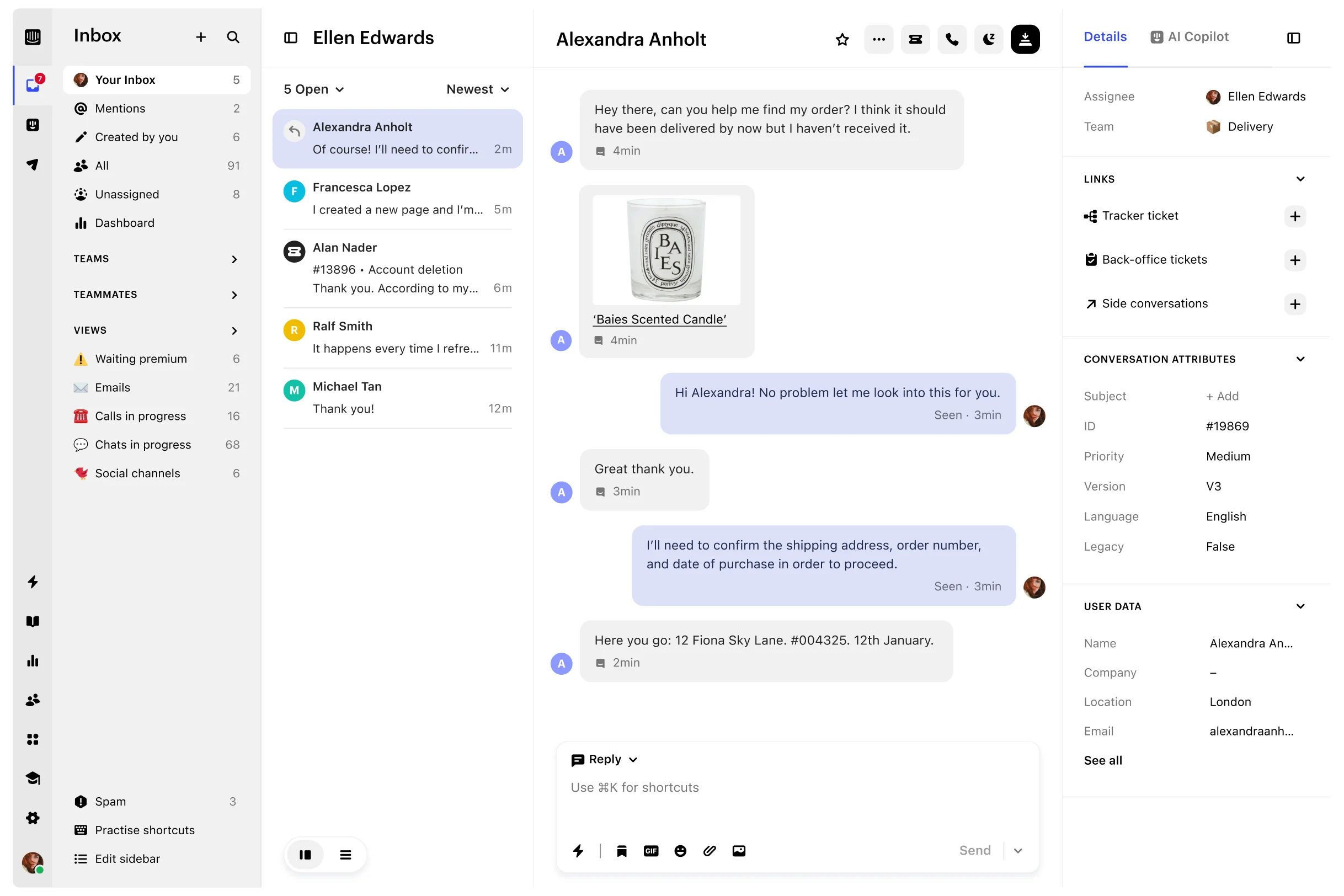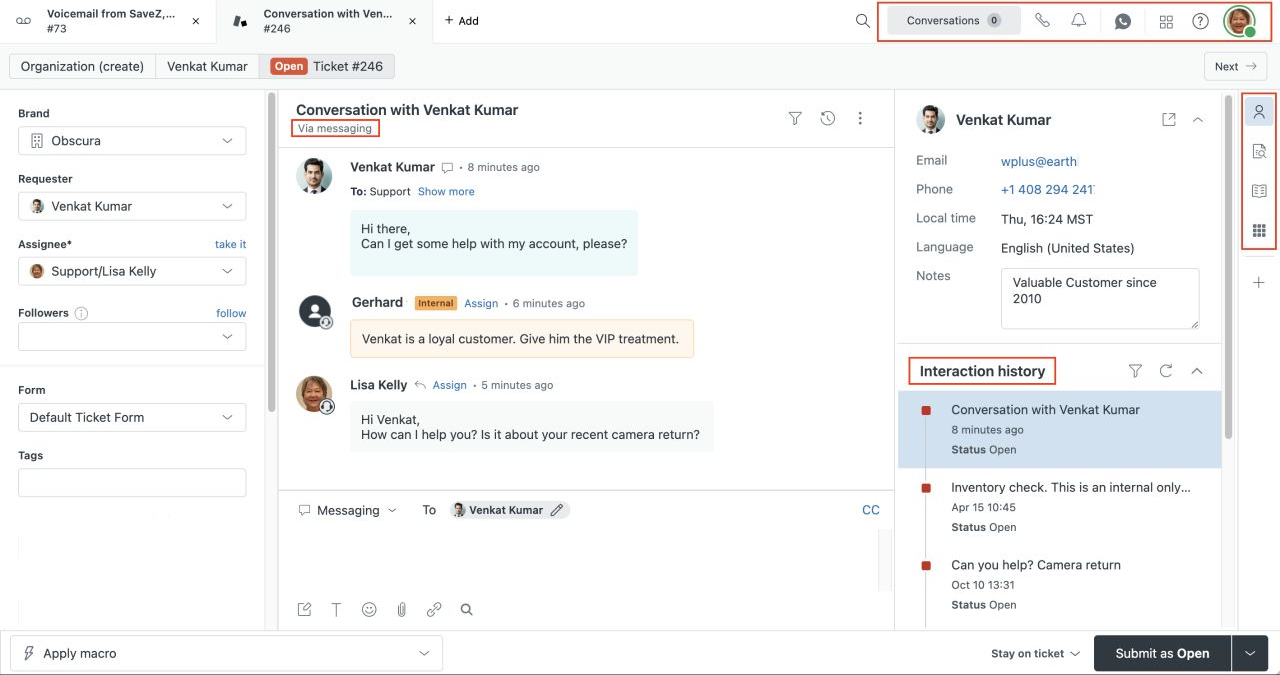







Adding an engineer to a support conversation should be an operating decision. Under seat pricing, it can also become a purchasing decision. Under outcome pricing, the bill moves when automation resolves more requests. Both can work, but they reward different team shapes.
The useful comparison is the cost of your team doing its work: human access, customer volume, AI usage, required channels, and implementation. Compare the billing units before comparing headline prices.
This guide explains the models using hypothetical arithmetic rather than vendor quotes. For current vendor amounts, use the Intercom, Zendesk, Plain, and Help Scout pricing guides and confirm each vendor's current checkout.
The five models at a glance
| Model | What grows the bill | Fits best when | Question to settle before signing |
|---|---|---|---|
| Per seat | More people need paid access | A stable group owns most support | Do occasional engineers, reviewers, and managers need full seats? |
| Per contact | More distinct customers meet the billing definition | Customer reach is predictable | Is a contact counted when messaged, active, stored, or supported? |
| Per AI outcome | More interactions qualify as billable outcomes | Resolved volume is measurable | What counts as an outcome, and what happens after reopening? |
| Per credit or usage unit | Actions consume a metered allowance | The team can forecast the mix of actions | How many credits does each action use, and what are overages? |
| Workspace or platform fee | Plan, included audience, and allowances change | Several teams share a broader platform | Which seats, modules, usage, and workspaces are actually included? |
Most quotes combine more than one row. A platform can charge seats for people, outcomes for AI, and extra fees for channels. A bundled plan can still have usage boundaries.
Seat pricing: count everyone who touches the queue
Start with agents who answer customers daily. Then list engineers who investigate cases, success managers who follow accounts, and managers who review replies. Ask whether limited-access roles can do those jobs without a full license.
Hypothetical example: eight full seats at $40 each cost $320 a month. Adding four occasional collaborators at the same rate takes that to $480. If an appropriate limited role is included, the same collaboration might leave the subscription unchanged. The permission model can matter as much as the seat price.
Avoid sharing logins to work around licensing. Each person needs an attributable identity and permissions appropriate to their work.
Outcome pricing: agree on the event you are buying
An outcome needs a written definition. Ask whether it means an answer was delivered, a conversation ended, the customer confirmed resolution, or a business task completed. Check how handoffs, repeat questions, reopened conversations, and multiple tasks in one conversation affect billing.
For example, Intercom's pricing page separates helpdesk seats from Fin outcome charges. Confirm the applicable outcome definition and contract rather than treating every chatbot response as a billable resolution.
Hypothetical example: 2,000 monthly conversations, a 40% billable-outcome rate, and $1 per outcome produce $800 in usage. At 70%, usage becomes $1,400. That can be worthwhile if it saves more human work, but the budget must reflect successful automation as well as traffic growth.
Contacts and credits: make the meter observable
Ask for a sample invoice using your own recent month. For contact pricing, check whether inactive records remain billable and whether the same person appearing in several channels is deduplicated. For credits, get the consumption table for generation, replies, searches, translations, and any connected actions you intend to use.
Included credits are only useful when the team knows how quickly its workflow consumes them. Confirm whether unused credits expire and whether the service stops, upgrades, or bills overage when the allowance runs out.
Compare the same workload in three scenarios
Use a quiet month, your expected month, and a launch or incident month. Keep the channel and service requirements identical across vendors.
| Input | Quiet month | Expected month | Launch month |
|---|---|---|---|
| Full agents | 4 | 8 | 8 |
| Occasional collaborators | 2 | 4 | 6 |
| Customer conversations | 800 | 2,000 | 5,000 |
| Assumed billable AI outcome rate | 30% | 40% | 40% |
| Billable AI outcomes | 240 | 800 | 2,000 |
These are planning assumptions, not industry benchmarks. Apply the actual quote to each column. Include seats, usage, channel fees, onboarding, integrations, and the annual commitment. Keep tax and currency assumptions consistent.
Where Userorbit belongs in the comparison
Userorbit combines support with other product workflows. Assess it when those connections replace work your team already performs. If you only need an email inbox, compare dedicated inbox products on that narrower requirement.
Support Suite requires Scale or Enterprise, or temporary access during an eligible active trial. Growth does not include it. Check current pricing, Support Suite access, and workspace plan rules. Do not assume the general Slack integration includes Slack support access.
Ask for a quote you can reconcile
Ask the vendor to show the exact bill for your expected month and incident month, including which assumptions changed. Agree on the billable-unit definition, renewal terms, usage controls, export access, and the first feature that would force an upgrade.
The right model is the one that supports the team you want to run and makes growth affordable. A low starting price cannot answer either question.
Model references checked November 15, 2026: Intercom pricing, Zendesk pricing, Userorbit pricing, and the linked Userorbit plan-access guides. Worked amounts above are deliberately hypothetical.
Frequently asked questions
Practical answers for SaaS teams evaluating support costs and migration.