







A customer says the import is broken. The support ticket contains one sentence. Analytics show that many accounts reach the import screen but fewer finish. A survey response says the workflow is confusing.
Each signal is useful, but none shows the complete experience.
Session replay can supply the missing behavioral context. It lets a team inspect what happened before the customer asked for help, where they hesitated, which controls they tried, and whether the interface responded as expected. Feedback then explains the customer's interpretation of that experience.
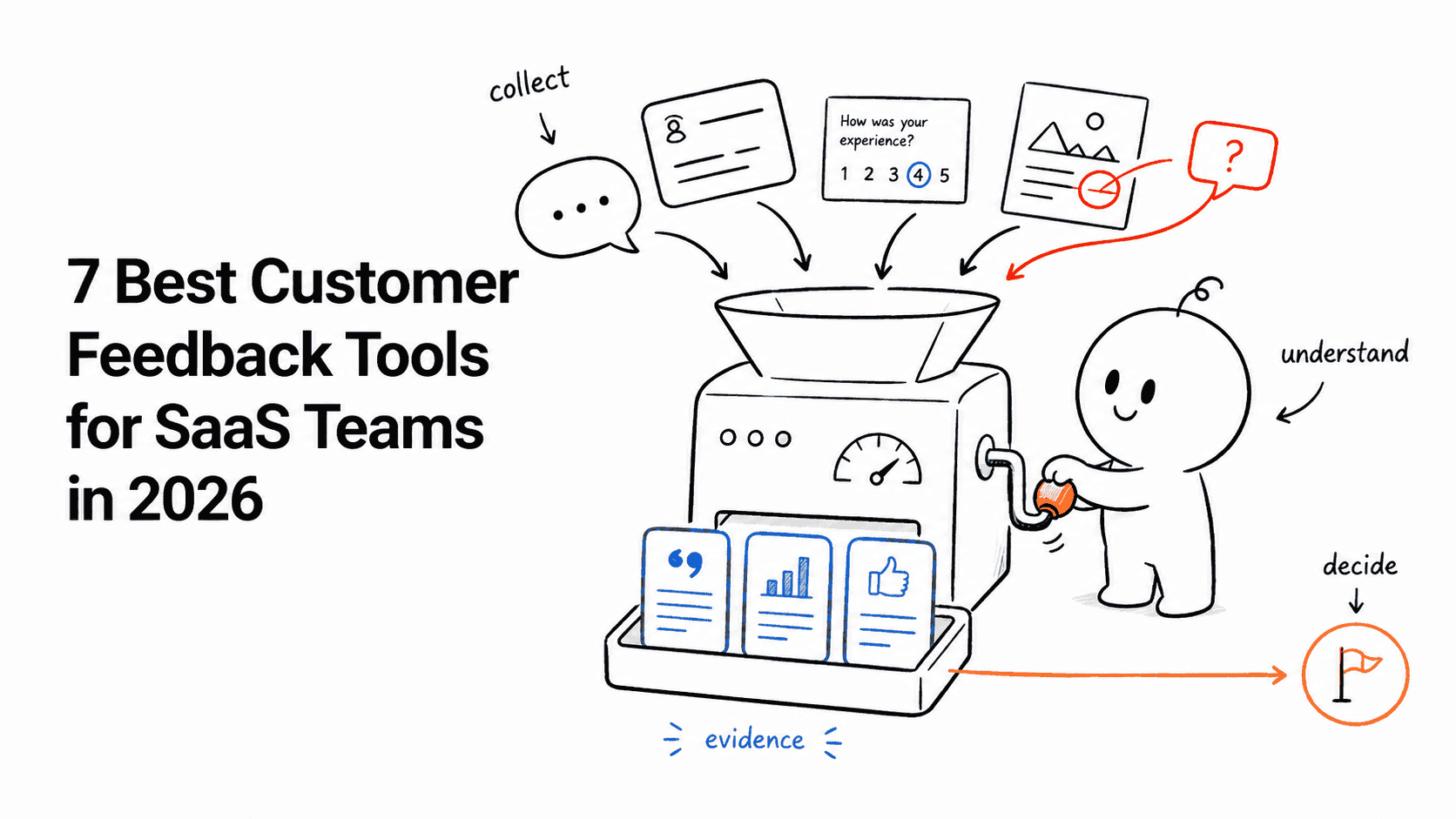
The useful workflow is not “collect feedback and watch random recordings.” It is a repeatable chain from signal to evidence to action.
What replay and feedback each contribute
Session replay and user feedback answer different questions.
| Evidence | Best question it answers | Common limitation |
|---|---|---|
| Session replay | What did the user encounter and do? | Behavior does not reveal intent with certainty |
| Survey response | How did the user describe the experience? | Answers can be incomplete or shaped by the question |
| Support conversation | What problem was urgent enough to report? | One report does not establish prevalence |
| Feature request | What outcome does the customer believe they need? | The requested solution may not address the underlying job |
| Product analytics | How often does the pattern occur? | Aggregates do not show the lived experience |
The strongest investigation uses at least one qualitative signal, one behavioral example, and one measure of prevalence. This prevents a vivid recording from becoming the entire product strategy.
The six-step workflow
1. Start with a specific customer signal
Begin from something that deserves investigation:
- a low CSAT or NPS response
- a support conversation about a confusing workflow
- repeated feedback about the same feature
- a funnel step with an unexpected drop
- an onboarding checklist item that remains incomplete
- a new release followed by a change in behavior
Preserve the identity and time context needed to find the relevant session. Depending on the system, that may be the user's email, distinct ID, account, URL, event, browser, and the approximate time of the experience.
Do not put sensitive information into an unrestricted note simply to make a recording searchable. Use the supported customer identifier and follow the workspace's privacy rules.
2. Find the relevant recording
In Userorbit Session Replay, open replay from the analytics workspace, search by email or distinct ID, and narrow the date range. Choose the visit closest to the feedback or support event.
This is an identity-based investigation. Do not assume that every feedback item automatically carries a direct replay link. If an automatic relationship is important to your workflow, test it explicitly when comparing products.
Before watching, write the question you are trying to answer. For example:
Did the user fail because the CSV validation message was unclear, because the upload never completed, or because they could not find the next action?
That question prevents an open-ended viewing session from turning into speculation.
3. Separate observation from interpretation
Record what happened before deciding why it happened.
Observation: The user uploaded a file, moved between two tabs, clicked the disabled Continue button three times, returned to the file selector, and left.
Interpretation: The user may not have noticed the row-level validation message below the table.
The observation is evidence. The interpretation is a hypothesis. Keeping them separate makes the investigation easier to review with design, engineering, support, or customer success.
Look for:
- repeated clicks or attempts
- long pauses before an important action
- navigation loops
- ignored or unseen validation
- elements that shift or arrive late
- an expected action that never becomes available
- a mismatch between the words in the feedback and the visible state
A recording can show that an experience was confusing. It cannot reliably reveal emotion, motivation, or the business importance of the task without supporting customer context.
4. Check whether it is a pattern
One recording is a case, not a cohort.
Return to product analytics and ask:
- How many users entered this workflow?
- Where is the largest drop?
- Is the behavior concentrated by browser, role, plan, account type, or release?
- Did the pattern begin after a specific change?
- Do successful sessions behave differently?
Then review a small contrasting sample: several affected sessions and several successful sessions. The comparison is often more informative than watching ten failures with the same assumption in mind.
If the evidence remains ambiguous, ask a targeted follow-up survey question or speak with the customer. Replay should reduce the number of questions you need to ask, not eliminate customer conversation.
5. Choose the smallest appropriate action
Not every replay insight requires a product redesign.
| Evidence | Possible response |
|---|---|
| Users miss an existing capability | Add contextual help, a tooltip, or a short tour |
| A multi-step setup lacks momentum | Add or revise an onboarding checklist |
| A warning is technically correct but unclear | Rewrite the message and supporting help content |
| Users do not understand a release | Publish an announcement and guide affected segments |
| The workflow does not meet the underlying need | Add the evidence to feedback and roadmap evaluation |
| The interface fails or becomes inconsistent | Create an engineering issue with reproducible context |
| Intent is still unclear | Run a targeted survey or customer interview |
Userorbit's advantage in this workflow is that many of these responses—surveys, feedback, roadmap communication, announcements, tours, checklists, and help content—can live beside analytics and replay. The product decision still belongs to the team; the platform reduces handoffs between evidence and execution.
6. Measure the result
Define the expected behavioral change before publishing the fix.
For an import workflow, the measure might be:
- more users reaching the completion event
- fewer repeated clicks on a disabled action
- less time between upload and confirmation
- fewer support conversations about validation
- improved survey responses after completion
Compare the same segment and workflow before and after the change. Watch a small set of new sessions to make sure the metric did not improve for the wrong reason—for example, because users abandoned earlier or skipped an important step.
Three practical SaaS examples
A low onboarding completion rate
Analytics show that new administrators commonly stop at team invitation. Replays show several users searching the page and opening navigation instead of inviting a colleague. A follow-up survey reveals that solo evaluators believe an invitation is mandatory.
The team changes the checklist language from “Invite your team” to “Invite a teammate or skip for now,” adds a visible skip action, and measures activation for solo and multi-user accounts separately.
The insight did not come from replay alone. Analytics found the pattern, replay showed the interface behavior, and feedback clarified the mistaken assumption.
A feature request that hides a usability problem
Several customers request bulk editing. In relevant sessions, users repeatedly open and close individual rows because the existing multi-select control only appears after hovering over a narrow area.
The immediate action is to make selection visible and improve the help cue. The team keeps the broader bulk-edit request open because the underlying workflow may still be inefficient, but it does not treat the requested solution as the only option.
A support ticket that engineering cannot reproduce
A customer says a settings form “does nothing.” Replay shows that the Save button becomes available, the customer clicks it, and the page remains unchanged. A debugging-focused replay tool may provide console and network evidence for the root cause; a general product replay may only establish the visible failure.
That distinction matters. Use Userorbit replay to understand product friction and reported experiences. If the team routinely needs stack traces, source maps, network payloads, and application state, evaluate a specialist such as LogRocket or an error-monitoring platform alongside it.
Privacy and governance checklist
Replay captures more behavioral context than ordinary event analytics, so it needs deliberate governance.
Before enabling capture:
- Decide which products, environments, routes, and user groups should be recorded.
- Review the available masking mode and identify elements that must be masked or blocked.
- Test representative forms, messages, account pages, and administrative screens.
- Restrict access to people who need recordings for a defined job.
- Document retention and deletion expectations.
- Tell internal teams how recordings may and may not be shared.
- Verify the effective configuration using a test account before increasing capture.
Userorbit allows owners and administrators to configure recording, sampling, masking, and blocked elements. Plan availability and retention are listed on the session replay page and pricing page. Your legal and security requirements may require additional review; a product setting is not a substitute for organizational policy.
How to avoid common replay mistakes
Watching sessions without a question
Random watching produces memorable anecdotes, not a reliable backlog. Begin from a signal or defined research question.
Treating behavior as intent
A pause may indicate confusion, distraction, or an interruption outside the product. Use feedback or a follow-up question when intent matters.
Prioritizing the most dramatic recording
A severe case may affect one unusual environment. Pair recordings with analytics, account importance, support volume, and business impact.
Recording more than the team can review
Capture volume is not the same as insight. Define recurring review triggers: a funnel anomaly, negative response, support escalation, or release check.
Fixing the interface without closing the loop
If a customer reported the problem, tell them what changed. If several customers requested the outcome, connect the resolution to the roadmap or announcement workflow.
Choosing software for replay plus feedback
Different products connect the two signals in different ways:
- Hotjar is strong for website replay, surveys, and feedback widgets.
- FullStory emphasizes behavioral intelligence and replay-linked experience analysis.
- PostHog combines replay with events, surveys, experiments, and error tracking for technical product teams.
- Userpilot combines replay with product analytics, surveys, and in-app adoption.
- Userorbit connects replay and analytics to a broader SaaS workflow spanning surveys, feedback boards, roadmap communication, announcements, onboarding, and help.
Our Hotjar alternatives guide compares the products by use case. Also review the dedicated guides to customer feedback software and in-app survey software when structured input is the primary requirement.
A lightweight weekly ritual
A lean product team does not need a full research operation to use replay responsibly.
Once a week:
- Select one meaningful signal from analytics, feedback, support, or a recent release.
- Review three affected sessions and two successful comparisons.
- Write observations separately from hypotheses.
- Choose one follow-up: measure, ask, fix, guide, document, or decline.
- Assign an owner and success measure.
- Recheck the behavior after the change.
That cadence turns session replay from an occasionally fascinating video library into a product-improvement system.
Frequently asked questions
Can session replay replace customer interviews?
No. Replay shows behavior inside the captured product experience. Interviews can explain goals, constraints, alternatives, organizational context, and events outside the interface.
Should every survey response link to a recording?
It is useful when privacy, identity, timing, and capture settings allow it, but products implement the relationship differently. In Userorbit, use the respondent's supported identifier and date to find the relevant recording; do not assume an automatic direct link unless you have verified it in your workspace.
How many recordings should a team watch?
There is no universal number. For a focused investigation, begin with a small contrastive sample of affected and successful sessions. Expand only when new recordings continue to change the explanation.
Which teams should have replay access?
Product, design, engineering, support, research, or customer-success teammates may have legitimate uses. Grant access based on the job, customer-data policy, and least-privilege principle rather than making every recording available to everyone.