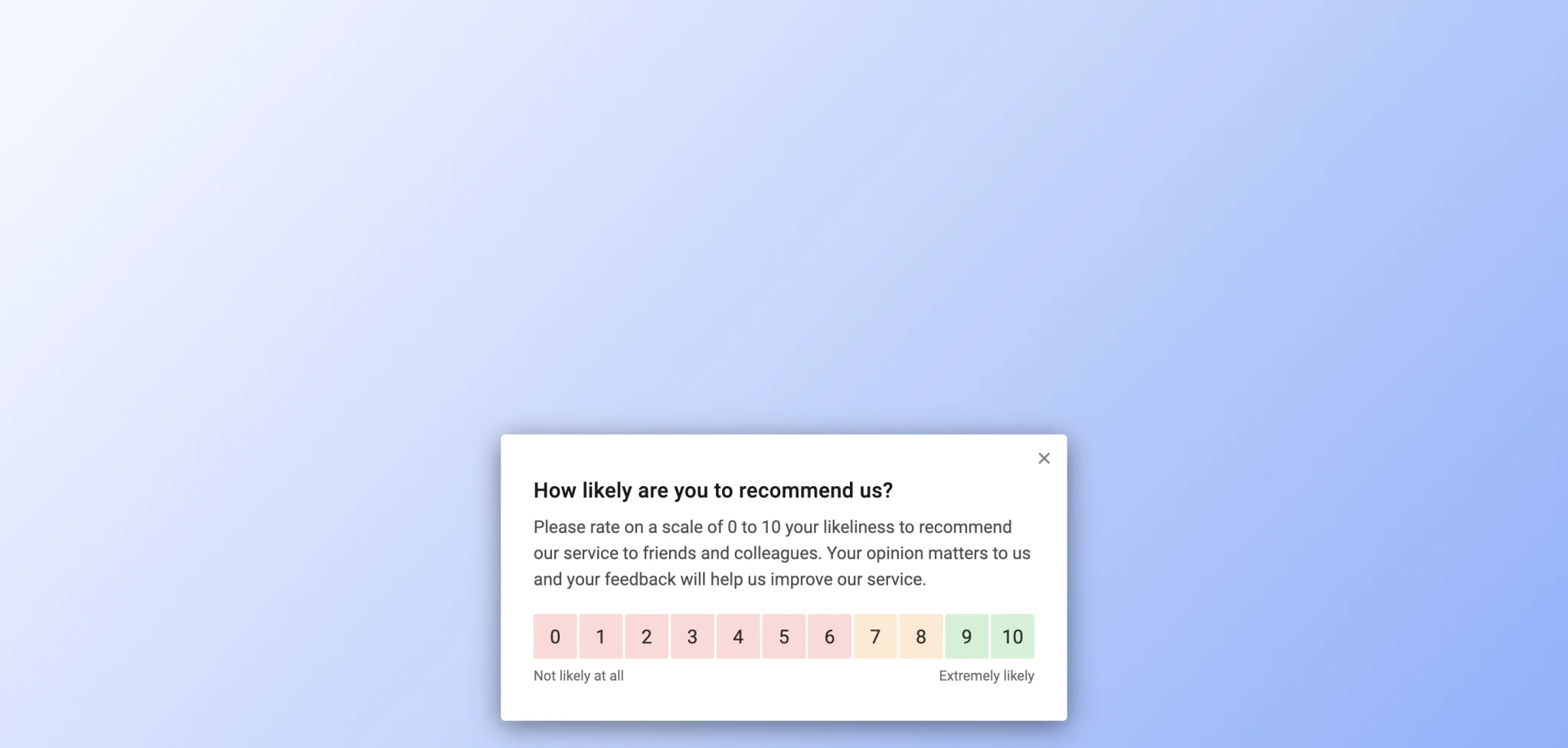








Suppose your app has 12,000 active users. This month, you want to ask 300 workspace owners about their first successful data import. You expect about 60 replies. Which number should you give a survey vendor? For Refiner, the number of users your app identifies can determine the price. For Survicate, the replies consume a response allowance, but the import event can determine which plan you need.
Start with Refiner if your product manager runs recurring surveys inside a logged-in app, already has reliable user IDs and events, and expects to ask the same audience questions throughout the year. Start with Survicate if product and customer experience share research across the app, email, and other feedback sources, and want to analyze those inputs together. Both tools can collect feedback in several channels. The choice depends on who operates the program, the targeting rules they need, and what happens to the answers. Refiner plans · Survicate plans
Userorbit also makes survey software. This comparison draws on the vendors’ public documentation and pricing, reviewed November 27, 2026. The import scenario is a worked example you can reproduce during a trial.
Which plan runs a survey after the first import?
Give both vendors the same requirement. When a workspace owner completes their first import, show “What took the most work?” Offer three choices: preparing the file, mapping columns, or fixing validation errors. Follow with an optional comment. A teammate who only views the imported records should be able to finish their work undisturbed.
| Buying question | Refiner | Survicate |
|---|---|---|
| Can we target a known user? | Identify the user and send traits such as role or plan. Refiner attaches responses to that profile. | Growth includes attribute targeting. Pro adds event targeting. |
| Can the import itself launch the survey? | Growth adds tracked events. The launch settings also support an SDK call if your team wants to control delivery in application code. | Pro includes event targeting. A developer sends the event from the website or web app and the survey owner configures the trigger. |
| What else can the team run? | Web and mobile in-app surveys, website popups, email surveys, and survey pages. | Multichannel surveys, built-in email delivery, and a Research Hub for analyzing feedback from other sources. |
| What should finance count? | Unique users whose activity Refiner processes over a rolling 30 days. Paid subscriptions include unlimited survey responses subject to fair use. | Survey responses across the organization, plus a separate Research Hub data-point allowance. |
Sources for the plan and targeting comparison: Refiner identification, Refiner launch triggers, Refiner pricing, Survicate event setup, and Survicate pricing.
Use an event from the successful import, after validation finishes. A click on “Import” also captures people whose files fail. Those users have useful feedback, but they need a different question. If the success event can fire more than once, ask engineering to pass a first-import flag from the application. That also gives you a stable definition when the same person switches browsers.
The distinction matters in Survicate. A browser event can launch the question immediately. Its occurrence count lives in that browser. An event used as an audience filter can follow an identified person across devices, but eligibility is cached and the question can appear later. In Refiner, use a team-only audience to test the actual event. The editor preview lets you inspect the widget’s appearance and skips the targeting rules. Survicate’s guide to events · Refiner’s in-app survey guide
Price the same month in both tools
Refiner: If your app identifies all 12,000 users during a rolling 30-day period, ask for the Growth price at 12,000 monthly active users. The 300 eligible owners are a subset. Even the person who logs in and never sees a survey can count. If a CRM integration also updates those profiles, consistent user IDs help Refiner recognize the same people. Review which users your integrations send before you request a quote. How Refiner counts monthly active users
Survicate: If 60 owners answer the question and 20 of those skip the optional comment, budget 60 survey responses. Add responses from other surveys running under the same account, including live test submissions. Growth starts at $56 per month billed annually for 100 survey responses and 500 data points per month. For the event-triggered pilot, price Pro. Its published starting price is $349 per month, with an allowance starting at 6,000 responses per year. Ask how your proposed contract handles a busy launch month. Survicate pricing · What counts as a response · Account-wide usage
Then change one assumption. If customer success adds an email campaign that brings in 500 responses from people Refiner already identifies, Survicate’s response consumption grows. Refiner’s active-user count could stay the same if the IDs match and those people remain active in the same window. Conversely, a big jump in identified logins with flat reply volume can move the Refiner quote while leaving Survicate’s response consumption steady. Those two estimates give finance a better comparison than either entry price alone.
A trial worksheet your product manager can run
Use a staging workspace and three test accounts. Record what each person sees and what the analyst can retrieve afterward. These are proposed acceptance tests for the plans you are considering.
| Trial case | Passing result |
|---|---|
| An owner submits an invalid file, fixes it, and completes the first import | The prompt appears once, after success. The response records the owner and can be associated with the right workspace. |
| A member opens the imported records | The member sees no survey. The owner’s answer stays associated with the owner. |
| The owner signs in from a second browser and imports again | The first-import question stays suppressed. Have the installer explain which rule enforces that across devices. |
| The owner selects “mapping columns” and skips the comment | The analyst can find the answer, distinguish it from a completed comment, and reconcile the vendor’s usage counter. |
| A product manager changes the prompt next week | The PM can edit the question and identify which version produced each set of answers. Record any engineering or export work this takes. |
For the cross-channel decision, add one more test. Ask customer success to email a second question to someone who never finished importing. Give the analyst the answer from that email and the in-app answer together. Can they tell which person abandoned the flow, which person completed it, and how each person was recruited? Pooling the answers without that distinction can make a successful onboarding flow appear more frustrating, or a broken one appear healthier.
Buy Refiner when your main work is asking identified users well-timed product questions and its quote still fits at the next active-user tier. Buy Survicate when a shared research team can use its email, in-product, and analysis workflows, and the plan covering your triggers fits your response forecast.
If the owner of this research also runs the feedback board and decides how to announce the fix, include one more step in the pilot: carry the “mapping columns” answer into a product decision and tell the requester what changed. That broader workflow is where Userorbit belongs on the shortlist. Userorbit Surveys · Compare seven in-app survey tools