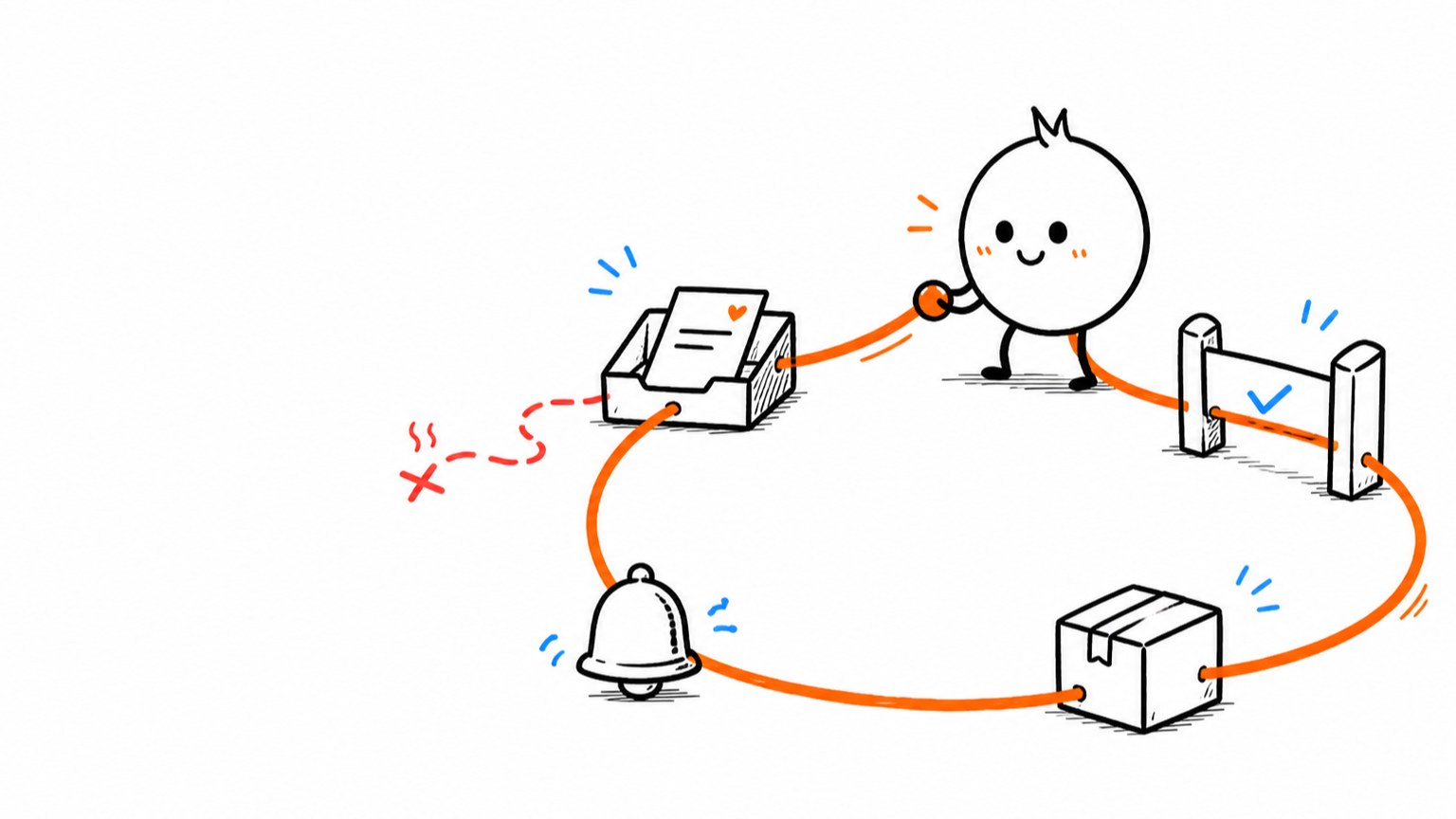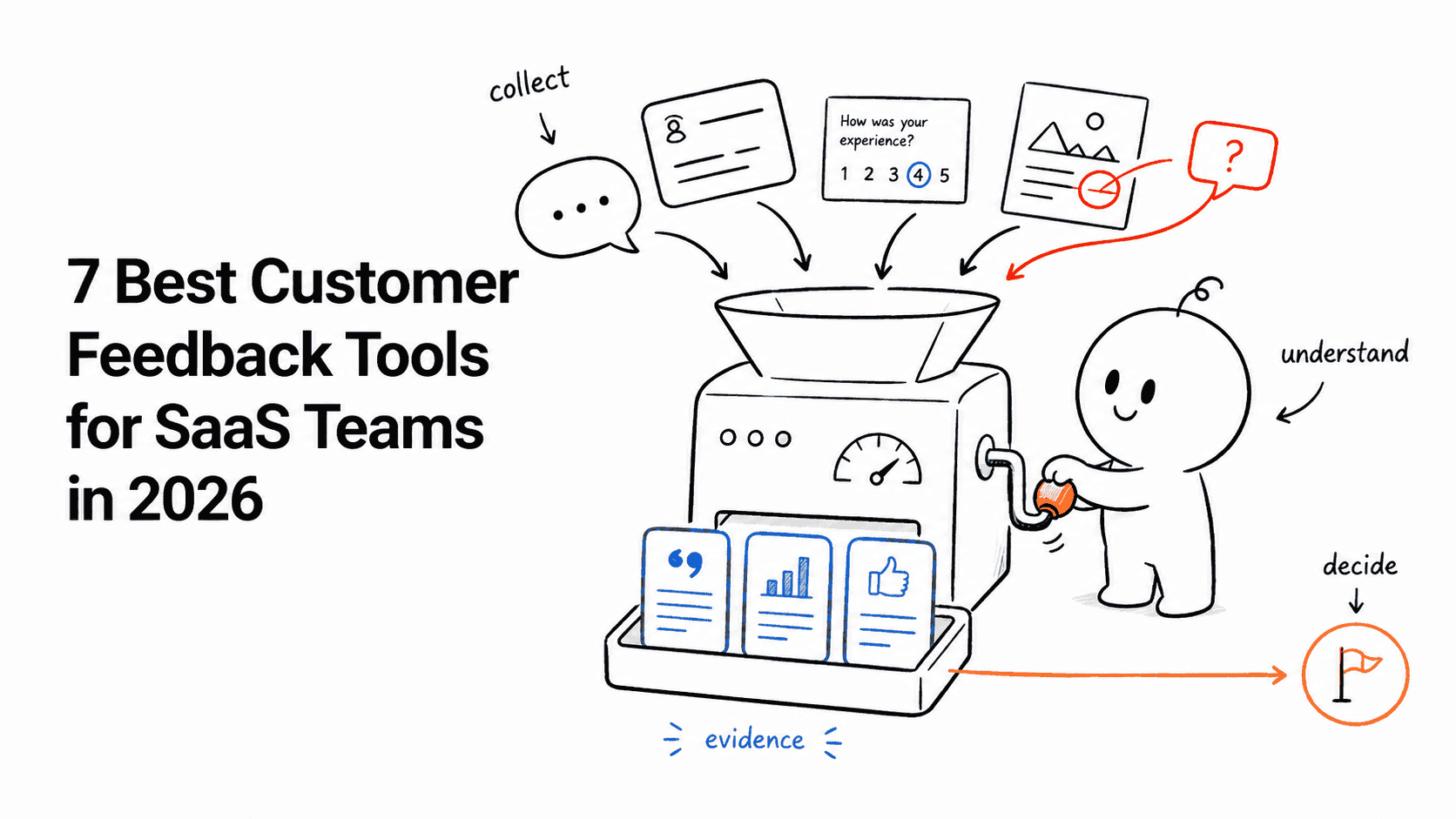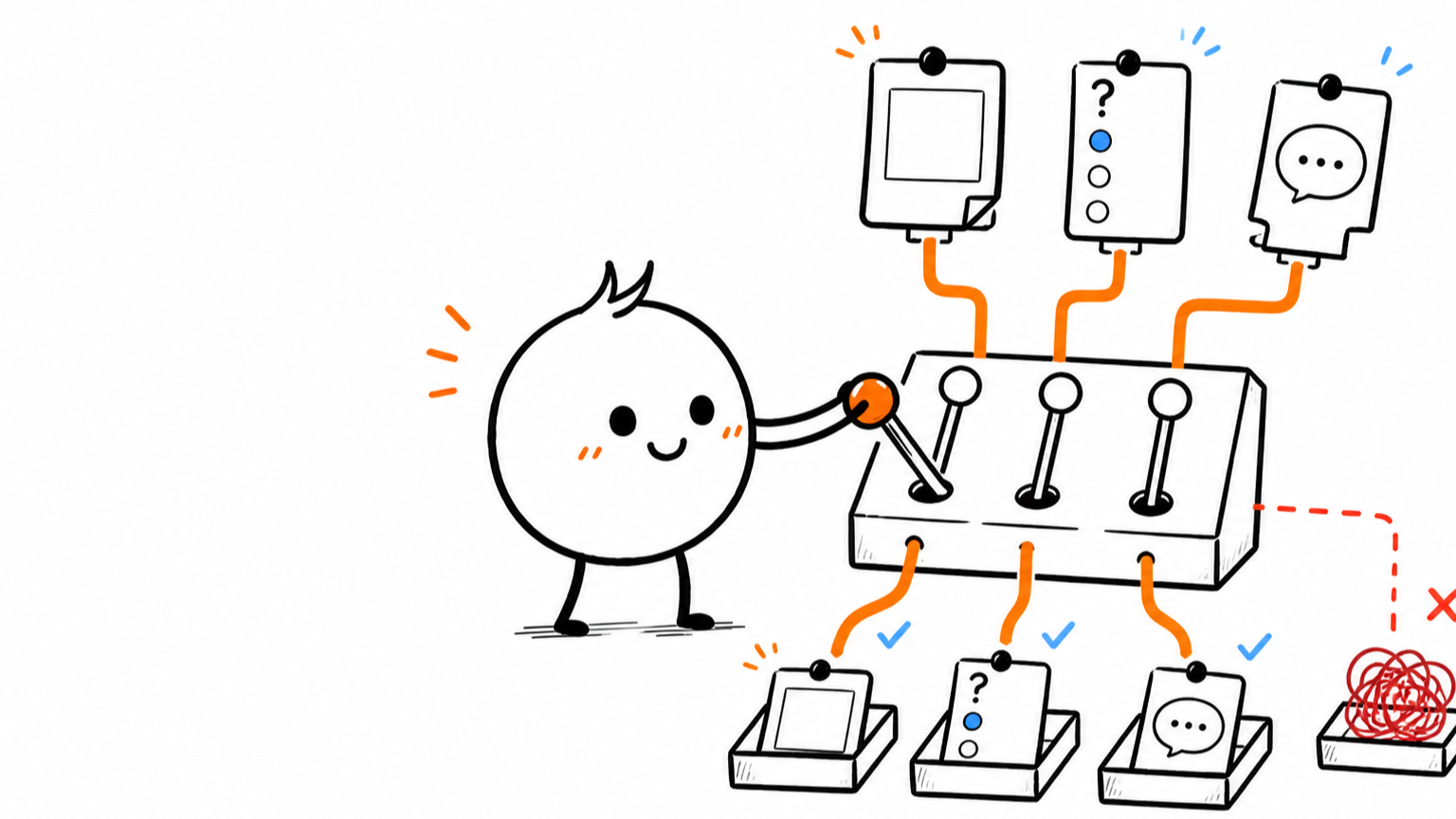








A feedback board, a survey, and a support ticket can all contain the sentence: “Export does not work for me.”
That does not make them interchangeable.
Use a feedback board for persistent, many-to-many product demand. Use a survey when the team has a defined question for a chosen audience and moment. Use a support ticket when one customer needs a private, owned resolution.
Connect the evidence across all three. Do not dump it into one generic “customer feedback” queue and call that a system.
The decision in 60 seconds
| Use | Feedback board | Survey | Support ticket |
|---|---|---|---|
| Primary job | Organize repeated product requests | Answer a defined research question | Resolve one customer issue |
| Initiator | Usually the customer or a teammate on their behalf | The company | The customer or support team |
| Audience | Ongoing community or invited group | Selected cohort | One customer or account |
| Visibility | Public, private board, or internal | Private responses | Private conversation |
| Urgency | Usually asynchronous | Planned research window | Often immediate or SLA-bound |
| Data shape | Open requests, votes, comments, statuses | Structured questions and responses | Conversation, diagnostics, ownership, resolution |
| Expected response | Acknowledgement and product decision | Analysis and a change in understanding | Direct answer, fix, or workaround |
| Best success measure | Decision and follow-up quality | Decision confidence and segment coverage | Resolution quality and customer effort |
The channel should follow the job.
If the customer needs help now, opening a vote is insulting. If the product team needs representative evidence, three urgent tickets are not a survey. If demand keeps recurring, hiding every request inside private support conversations makes the pattern harder to see.
When a feedback board is the right system
A feedback board is a standing place for customers and internal teams to record product problems, feature requests, and ideas over time.
Use one when:
- several customers may share the same problem;
- duplicate discovery matters;
- votes and comments can add useful demand or context;
- the team needs a visible status and decision history;
- customers should be able to follow progress;
- the request may move into roadmap and release communication.
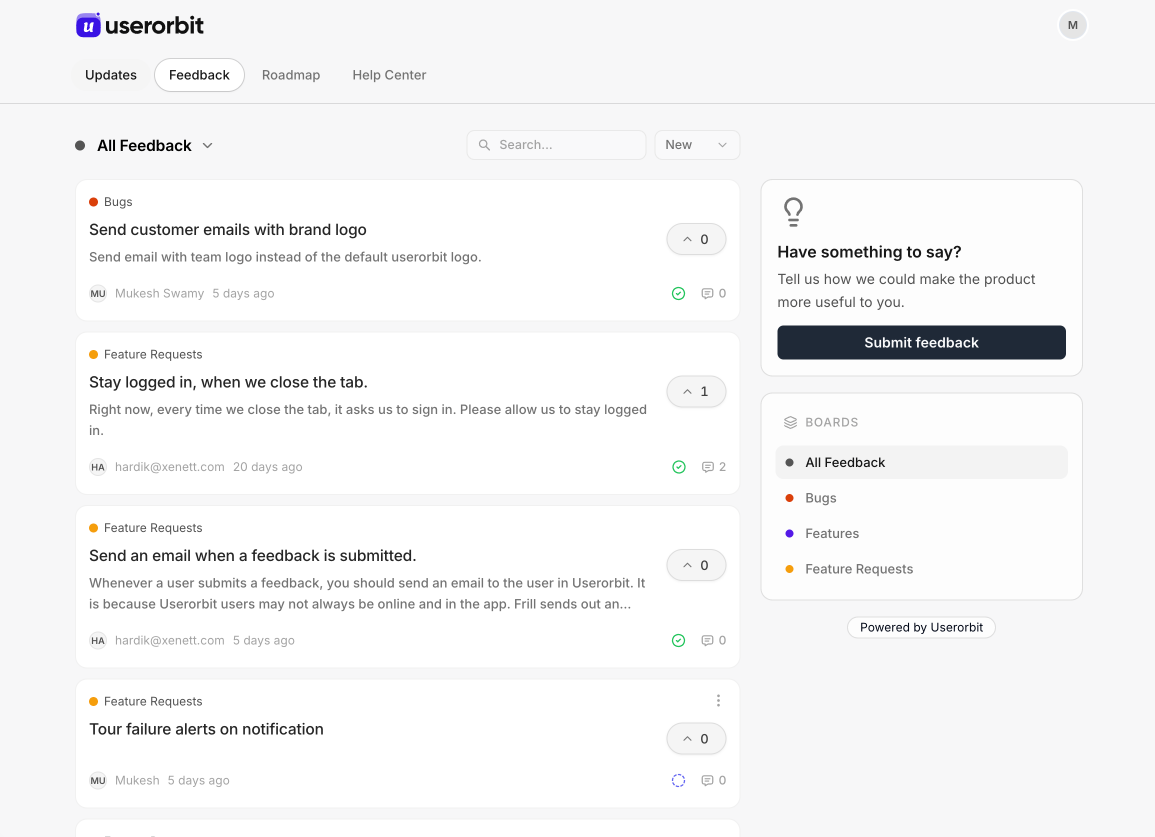
A feedback board makes repeated demand visible and gives customers a persistent place to follow the decision. See Userorbit Feedback Boards.
Boards work well for questions such as:
- “Can you support SAML SSO?”
- “We need scheduled exports.”
- “Please add a dark theme.”
- “Can admins set different workspace permissions?”
They work poorly for a customer who cannot log in, a billing dispute, a security incident, or a production failure. Those people need an owner and a resolution, not a popularity contest.
What a board should preserve
The visible request is only the top layer. Internally, keep the requesting customer, account, segment, source, business consequence, related conversations, and product area attached.
Votes show participation. They do not replace the evidence behind the vote.
When a survey is the right system
A survey is an instrument for asking a chosen audience a defined set of questions.
Use one when:
- the team knows what it needs to learn;
- audience selection affects the answer;
- response options need a consistent structure;
- timing or product context matters;
- the decision requires more than volunteered feedback;
- you need to compare answers across segments or cohorts.
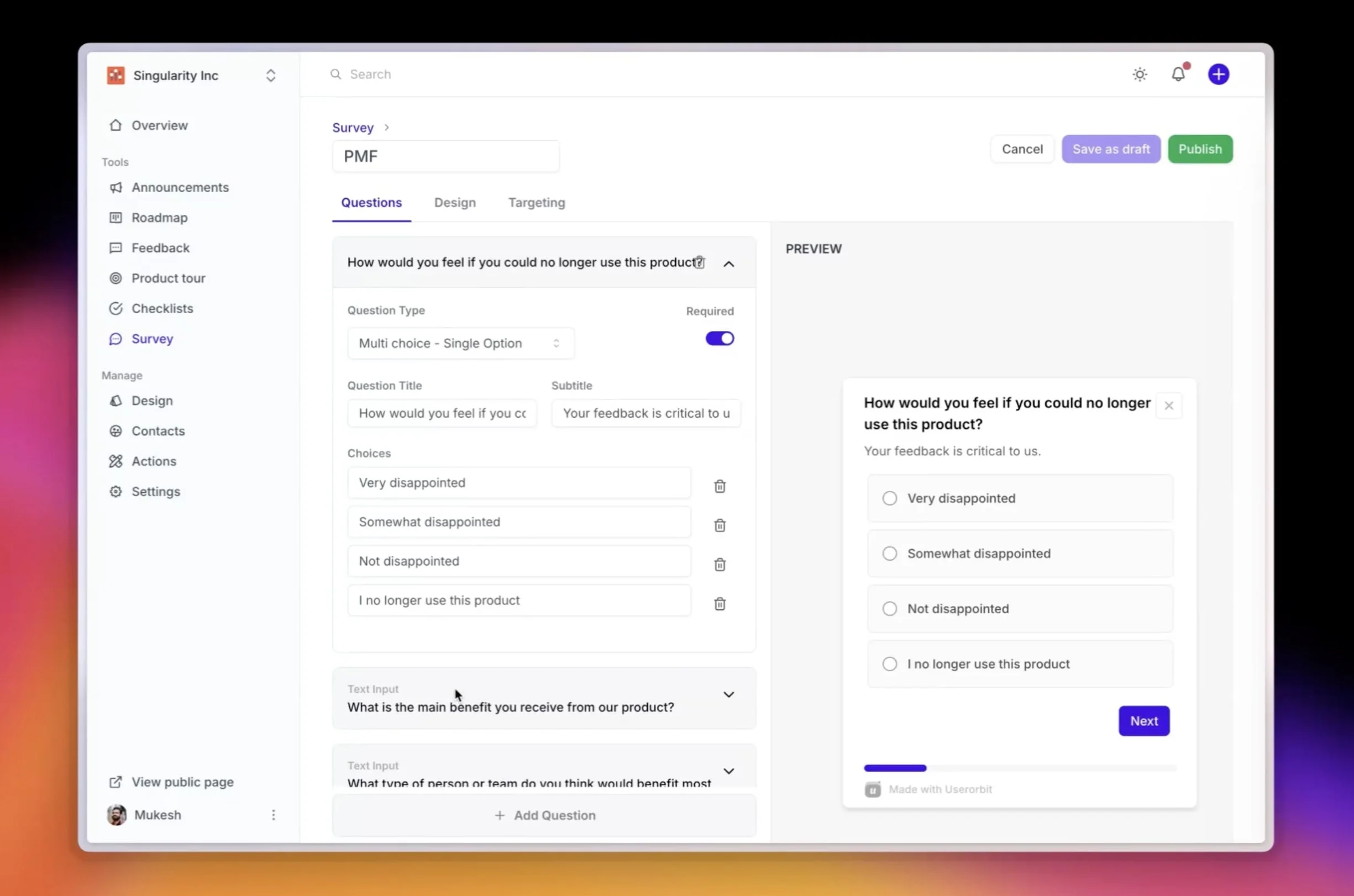
A survey is useful when the team can name the question, audience, trigger, and decision before publishing it. See Userorbit Surveys.
Good survey questions are specific enough to change a decision:
- “What stopped you from completing the data import?”
- “Which of these three reporting jobs do you repeat every week?”
- “How easy was it to resolve this issue?”
- “What would you use if this feature disappeared?”
“What features do you want?” is usually a feedback-board prompt wearing a survey costume.
What a survey should preserve
Keep the respondent, account, eligibility rule, trigger event, product state, question version, and exposure history. A response without its audience and moment is easy to misread.
A low score after onboarding means something different from the same score after a support escalation.
When a support ticket is the right system
A support ticket is a private case with an owner, conversation, status, and expected resolution.
Use one when:
- a customer is blocked or needs an answer;
- the issue contains account-specific or sensitive details;
- diagnosis requires a conversation;
- ownership, priority, or an SLA matters;
- the team must provide a workaround or confirm a fix;
- the customer expects a reply, not aggregate research.

Approved Userorbit product mock with synthetic customer data. Support cases need a private queue, clear ownership, and resolution state. See the Userorbit Support Suite.
Support is the right starting point for:
- “My export has been processing for 40 minutes.”
- “I was charged twice.”
- “Our SSO certificate stopped working.”
- “This user can see a workspace they should not access.”
The ticket may reveal a broader product problem. Resolve the individual case first, then link the repeated pattern to feedback or roadmap work.
The same signal can move between all three
Choosing the right starting system does not mean trapping the evidence there.
Consider a customer who writes: “CSV export is broken.”
1. Resolve the immediate case in support
The team checks the account, report size, permissions, browser state, job logs, and recent failures. It gives the customer a workaround and owns the reply.
2. Link repetition to one feedback problem
Support finds six similar cases. Product creates or links them to a feedback item about unreliable large-report exports. Each conversation remains attached, including the affected account and failure mode.
3. Use a survey only if a defined question remains
The team may know exports fail but not which workflow matters most. A targeted survey asks customers who exported in the last 30 days whether they need one-time downloads, scheduled email delivery, or a warehouse sync.
That survey does not replace the support evidence. It answers a narrower product question.
4. Make the product decision
The combined evidence shows that reliability and scheduled delivery matter more than a custom report builder. Product records that decision and links the work to the original cases.
5. Close each loop through the right channel
The blocked customer receives a support reply. Requesters receive a feedback status update. The research cohort receives no generic blast unless the result is relevant. A release announcement explains the new export behavior and links the setup steps.
One customer problem moved through three systems. It did not become three disconnected truths.
A routing model your team can use
Ask these questions in order.
Does someone need a resolution now?
If yes, start a support ticket. Do not delay a live customer problem while deciding whether it is roadmap-worthy.
Is this a persistent problem that several customers may share?
If yes, link or create a feedback item. Preserve every supporting conversation instead of copying one sentence into a board.
Does the team have a specific unanswered question?
If yes, design a survey or research task for the audience that can answer it. Do not ask the entire user base because segmentation feels inconvenient.
Is the evidence about behavior rather than stated preference?
Use product analytics or session evidence first, then choose a survey or conversation to explain why. A board cannot tell you how many eligible users silently abandoned a workflow.
Is the decision already made?
Stop collecting performative feedback. Communicate the decision, explain the reasoning at the right level, and measure the outcome.
The data that should travel between systems
You do not need one giant record for everything. You need a reliable shared identity and links between evidence.
Carry these fields where appropriate:
- customer and account identity;
- plan, lifecycle stage, and segment;
- source channel and timestamp;
- product area, route, and relevant event;
- problem statement;
- urgency and business consequence;
- owner and current status;
- links to the support case, feedback item, survey response, roadmap topic, and release;
- consent and visibility rules.
The last field matters. A private support conversation should not become a public feedback post without review.
Use different metrics for different jobs
Feedback board
Measure signal quality and follow-through:
- duplicate and merge quality;
- percentage of material requests with a decision;
- time from sufficient evidence to decision;
- affected users notified after a change;
- outcomes for the original requesting cohort.
Survey
Measure research quality:
- eligible audience coverage;
- exposure and completion;
- segment balance;
- question drop-off;
- whether the result changed a decision or triggered useful follow-up.
Support ticket
Measure resolution quality:
- first useful response;
- resolution time;
- customer effort;
- reopen rate;
- SLA performance;
- repeat volume for the same underlying issue.
Do not celebrate survey response volume when no decision changed. Do not celebrate a short ticket time if customers reopen the same issue. Do not celebrate board votes if nobody communicates what happened.
Common routing mistakes
Turning support into an intake form for product
Support exists to help the customer. Extract product evidence without making the customer wait for roadmap triage.
Using surveys to outsource prioritization
“Which feature should we build?” gives respondents a menu of your proposed solutions. It does not reveal the best tradeoff for the product.
Treating the feedback board as a public commitment list
A roadmap status should communicate direction, not create a contract the team cannot keep.
Flattening private and public evidence
A public request, a confidential renewal risk, and a security ticket may support the same problem. They should not share the same visibility.
Sending every signal to every team
More notifications do not create alignment. Clear owners and purposeful handoffs do.
Final decision checklist
Use a feedback board when the signal should remain open, accumulate evidence, and become visible product follow-up.
Use a survey when you can state the audience, question, trigger, and decision before asking.
Use a support ticket when one customer needs a private answer, diagnosis, workaround, or fix.
Then connect them:
- Resolve individual cases before abstracting the pattern.
- Keep the original evidence attached after merging.
- Promote repeated problems into feedback, not every ticket.
- Run a survey only for a defined evidence gap.
- Preserve visibility and consent boundaries.
- Link the product decision and release back to affected customers.
- Measure each channel by the job it exists to do.
The mistake is not choosing one tool over another.
It is expecting one customer signal to do three different jobs.
Frequently asked questions about feedback boards, surveys, and support tickets
Direct answers for choosing and connecting the right customer-signal workflow.