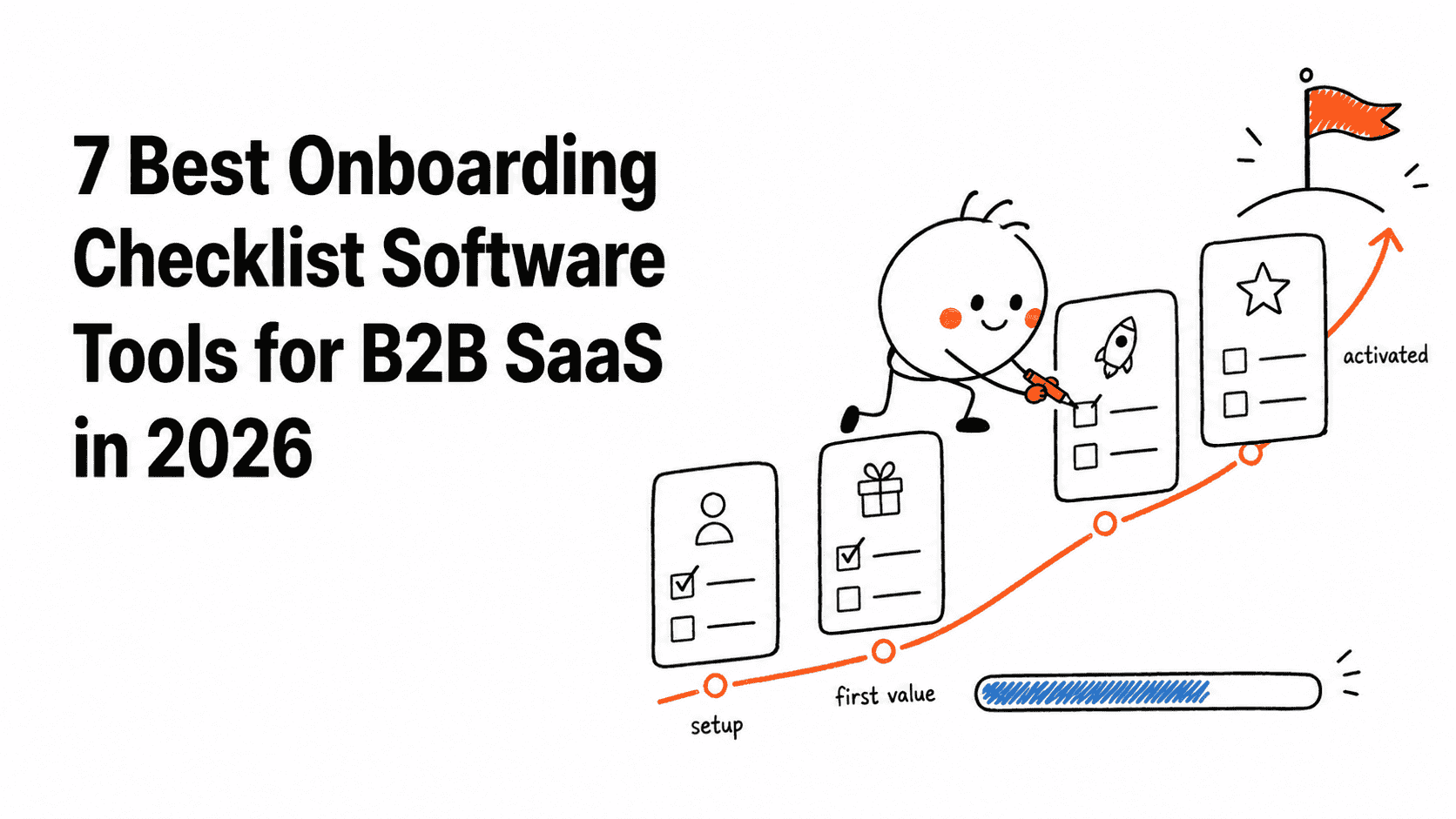








An onboarding checklist succeeds when it helps a new customer reach one meaningful outcome. It fails when it becomes a permanent list of chores that celebrates page visits instead of progress.
That distinction matters more than the visual builder. The best tools can complete tasks from real product events, show different paths to different roles, preserve progress across sessions, and reveal whether finishing the checklist changes activation. Userflow is the strongest focused checklist builder in this comparison. Userorbit is a better fit when the checklist needs to connect with surveys, announcements, feedback, and the rest of the customer journey.
The best onboarding checklist tools at a glance
| Tool | Best for | Starting point | Watch for |
|---|---|---|---|
| Userflow | Web SaaS teams wanting a focused onboarding builder | $400/month billed annually for 1,000 MAUs | Adjacent product workflows need other tools |
| Userorbit | Lean B2B teams connecting onboarding with the wider product journey | $95/month billed annually for 5,000 MAUs | Less marketplace depth than older DAPs |
| Userpilot | Growth teams analyzing checklist impact in product analytics | $299/month for 2,000 MAUs | Advanced analytics begin on a much higher tier |
| Appcues | Lifecycle programs spanning several engagement formats | Custom quote | Dollar pricing is not public |
| UserGuiding | Smaller web SaaS teams balancing breadth and price | $174/month billed annually for 2,000 MAUs | Starter limits active checklists; no native mobile apps |
| Product Fruits | Budget-conscious teams wanting onboarding plus self-service | $96/month billed annually for 1,500 MAUs | Starter includes two onboarding checklists |
| Chameleon | Design-sensitive teams building customized experiences | $279/month for 2,000 MTUs | The more capable Pro plan starts much higher |
How we made the shortlist
We compared products that can keep a checklist available inside a SaaS application and update it using customer behavior. Generic task managers and employee-training checklists were excluded because they do not target or measure product usage in the same way.
The most important tests were completion logic, behavioral and account targeting, the actions a checklist item can launch, progress analytics, implementation effort, and the cost of running several onboarding paths at production scale.
Userorbit publishes this article, so our access to Userorbit is deeper than our access to competing products. Competitor capabilities and prices were checked against current official documentation and pricing pages. We have called out where a specialist has a clearer advantage instead of treating platform breadth as proof that one product is best for everyone.
A checklist is a map, not the onboarding journey
A product tour explains a particular interface or workflow in sequence. A checklist keeps several outcomes visible across pages and sessions, allowing the customer to decide what to do next. A useful program often combines the two: the checklist provides the route and a short tour helps with one unfamiliar step.
Before evaluating software, name the activation event you want the checklist to influence. “Visit settings” is weak. “Invite a teammate and complete the first shared workflow” is closer to customer value.
Then test four details in a trial:
- Can an item complete from a real event or account change, not just a clicked link?
- Can administrators, contributors, and end users receive different paths?
- Does progress survive sessions, devices, and identity changes?
- Can you compare activation and retention after exposure, rather than reporting completion alone?
B2B onboarding is often account-level work performed by several people. If a platform only understands individual clicks, a polished checklist can still measure the wrong journey.
1. Userflow: best focused checklist builder for web SaaS
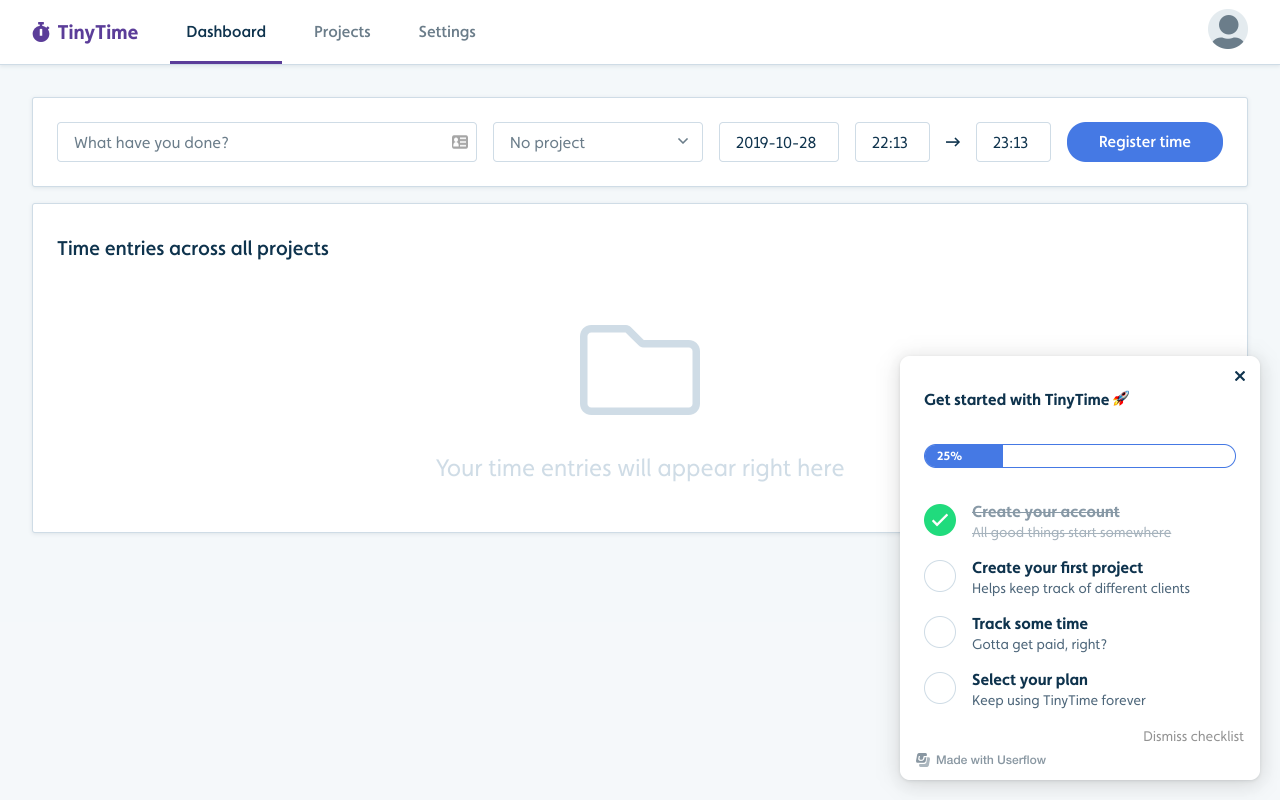
Image source: Userflow checklist documentation.
What this does
Userflow's checklist builder creates embedded or resource-center task lists that can start a flow, open a page, change an attribute, dismiss the checklist, or run custom JavaScript. Auto-start conditions and event-based progress let the experience continue beyond the first session. Adoption Studio starts at $400 per month billed annually for 1,000 MAUs.
Strengths
- Focused checklist and flow builder with a clear mental model
- Flexible actions and completion conditions
- Persistent, self-serve onboarding across pages and sessions
- Encourages short checklists organized around meaningful “aha” moments
Best for
Web SaaS teams that want a specialist checklist and flow builder without adopting a broader product-management platform.
Not best for
Teams trying to consolidate feedback, roadmaps, surveys, and release communication will still need other products around Userflow.
2. Userorbit: best for connected B2B SaaS onboarding
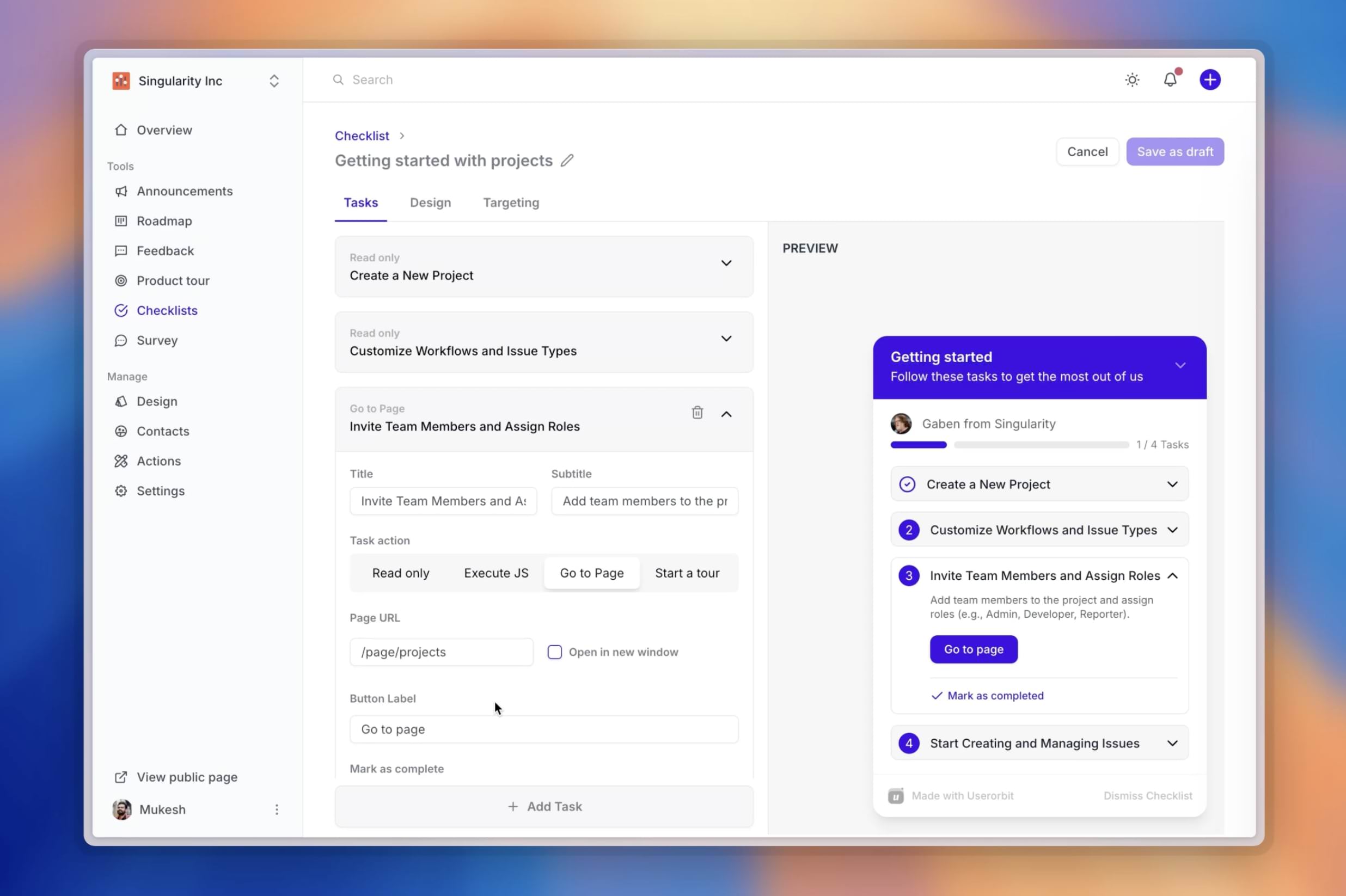
Image source: Userorbit Onboard.
What this does
Userorbit's onboarding workspace connects checklists with targeted guidance, surveys, feedback, announcements, roadmap communication, and adoption analytics. Growth costs $95 per month billed annually for 5,000 MAUs and includes unlimited checklists, product tours, announcements, integrations, and unlimited team members.
Strengths
- Keeps checklist progress connected to later product and customer workflows
- Includes unlimited checklists rather than charging by published experience
- Combines onboarding, surveys, feedback, announcements, and analytics
- Fits lean teams where product, growth, and customer success share activation work
Best for
B2B SaaS teams that want onboarding to continue into adoption, feedback, and customer communication without adding several point tools.
Not best for
Large employee-training programs spanning many third-party desktop applications, or buyers that require the marketplace depth of a long-established enterprise DAP.
3. Userpilot: best for analytics-led activation programs
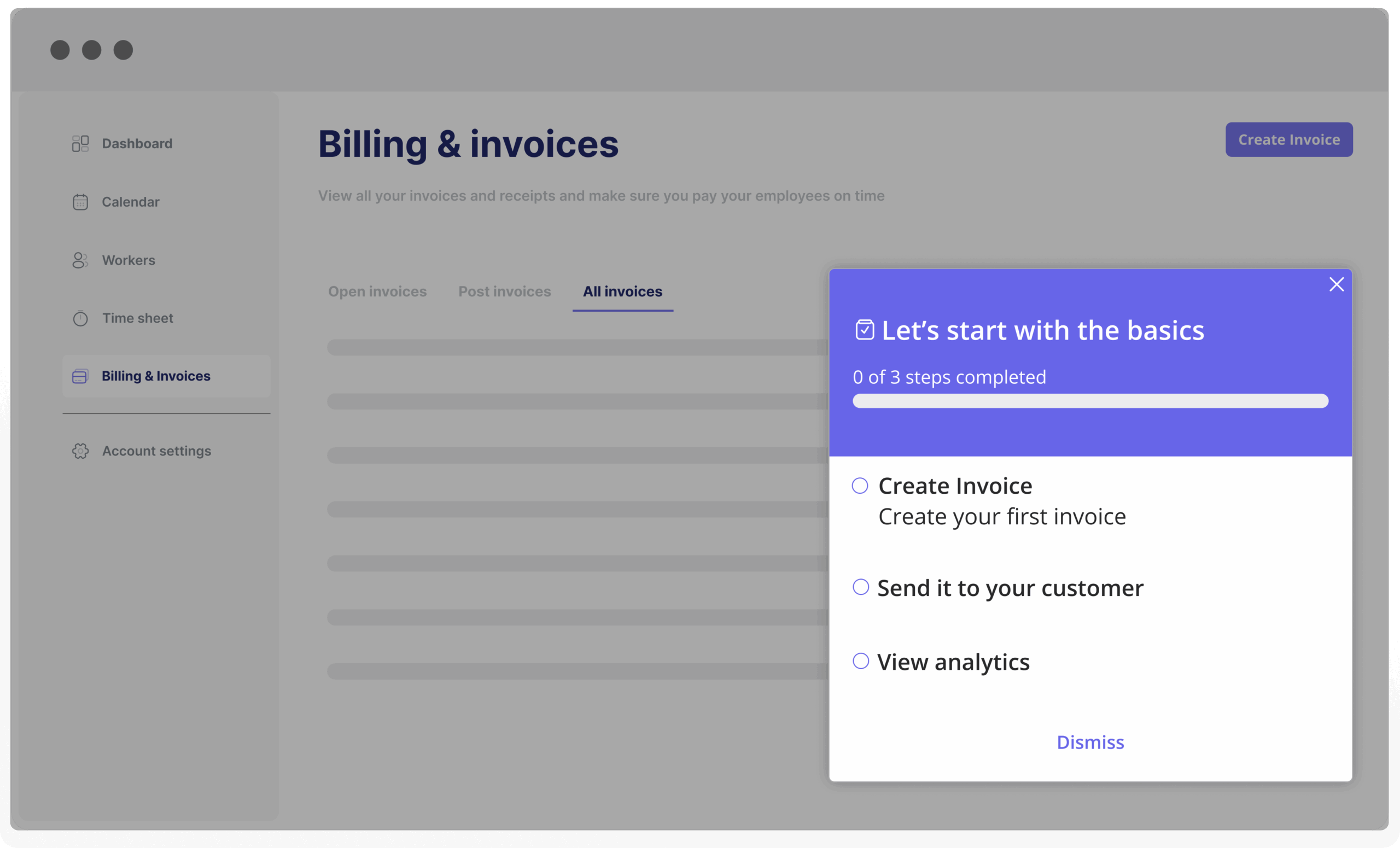
Image source: Userpilot onboarding checklists.
What this does
Userpilot's onboarding checklists connect no-code tasks with funnels, paths, trends, retention, and other product analytics. Checklists can respond to events, behavior, targeting rules, and localized content. Starter costs $299 per month for up to 2,000 MAUs; Growth starts at $849 per month and adds the deeper analytics that make the platform distinctive.
Strengths
- Strong connection between onboarding experiences and product analytics
- Behavioral triggers and targeting for contextual task lists
- Localization for multi-market onboarding programs
- Useful for measuring activation and downstream feature adoption
Best for
Growth teams that need to understand not only whether users finished a checklist, but how exposure changed activation, later feature use, and retention.
Not best for
Teams that only need a reliable checklist: the analytics-led value proposition is difficult to justify without the substantially more expensive Growth tier.
4. Appcues: best for a broader lifecycle program
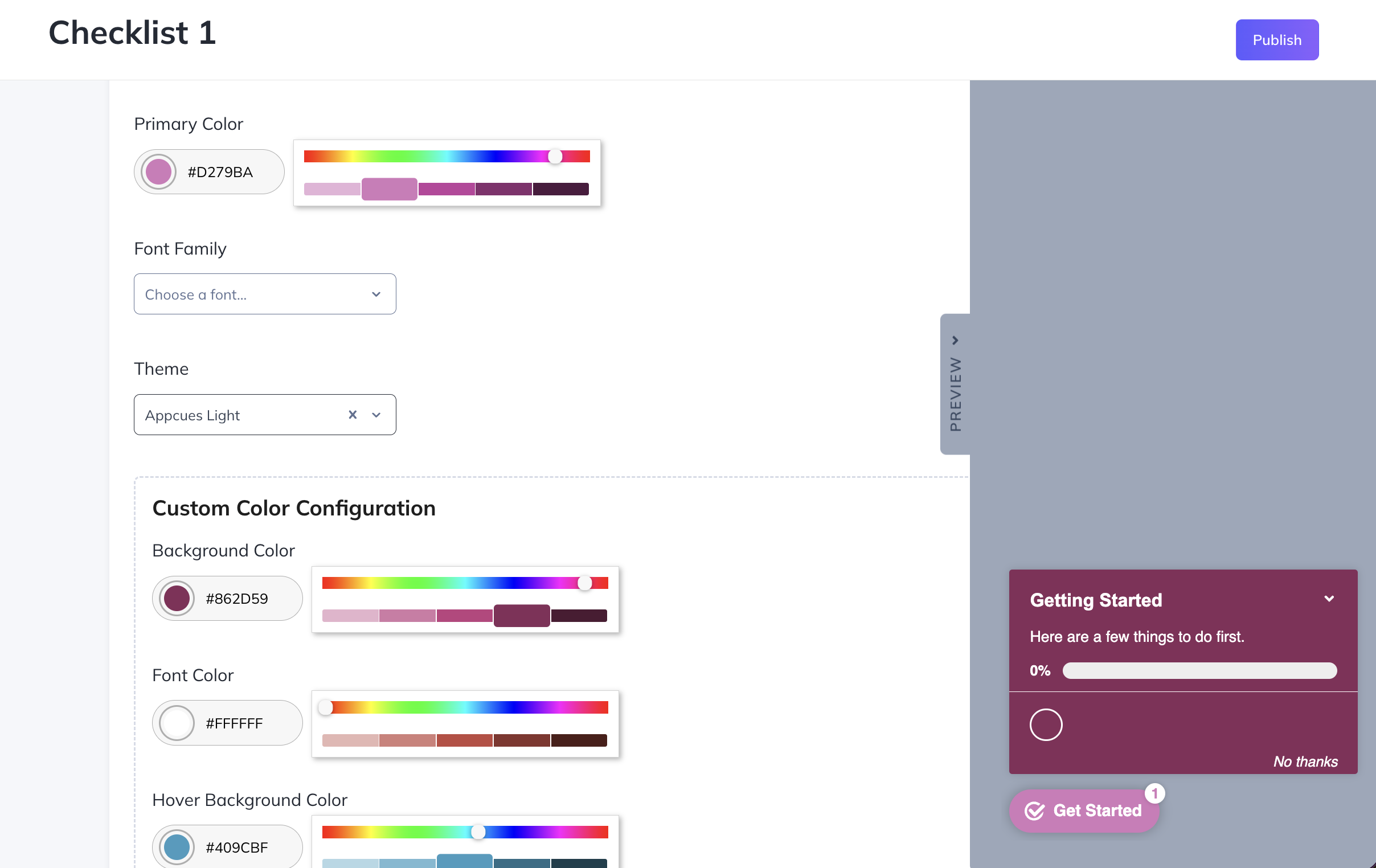
Image source: Appcues checklist creation documentation.
What this does
Appcues Checklists sit alongside flows, tooltips, banners, surveys, and cross-channel lifecycle communication. Items can launch flows or pages, while events and property changes update progress. The pricing page says cost scales with MAUs, installations, and published experiences but does not publish a dollar amount.
Strengths
- Mature collection of in-app experience patterns
- Behavioral targeting and a broad integration ecosystem
- Persistent checklist access across pages
- Supports onboarding, feature discovery, and later lifecycle education
Best for
Product and lifecycle teams that want checklists to operate as one part of an established cross-channel customer-engagement program.
Not best for
Small teams buying only a checklist may pay for more platform surface than they use, and the quote-based pricing is harder to model early.
5. UserGuiding: best value for smaller web SaaS teams
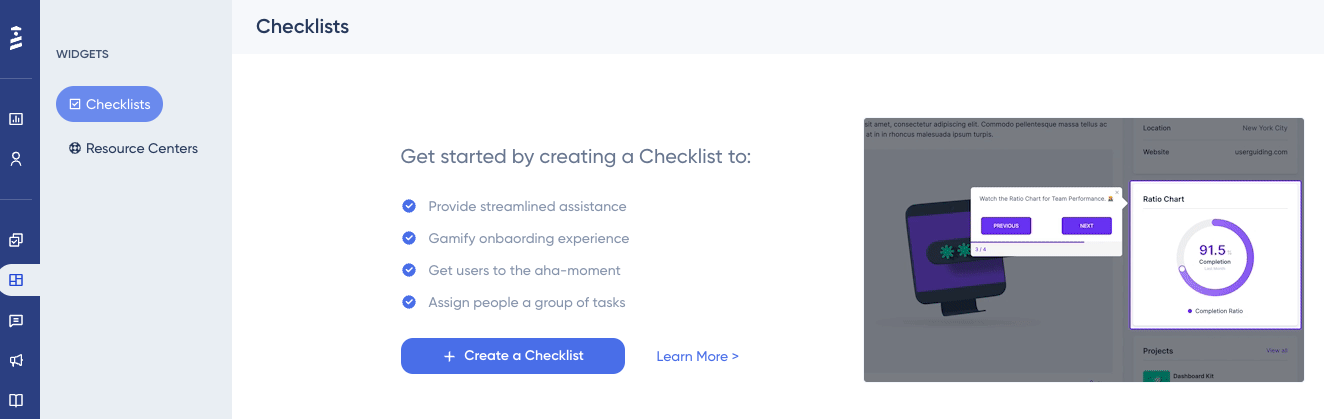
Image source: UserGuiding checklist creation documentation.
What this does
UserGuiding's onboarding checklists combine guides, URLs, custom-event completion, user-property rules, surveys, banners, resource centers, and segmentation. Starter costs $174 per month billed annually for 2,000 MAUs and includes two active checklists.
Strengths
- Lower public entry price than several mid-market alternatives
- Useful event-, guide-, URL-, and property-based completion options
- Broad web-onboarding toolkit beyond checklists
- Straightforward no-code workflow for smaller teams
Best for
Smaller, web-first SaaS teams that value price and toolkit breadth more than advanced product analytics.
Not best for
Programs that need several simultaneous role-based checklists may exceed the Starter limit, and UserGuiding does not support native mobile apps.
6. Product Fruits: best affordable onboarding and self-service bundle
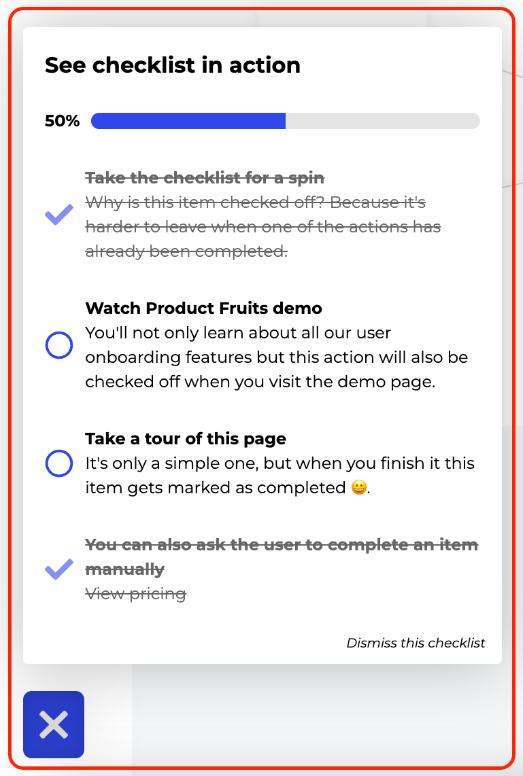
Image source: Product Fruits checklist documentation.
What this does
Product Fruits combines checklists with tours, hints, banners, a newsfeed, a help center, and feedback tools. Items can open tours or links, use API-driven actions, show progress, and collect completion feedback. Starter costs $96 per month billed annually for 1,500 MAUs.
Strengths
- Accessible public entry price and calculator
- Broad basic toolkit for onboarding and self-service
- Supports linked tours, URLs, APIs, progress, and completion feedback
- Fast fit for smaller teams replacing several simple widgets
Best for
Budget-conscious SaaS teams that value speed and broad basic coverage more than the deepest analytics or enterprise controls.
Not best for
Starter includes only two onboarding checklists, and teams with demanding experimentation, analytics, or governance needs may outgrow the lower tiers.
7. Chameleon: best for customized, design-sensitive experiences
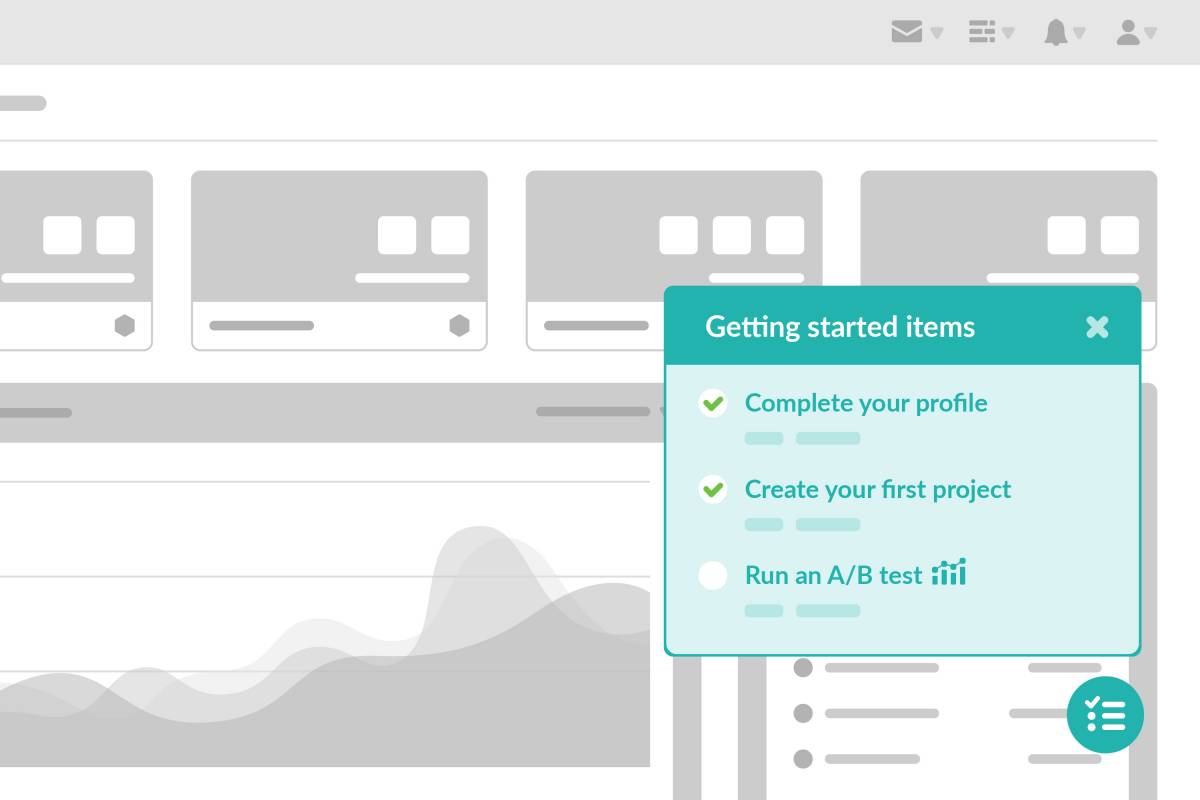
Image source: Chameleon Launchers.
What this does
Chameleon Launchers create self-serve menus and checklist-style onboarding that can combine tours, links, release content, and other resources. Startup begins at $279 per month for 2,000 MTUs; Pro begins at $750 per month for 5,000 MTUs and adds the more advanced experimentation capabilities.
Strengths
- Strong design, styling, and targeting controls
- Flexible launcher model for tours, links, and release content
- Experimentation for teams testing onboarding experiences
- Good fit when in-product guidance must feel native to the brand
Best for
Design-sensitive product teams with the budget and operating capacity to use Chameleon's customization and experimentation controls.
Not best for
Teams seeking the simplest dedicated checklist workflow or a low-cost program; meaningful expansion beyond Startup becomes materially more expensive.
How to choose without overbuying
Start with the shape of the onboarding program rather than the number of features on a pricing page:
- A focused web checklist and flow builder: start with Userflow.
- Onboarding connected with feedback, surveys, announcements, and adoption: compare Userorbit with Userflow.
- Product analytics is the source of truth for activation: shortlist Userpilot.
- Onboarding belongs to a cross-channel lifecycle program: evaluate Appcues.
- A smaller web team needs a broad toolkit at a lower entry price: compare UserGuiding and Product Fruits.
- Brand control and experimentation are central requirements: look at Chameleon.
During the trial, build one real path with three to five activation outcomes. Include an event completed by another account member, leave and return to the product, change an eligibility property, and verify the analytics. Those tests expose more than recreating a vendor's sample checklist.
Sources and update notes
This comparison focuses on onboarding checklists delivered inside B2B SaaS products. Capabilities and pricing were checked against official vendor product, documentation, and pricing pages on August 19, 2026. We did not run an identical instrumented onboarding experiment across all seven products, so the recommendations describe operating fit rather than a controlled performance benchmark.
Frequently asked questions about onboarding checklist software
Practical answers for SaaS teams choosing checklist builders and activation workflows.