









Navattic is a strong option for product marketing and go-to-market teams that need a dedicated interactive demo program. The best alternative depends on what you need the demo to do after the viewer clicks: qualify a lead, help sales, explain a workflow, support onboarding, answer a customer question, or connect to product adoption.
The short list is:
- Userorbit for interactive demos connected to onboarding, support, announcements, feedback, roadmap, and adoption.
- Storylane for a dedicated demo program with screenshot, video, and higher-tier HTML workflows.
- Supademo for lightweight guided demos, documentation, sharing, and a broader multi-format entry point.
- Arcade for interactive demos and AI-assisted video from one capture workflow.
- Reprise for enterprise product marketing, presales, live demos, and controlled demo environments.
- Walnut for revenue teams that need personalized demos, playlists, and sales-oriented analytics.
This guide was reviewed on October 19, 2026 using the vendors' public product and pricing pages where available. Paid tiers, limits, integrations, and capture models change, so verify the current plan before buying.
Navattic alternatives at a glance
| Alternative | Best for | Pricing signal | Main reason to shortlist | Main tradeoff |
|---|---|---|---|---|
| Userorbit | SaaS teams connecting demos to the full lifecycle | Growth and Scale publish prices; demos listed on Scale and Enterprise | One workflow across demos, onboarding, support, launches, feedback, roadmap, and adoption | Interactive demos are a higher-tier capability |
| Storylane | GTM teams comparing screenshot, video, and HTML demo workflows | Free entry plan; paid plans publish monthly references | Broad demo authoring, lead capture, analytics, and HTML on higher tiers | Pricing and HTML capability vary substantially by plan |
| Supademo | Documentation, sharing, and multi-format demos | Free entry; paid creator tiers publish prices | Guided demos, video, links, embeds, collections, and progressive plan depth | Advanced HTML and sandbox capabilities are higher-tier considerations |
| Arcade | Teams making interactive demos and video together | Free entry; Growth publishes a seat price; Enterprise custom | Interactive demos, video export, CTAs/forms, and AI-assisted creation | Dedicated enterprise and HTML requirements need plan validation |
| Reprise | Enterprise product marketing and presales | Custom pricing | Guided demos, live-app demos, clone environments, and reusable sales experiences | Sales-led process and governance overhead |
| Walnut | Revenue teams building personalized sales experiences | Sales-led; verify current quote | Personalization, playlists, analytics, CRM-oriented demo workflows | Higher operating complexity and quote-based buying |
If the query is specifically Navattic pricing, use the Navattic pricing guide. If the query is Userorbit vs Navattic, use the direct comparison page. This page is for replacement evaluation, not a second pricing URL.
1. Userorbit: best for demo-to-adoption continuity
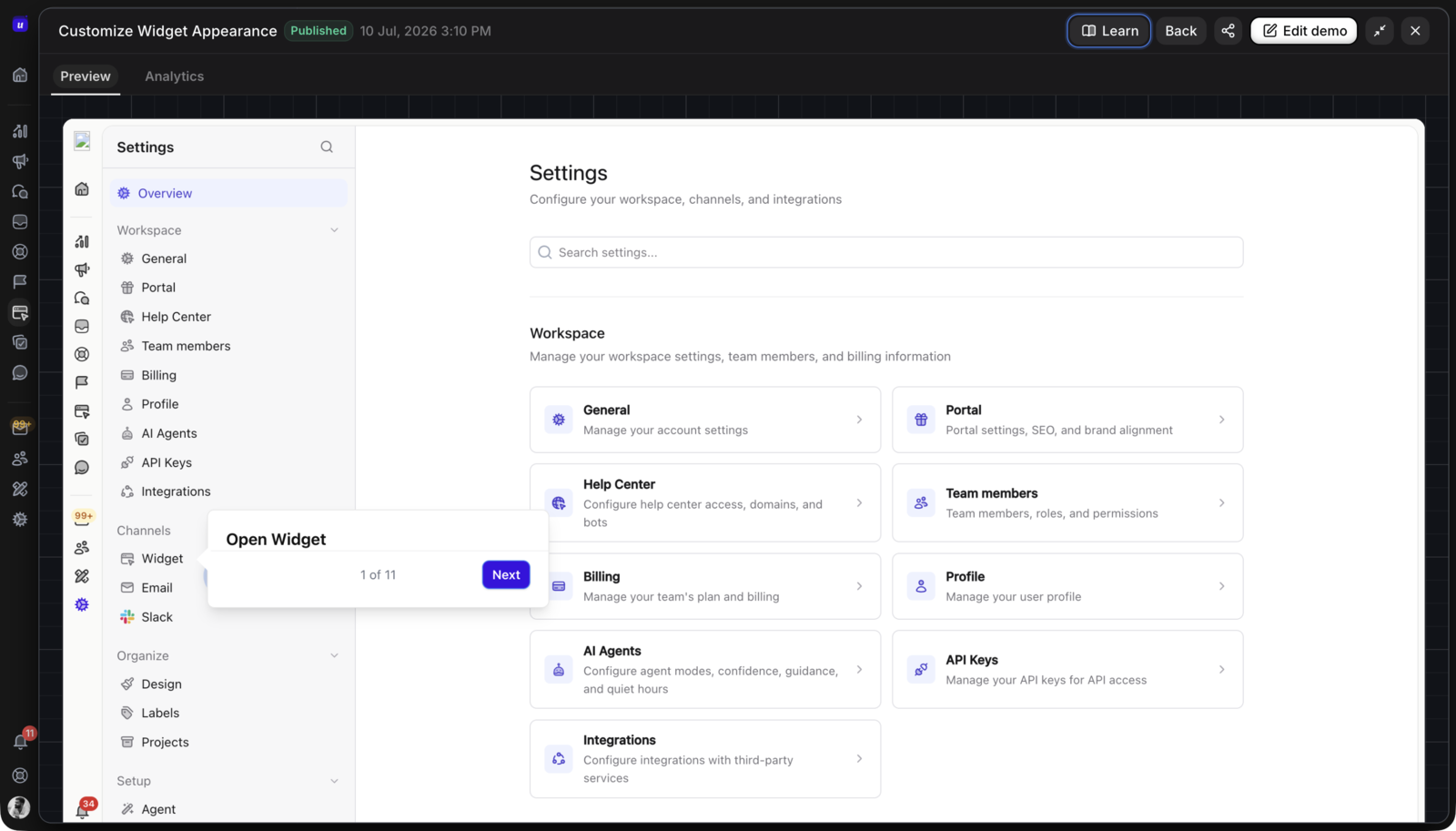
Userorbit is the best Navattic alternative when the demo is one step in a broader SaaS lifecycle. The Interactive Demos product page describes Chrome-extension capture, editable demo screens, hotspots and guided steps, forms and lead capture, collections, share links, embeds, and reporting. The same platform also includes product tours, checklists, announcements, feedback, roadmap, help content, and adoption analytics.
That distinction matters for a product marketer or customer-success team. A captured workflow can explain the product before signup, then a live tour or checklist can guide the real action after signup. Support can place the demo next to written steps, and an announcement can point existing users to the same maintained explanation.
The Userorbit pricing page currently lists Growth at $95/month billed annually and Scale at $249/month billed annually, with monthly prices shown separately and Enterprise as custom. Interactive product demos are listed on Scale and Enterprise. Scale also includes demo videos, Support Suite, and knowledge-base capabilities.
Choose Userorbit when
- one team owns marketing, onboarding, product education, and adoption
- the demo needs to link to a live product tour or checklist
- customer success or support will reuse the workflow after the sales moment
- you want published plan references rather than a fully quote-based shortlist
- the buyer is evaluating the whole product adoption motion, not only the demo player
Look elsewhere when
You only need a dedicated GTM demo system with a specific account-identification, sandbox, offline, or sales-engagement requirement and do not need product adoption workflows. In that case, compare Storylane, Reprise, Walnut, or the higher tiers of Navattic directly.
2. Storylane: best for a dedicated demo authoring program
Storylane is a direct alternative for teams that want interactive demos, lead capture, analytics, and multiple capture formats. Its public plans page currently shows a free plan with one seat, one published demo, unlimited views, screenshot/video support, lead capture, and basic analytics. Starter adds unlimited published demos, account reveal, comments, alerts, HubSpot/Zapier, and branding. Growth adds HTML demo creation and editing, personalization, A/B testing, offline demos, and deal intelligence.
Storylane is a useful shortlist when the buyer wants a dedicated GTM program with a visible upgrade path from a small demo to HTML and sales workflows. Compare the exact plan before assuming that the entry plan includes the capture model or integrations your website and sales team need.
For the parallel Storylane decision, use the Storylane pricing guide for plan limits and the best Storylane alternatives guide for replacement criteria. Keeping these vendor pages separate lets this article stay focused on Navattic replacement intent.
3. Supademo: best for documentation and multi-format sharing
Supademo is a practical Navattic alternative when the team needs guided demos that can travel through documentation, links, embeds, video, or PDF. Its pricing page currently shows a free tier with one creator, five guided interactive demos, 50 video recordings, unlimited views, AI text personalization, and link/embed/video/PDF distribution.
Paid tiers add capabilities such as branching, variables, analytics, collections, MCP, guided HTML demos, sandbox demos, and larger creator limits. Supademo is strongest when the demo is also a documentation or enablement asset. Validate the HTML and sandbox requirements if the buyer is comparing it with a dedicated HTML-heavy platform.
4. Arcade: best for interactive demos plus video
Arcade is a good fit when a team wants interactive demos and short video outputs from one capture workflow. The Arcade interactive demo pricing page currently shows a free plan with one published demo, one user, and unlimited views. Growth adds branching, CTAs and forms, MP4/GIF export, integrations, a team workspace, and up to 10 users. AI-generated video is sold as a separate Arcade subscription. Enterprise adds custom capabilities such as HTML capture, demo collections, offline demos, SSO, and custom domains.
Choose Arcade when video is a first-class distribution channel. Ask whether the plan you are considering supports the interactive capture, editing, governance, and analytics required by the campaign—not only the rendered video.
5. Reprise: best for governed enterprise demo environments
Reprise is positioned for product marketers, presales, and solution engineers who need guided demos, live-app demos, and controlled demo environments. Its product marketing overview describes no-code guided demos, embed or live-call use, find-and-replace editing, analytics, and user-activity insights. Reprise does not publish a simple self-serve price on the page reviewed for this guide.
Reprise belongs on an enterprise shortlist when governance, reusable environments, and sales enablement matter more than a quick self-serve launch. Budget for the sales process, implementation, ownership, and maintenance model as well as the subscription.
6. Walnut: best for personalized revenue experiences
Walnut is a relevant alternative for revenue teams building personalized demo experiences, playlists, and sales-oriented workflows. It can be a better fit than a general-purpose demo tool when the core success measure is opportunity progression and the demo program has dedicated revenue ownership.
Use the current Walnut pricing page for a quote rather than copying an old public number into a buying worksheet. Check the capture model, CRM and sales integrations, sandbox or deal-room requirements, viewer analytics, and the number of people who need to maintain the library.
Compare the alternatives by capture model
“Interactive demo” describes several different products. Separate these models before comparing plans:
| Capture model | What the viewer gets | Best fit |
|---|---|---|
| Screenshot or media demo | A guided, clickable explanation built from images or video | Fast validation, documentation, sales follow-up, and lightweight education |
| Editable HTML demo | A more realistic captured interface with editable text, images, and behavior | Product marketing pages, launch campaigns, and higher-fidelity evaluation |
| Sandbox or clone | A controlled environment with more realistic data and paths | Sales engineering, enterprise evaluation, and complex workflows |
| Live-app demo | A guided experience in the real product or a controlled workspace | Facilitated calls and workflows where live behavior matters |
| Demo plus product adoption | A pre-signup demo connected to in-app tours, help, and adoption signals | SaaS teams that own the full customer lifecycle |
Navattic, Storylane, Reprise, and Walnut can all be considered for dedicated GTM programs, but their exact capture and operating features vary by plan. Supademo and Arcade are compelling when sharing and video are important. Userorbit is the better comparison when the demo must continue into the product adoption workflow.
How to choose a Navattic alternative
Choose by the next action
Start with the action you want after the demo:
- Book or qualify a meeting: prioritize forms, lead routing, account signals, and sales alerts.
- Start a trial: prioritize a clear CTA, product context, and a handoff into onboarding.
- Learn a workflow: prioritize guided steps, written prerequisites, and reusable embeds.
- Adopt a feature: prioritize a live product tour, checklist, targeting, and product analytics.
- Resolve a support question: prioritize a maintained demo beside help content and a route to the real action.
The alternative that wins on the first click can still lose on the second step. A demo library that sales cannot update, support cannot reuse, or product cannot connect to activation becomes another isolated content system.
Use a practical evaluation workflow
- Choose one high-value workflow and document its prerequisites, roles, plan access, and expected result.
- Build the same path in two shortlisted tools so the comparison includes authoring time and maintenance, not only the final player.
- Test the published link, embed, mobile view, CTA, form, analytics, and handoff to the next workflow.
- Ask who can edit, approve, publish, and review the demo after the next product release.
- Compare the annual cost of seats, integrations, domains, usage, support, and implementation.
- Check whether the demo can be reused in a launch, help article, onboarding flow, and sales follow-up without creating four copies.
Frequently asked questions
Navattic alternatives FAQs
Direct answers for SaaS teams choosing a dedicated demo tool or a broader adoption workflow.
Sources and update note
This guide was reviewed on October 19, 2026 using the official Navattic pricing, Storylane plans, Supademo pricing, Arcade pricing, Reprise product marketing overview, Walnut pricing, and Userorbit pricing pages. Verify current pricing, limits, integrations, capture types, privacy requirements, and support terms before choosing a platform.
See the Userorbit interactive demo workflow
Capture a workflow once, then reuse it across evaluation, onboarding, support, launches, and adoption.