







The right Beamer alternative depends on what you want to change: the cost of your current setup, the announcement experience, or the way releases connect to feedback and onboarding. Define that requirement before replacing a working changelog.
AnnounceKit is the closest fit for a focused changelog and in-app announcement replacement. Canny or Frill suit teams that put feedback and roadmaps first, while LaunchNotes is designed for more structured release communication.
Beamer remains a capable choice for publishing a standalone or in-app changelog, boosting important announcements, and collecting reactions. The reason to switch is usually broader than the feed itself: your team needs a better feedback loop, stronger in-app guidance, or fewer disconnected tools around every launch.
This guide compares ten Beamer alternatives by use case, changelog support, in-app delivery, feedback workflow, and pricing. We publish Userorbit; evaluate it when your team needs announcements alongside onboarding and feedback, and compare a focused replacement when the feed is your only requirement.
Competitor research was checked July 25, 2026, and Userorbit pricing was updated August 11, 2026. Published prices below are in USD and should be confirmed before purchase.
Best Beamer alternatives at a glance
| Tool | Best for | Changelog | In-app announcements | Feedback and roadmap | Adoption workflows |
|---|---|---|---|---|---|
| Userorbit | Product-led SaaS teams consolidating communication and adoption | Strong | Strong | Strong | Strong |
| AnnounceKit | A focused Beamer-style replacement | Strong | Strong | Limited | Limited |
| Canny | Feedback-led product teams | Strong | Moderate | Strong | Limited |
| Frill | Startups wanting feedback, roadmap, and announcements together | Strong | Moderate | Strong | Limited |
| LaunchNotes | Structured release communication across audiences | Strong | Strong | Moderate | Limited |
| Headway | A simple embedded changelog | Strong | Moderate | Limited | Limited |
| Productboard | Larger product organizations tying launches to planning | Moderate | Limited | Strong | Limited |
| Appcues | In-app launch campaigns and feature guidance | Limited | Strong | Moderate | Strong |
| Pendo | Enterprise analytics with in-app guidance | Moderate | Strong | Moderate | Strong |
| DIY stack | Very small teams with low release volume | Basic | Basic | Basic | Basic |
If you already use Beamer, pair this comparison with the Beamer migration checklist. For a direct product-level comparison, see Beamer vs Userorbit.
Beamer alternatives pricing compared
The cleanest factual comparison is each product's lowest publicly advertised paid plan. It is not a feature-equivalent quote: some entry plans are intentionally narrow, some charge by monthly active users, and others charge by tracked users, makers, or projects.
The table uses monthly billing where a vendor publishes it. LaunchNotes is the exception because its public Growth price is a monthly equivalent billed annually. Appcues and Pendo do not publish a paid starting price, so they are listed as custom instead of being assigned an estimated number.
| Tool | Lowest public paid starting point | Pricing basis at that entry point |
|---|---|---|
| Beamer | $59/month | Starter with 5,000 MAUs; extra MAU bundles and Feedback or NPS add-ons cost more |
| Userorbit | $119/month | Growth with 5,000 MAUs; announcements, changelog, tours, checklists, surveys, analytics, roadmap, and custom branding are included |
| Canny | $99/month | Pro at 100 tracked users; Canny also has a limited free plan |
| Frill | $25/month | Startup with 50 active ideas and one survey |
| LaunchNotes | $249/month, billed annually | Growth with one LaunchNotes page and two users |
| AnnounceKit | $89/month | Essentials for one project and one team member; traffic and posts are unlimited |
| Headway | $29/month | Flat-price Pro plan; a simpler free plan is available |
| Productboard | $25/maker/month | Plus on monthly billing; the price is $19/maker/month when billed annually |
| Appcues | Custom | Paid price varies by MAUs, installations, and published experiences |
| Pendo | Custom | Paid price varies by MAUs and selected functionality |
| Notion DIY base | $12/member/month | Notion Plus on monthly billing; email delivery and in-app banners require additional tools |
The public price floor divides the market into three groups.
- Below Beamer's $59 entry price: Frill, Headway, Productboard, and the Notion base all start lower, though their limits and value metrics differ.
- Above Beamer but still self-serve: AnnounceKit starts at $89, Canny Pro at $99, and Userorbit Growth at $119. LaunchNotes starts at $249 per month on an annual contract.
- Sales-led: Appcues and Pendo require a quote before a real budget comparison is possible.
Beamer's entry price also stops being the useful number when you need a broader feedback loop. On monthly billing, Starter plus Beamer's paid Feedback and NPS add-ons totals $257 per month before extra MAUs. That is why teams should compare the complete workflow they need, not only the changelog widget.
Why teams look for Beamer alternatives
1. Announcements alone do not drive adoption
A changelog can tell users what changed.
It does not guarantee they will try the feature.
Many teams eventually need:
- guided announcements inside the product
- onboarding checklists after launch
- segmentation so only relevant users see updates
- analytics to measure who engaged with the release
If the tool only broadcasts updates, the rest of the workflow still lives somewhere else.
2. Product communication gets fragmented fast
It is common to see one tool for changelog posts, another for tours, another for surveys, and another for roadmap feedback.
That stack is manageable for a while. It gets messy once the team wants one clear release workflow from launch to adoption.
3. Teams want more control over targeting
Not every release should be shown to every user.
Growth-stage teams want to segment announcements by:
- account type
- plan
- role
- lifecycle stage
- feature eligibility
Basic broadcast models start feeling blunt once the product gets more complex.
4. Closing the loop matters more than posting updates
A great release process is not just "publish a note."
It usually includes:
- announcing the change
- guiding users to the feature
- collecting feedback
- learning what landed
- following up with more education if adoption is weak
That is why Beamer alternatives increasingly look more like product adoption platforms than simple changelog widgets.
What to look for in a Beamer alternative
If you are replacing Beamer, evaluate more than the feed UI.
The strongest alternatives usually offer some mix of:
- changelog publishing
- in-app announcements and banners
- user segmentation and targeting
- onboarding flows or checklists
- surveys and feedback collection
- analytics for clicks, views, and downstream adoption
- practical setup for product, growth, and customer success teams
The right tool depends on whether your team mainly wants a better changelog or a broader product communication system.
Best Beamer alternatives in 2026
1. Userorbit - Best overall for changelog plus adoption workflows
Userorbit product communication platform
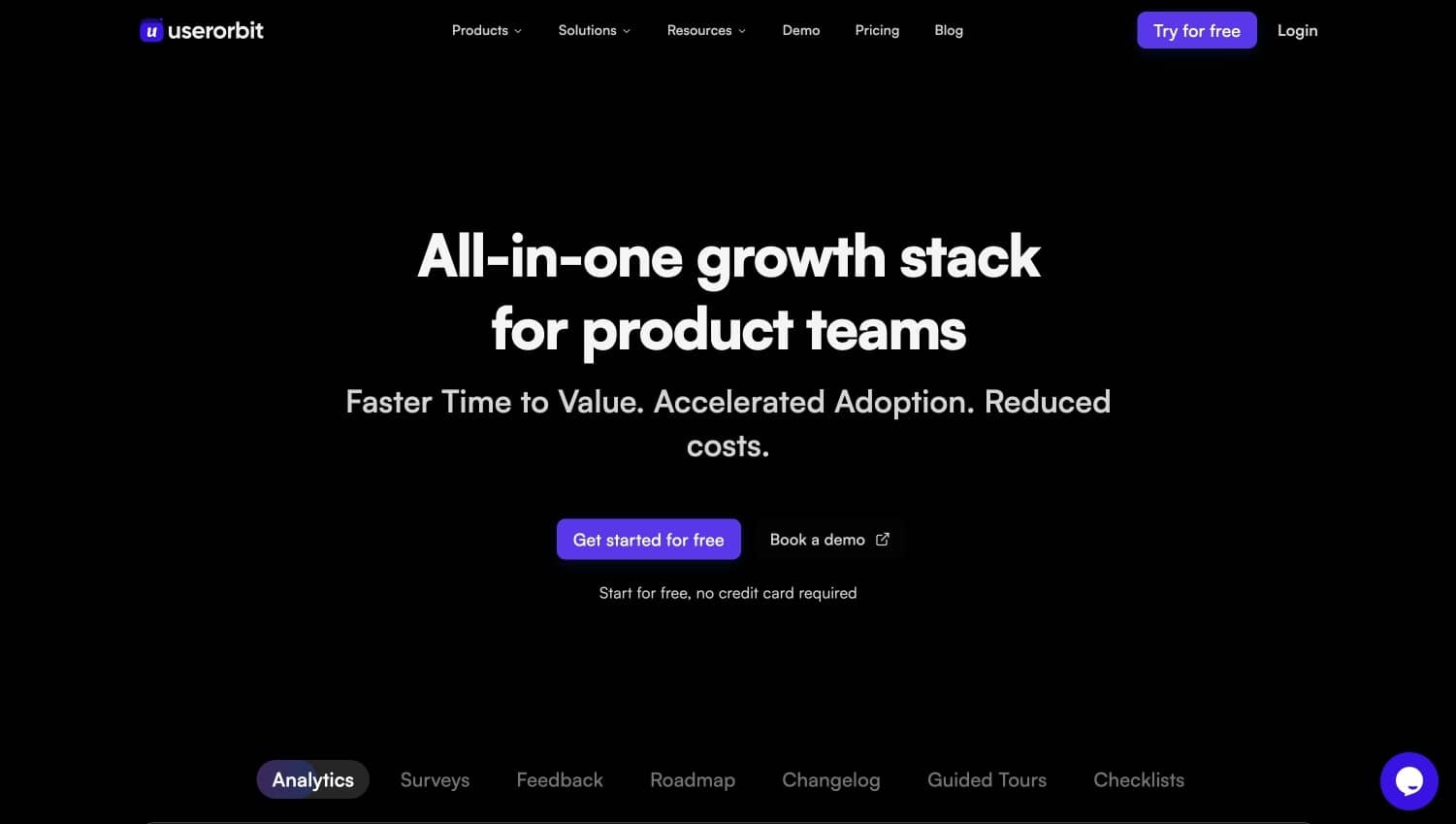
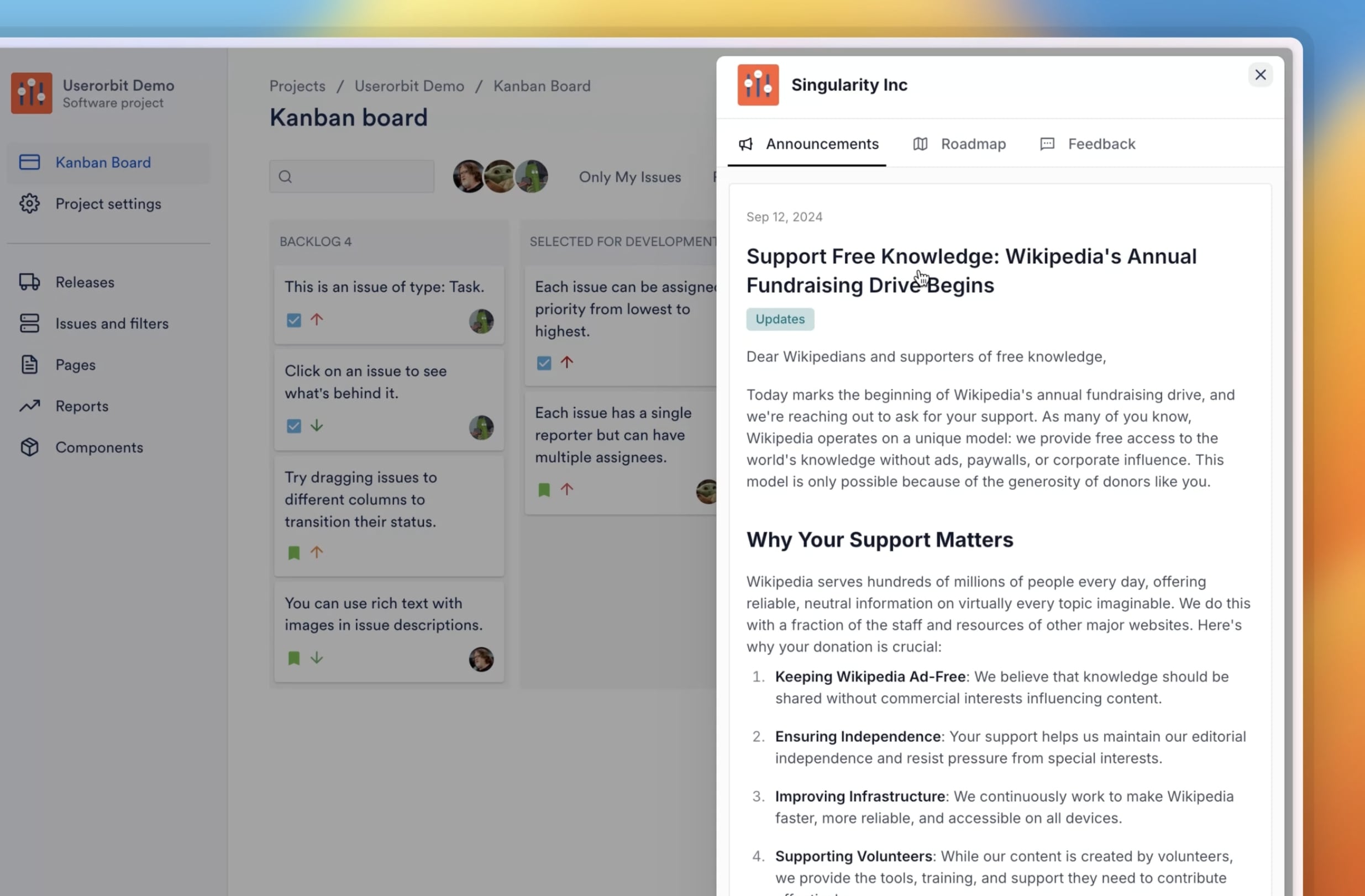
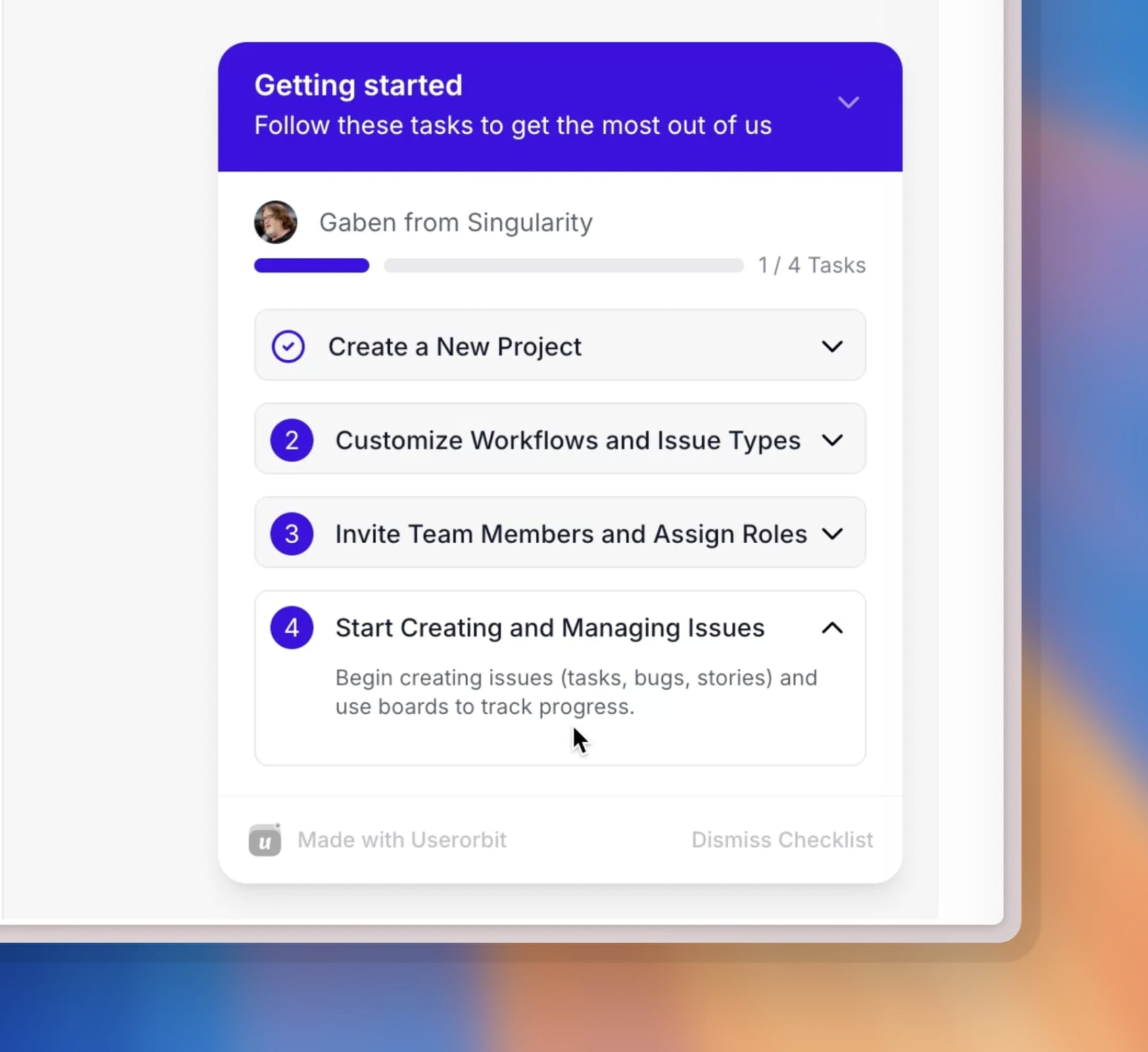
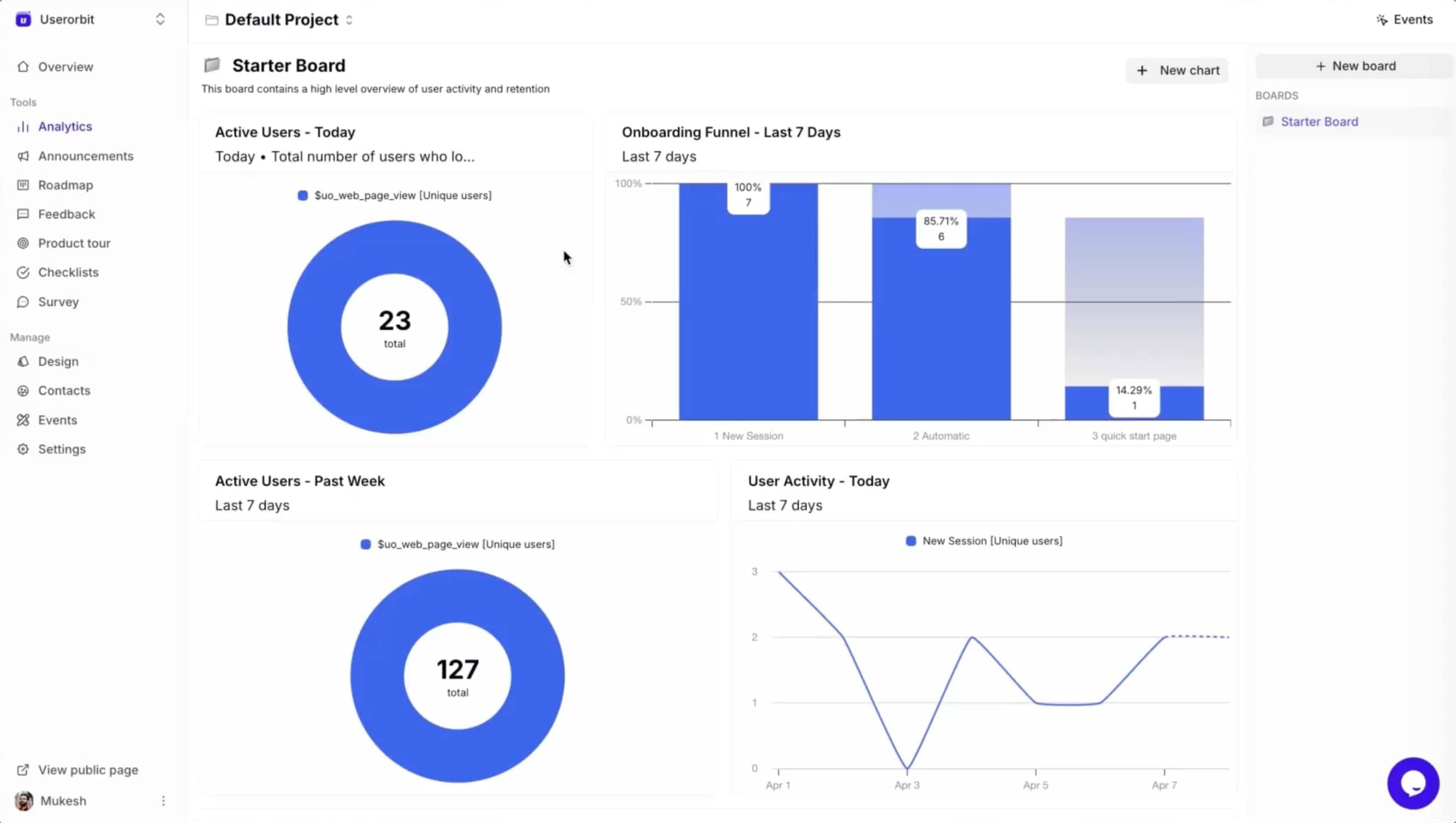
Userorbit is the strongest Beamer alternative for product teams that do not want changelog publishing to live in isolation.
It combines changelog and announcement workflows with the layers teams usually add next:
- in-app announcements
- onboarding tours
- checklists
- surveys and feedback
- analytics for adoption and engagement
That makes it a better fit for SaaS teams that want releases to lead somewhere, not just appear in a feed.
Why Userorbit stands out
Beamer is strongest when your problem is broadcasting updates.
Userorbit is stronger when your problem is broader:
- announce the feature
- guide users to it
- segment the message properly
- collect feedback
- measure whether adoption happened
That is a more useful workflow for teams trying to turn release communication into product growth.
Best for
Teams that want changelog, announcements, onboarding, and close-the-loop workflows in one system.
Turn changelogs into adoption workflows
2. Canny - Best for public changelogs plus feedback boards
Canny is a common Beamer alternative because it gives teams a stronger public loop between feedback, roadmap visibility, and changelog communication.
Strengths
- public changelog support
- customer-facing feedback boards
- roadmap visibility in the same ecosystem
- stronger close-the-loop story than a standalone announcement widget
Tradeoff
If your team wants deeper in-app onboarding, guided adoption, or richer launch targeting, you may still need additional tools.
3. Frill - Best lightweight feedback plus changelog stack
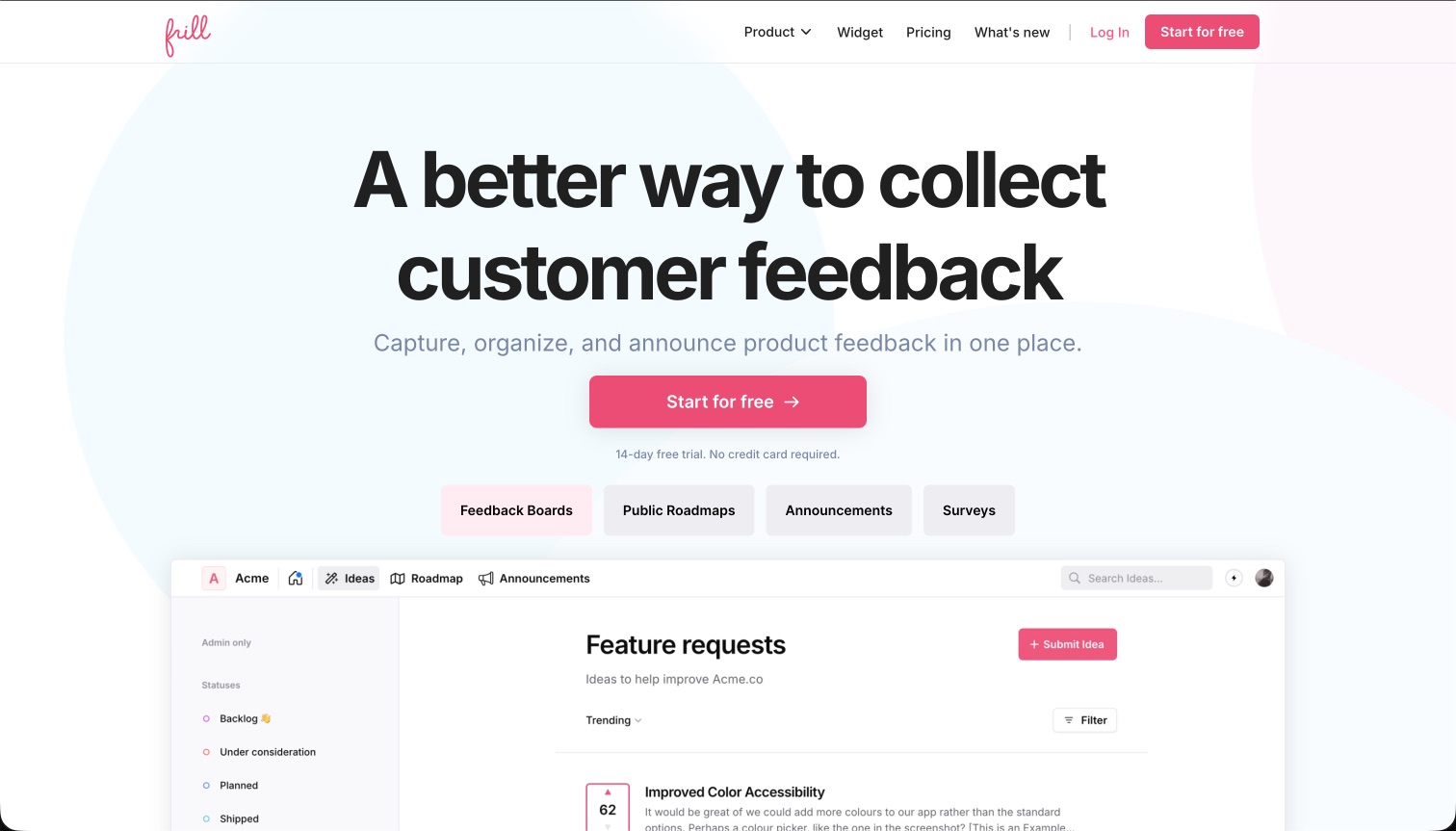
Frill is attractive for teams that want a lighter setup with changelog and feedback capabilities bundled together.
Strengths
- easy-to-understand interface
- changelog plus feedback board in one package
- practical for startups and smaller SaaS teams
Tradeoff
Frill is simpler, but it is also lighter on broader product engagement and adoption workflows.
4. LaunchNotes - Best for formal release communication
LaunchNotes is a strong fit for teams that care about structured product updates, stakeholder communication, and more polished release management workflows.
Strengths
- release communication built as a first-class workflow
- audience-aware updates
- useful for external product announcements and stakeholder communication
Tradeoff
It is usually a better fit for release communications than for product adoption inside the app.
5. AnnounceKit - Best direct Beamer-style replacement
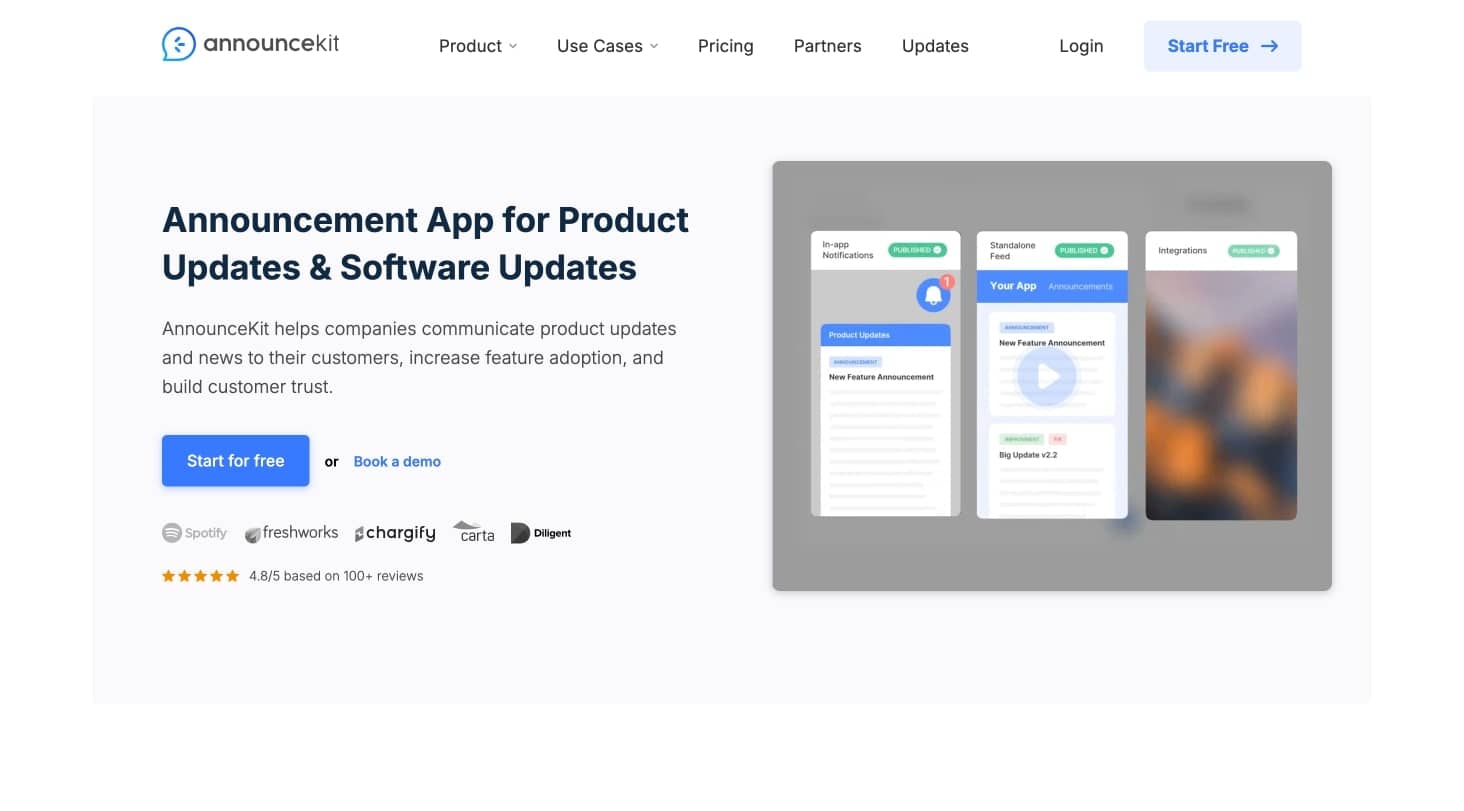
AnnounceKit is often the closest direct replacement for teams that mainly want a changelog widget, product newsfeed, and announcement center without broad retooling.
Strengths
- familiar changelog and widget model
- in-app announcements and release feeds
- practical if you want a faster swap with minimal process change
Tradeoff
It stays close to the Beamer use case, which means it may not solve the larger workflow gaps that caused the search in the first place.
6. Headway - Best simple embeddable changelog
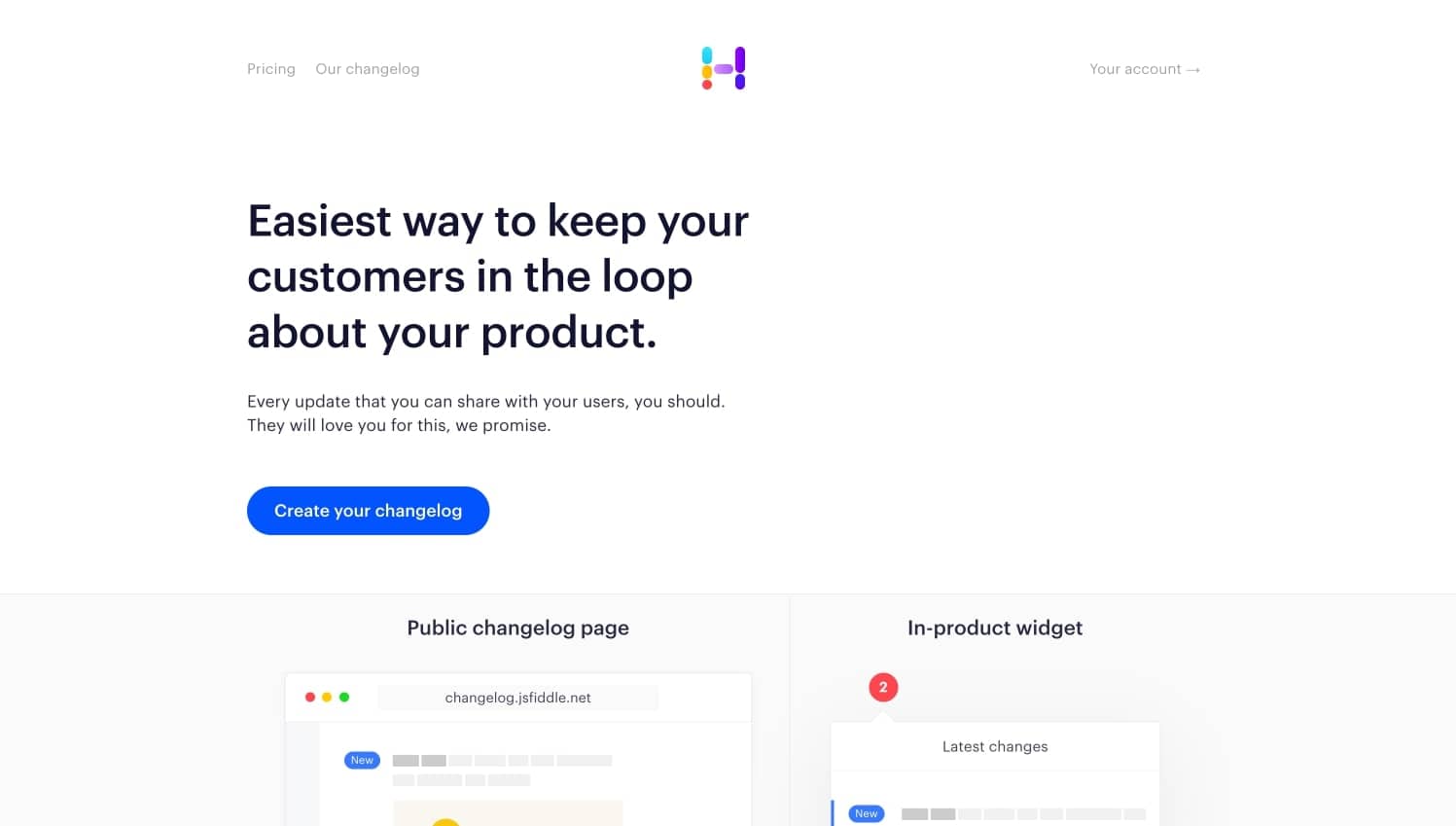
Headway is useful for teams that want a simple changelog embedded in the product with little complexity.
Strengths
- simple setup
- clean embeddable changelog experience
- easy for small teams to maintain
Tradeoff
Headway is intentionally narrow. Teams that need segmentation, feedback, or post-launch guidance usually outgrow it.
7. Productboard - Best if releases must tie into deeper product planning

Productboard becomes relevant when changelog communication needs to connect directly to evidence, prioritization, and strategic product planning.
Strengths
- connects feedback, prioritization, and communication
- useful for larger product organizations
- stronger planning depth than announcement-focused tools
Tradeoff
It is often more system than a lean SaaS team needs if the job is mainly release communication.
8. Appcues - Best if feature launches need in-app guidance

Appcues is not a pure Beamer replacement, but it matters when the team realizes the real job is not changelog publishing. It is helping users discover and adopt new features inside the product.
Strengths
- in-app patterns for launch messaging
- onboarding flows and tooltips
- segmentation and targeting
- stronger guidance than a static changelog tool
Tradeoff
If you still want a classic public changelog and release notes workflow, you may need an additional layer.
9. Pendo - Best if announcements must sit beside product analytics

Pendo is relevant for organizations that want release announcements, in-app guidance, and analytics in one larger product ops environment.
Strengths
- strong product analytics and segmentation
- in-app guides plus announcement capabilities
- useful for larger organizations that want data and communication in one stack
Tradeoff
For many teams replacing Beamer, Pendo is far more expensive and operationally heavy than the use case requires.
10. Notion plus email and in-app banners - Best DIY option for tiny teams
Very small teams sometimes replace Beamer with a manual stack:
- release notes in Notion or docs
- email updates
- a custom in-app banner
Strengths
- low cost
- flexible and easy to start
- acceptable for low release volume
Tradeoff
It breaks down quickly once segmentation, consistency, analytics, and scale start to matter.
Which Beamer alternative should you choose?
Choose Userorbit if you want
- changelog posts connected to real adoption workflows
- one place for announcements, guides, checklists, and feedback
- segmented launches that do more than publish updates
- a lighter stack than enterprise-heavy product suites
Choose AnnounceKit or Headway if you want
- a simpler Beamer replacement
- a familiar release feed model
- minimal workflow change
Choose Canny or Frill if you want
- changelog plus customer-facing feedback loops
- stronger close-the-loop communication than Beamer alone
- a practical public-facing product communication system
Choose Appcues or Pendo if you want
- in-app launch guidance to be the center of the workflow
- stronger segmentation and feature discovery
- product communication tied closely to adoption programs
Plan the Beamer migration before you cancel
Inventory your current posts, audience rules, widget placements, and integrations. Separate what must remain available to customers from what can be kept as a historical export.
| Migration area | Check before cutover |
|---|---|
| Published posts | Preserve content, dates, categories, and a plan for existing links. Confirm import support with the destination vendor. |
| Subscribers and targeting | Verify what can be exported, map supported fields, and test the new audience rules. |
| Feedback and NPS | Confirm whether ideas, votes, responses, and comments can move; retain an archive for anything that cannot. |
| In-app widget | Test installation, branding, mobile layout, and notifications with a small audience before switching everyone. |
| Historical reporting | Save the reports you need and record the cutover date. Do not assume old engagement history transfers. |
There is no reason to assume every object will import automatically. Confirm the available exports and destination support for your account, then compare a sample post and test audience before removing the old widget.
For a concrete preview, browse Userorbit's changelog and see its announcement widget examples. Compare those with the experience your customers use today.
Common mistakes when replacing Beamer
1. Choosing only for the widget
The widget matters.
It is not the entire job.
If your release process already depends on onboarding, targeting, and feedback, a prettier feed will not solve the real gap.
2. Separating communication from adoption
An announcement without a next step is often just documentation.
Teams get more value when the message leads users into a checklist, a tour, a targeted workflow, or a feedback prompt.
3. Overbuying too early
Some teams jump from a simple changelog tool straight into a heavyweight product suite. That can work, but it can also create unnecessary cost and process overhead.
Buy for the workflow you will use, not the one that sounds impressive in procurement.
Frequently asked questions
Short answers for teams comparing release communication formats.
Choose based on what needs to change
If your current feed works and your only concern is cost, compare the full quote at your audience size before switching. If the missing piece is feedback, onboarding, or release targeting, include that workflow in the evaluation instead of judging the replacement by its changelog alone.
Userorbit is worth testing when the same SaaS team owns announcements, onboarding, and feedback. Compare Beamer and Userorbit, review the migration checklist, and check current plans before committing to the move.
Evaluate your next release in Userorbit
Try the announcement workflow with a sample release before planning your Beamer cutover.