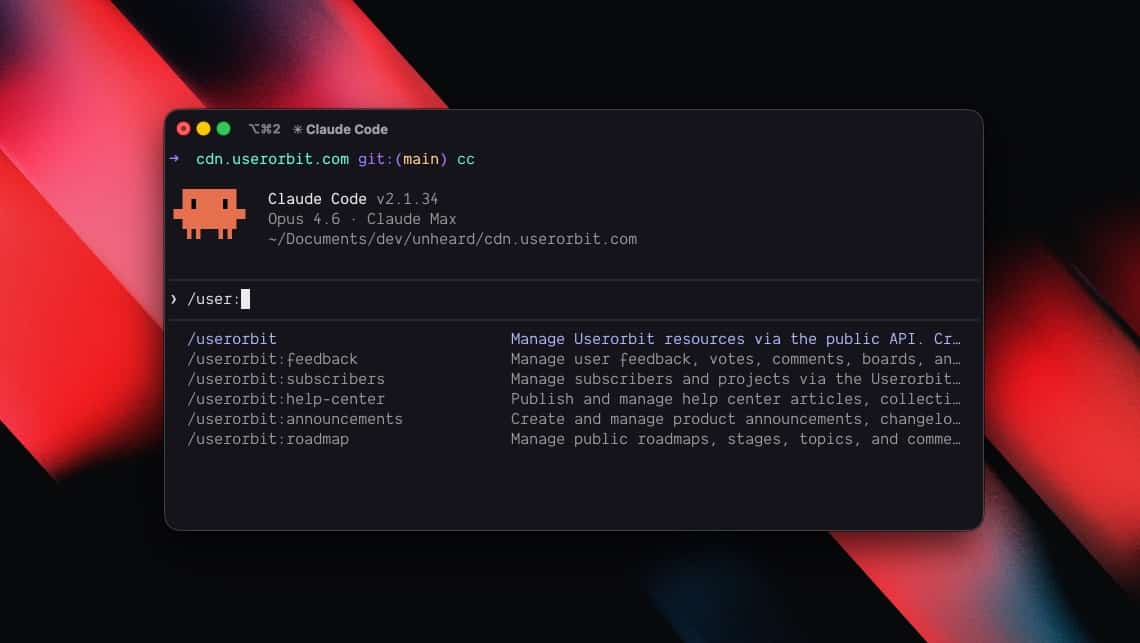

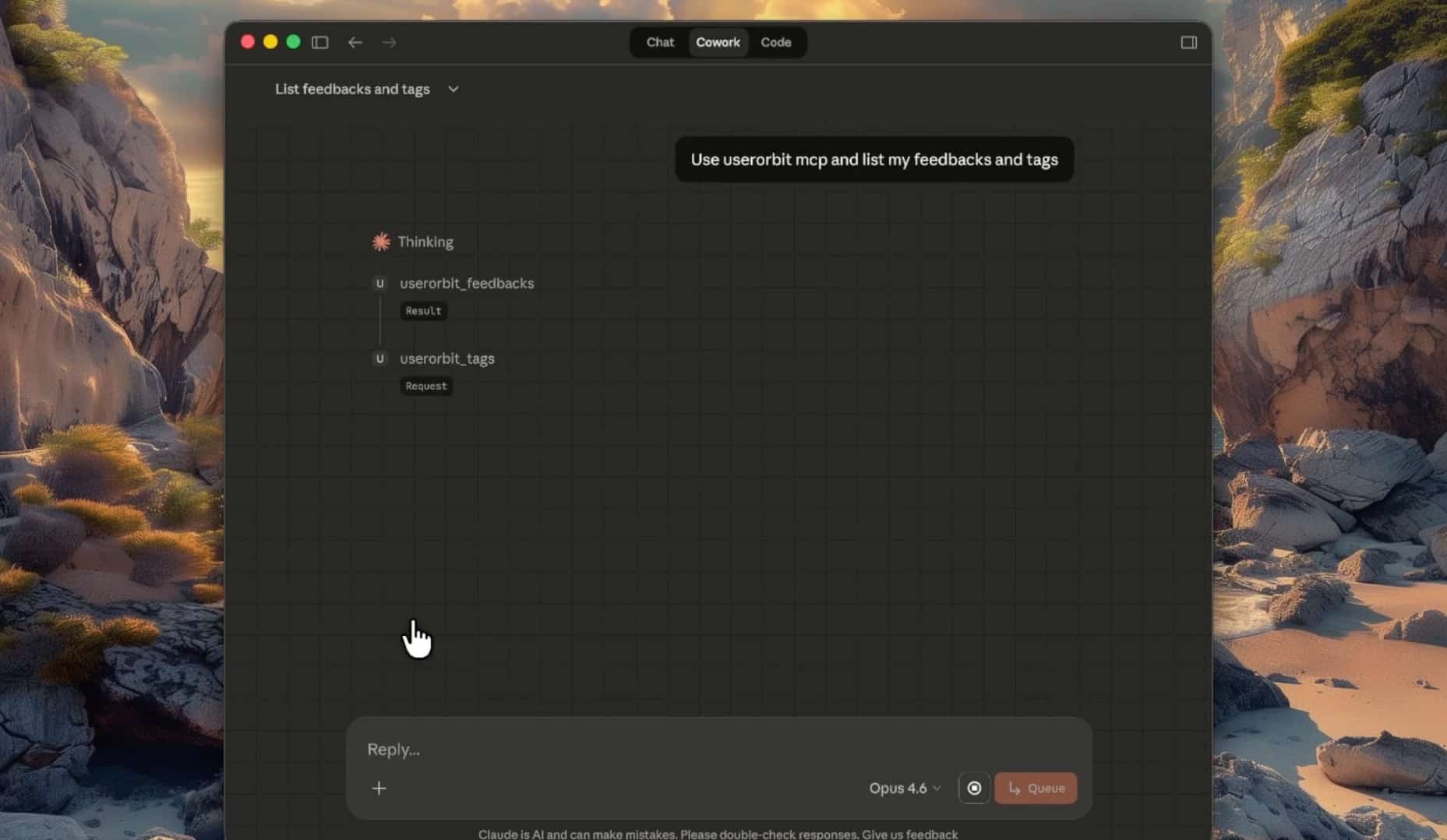







MCP (Model Context Protocol) is the open standard that lets AI assistants call external tools. Instead of copying data between your AI tool and your product dashboard, an MCP server gives the AI direct access to the APIs it needs.
The Userorbit MCP server exposes 17 tools covering feedback, announcements, roadmaps, help center articles, subscribers, tags, and projects. It works with any MCP-compatible client: Claude Desktop, Cursor, Windsurf, VS Code with GitHub Copilot, Claude Code, and others.
One npx command. No SDK to install, no wrapper code to write.
What you can do with it
The MCP server covers the full Userorbit API surface. Here's what each tool group handles:
| Area | What you can do |
|---|---|
| Feedback | Create, list, update, archive, restore, vote on feedback. Organize with boards and tags. Add public or private comments. |
| Announcements | Draft, publish, schedule, pin, search, archive changelog entries. Organize into collections. Comment on announcements. |
| Roadmaps | Create roadmaps with custom stages. Add topics, move them between stages, track counts. Comment on topics. |
| Help center | Write articles, assign to collections, publish, unpublish, archive. Full revision history with restore. Track helpfulness votes. |
| Subscribers | Create, search, count, update, and remove subscribers. |
| Tags & Projects | Manage global tags and project boundaries. |
Every tool follows the same pattern: pass an action (like create, list, update) and a params object. Your AI figures out which tool and action to call based on what you ask.
This embedded content uses optional tools. Enable analytics and embedded content to load it.
Setup
You need a Userorbit API key. Get it from Settings → API in your workspace.
The configuration is the same JSON block across all clients. The only difference is where you put it.
Claude Desktop
Add to ~/Library/Application Support/Claude/claude_desktop_config.json on macOS or %APPDATA%\Claude\claude_desktop_config.json on Windows:
{
  "mcpServers": {
    "userorbit": {
      "command": "npx",
      "args": ["@userorbit/mcp"],
      "env": {
        "USERORBIT_API_KEY": "your-api-key"
      }
    }
  }
}
Cursor
Add to .cursor/mcp.json in your project root:
{
  "mcpServers": {
    "userorbit": {
      "command": "npx",
      "args": ["@userorbit/mcp"],
      "env": {
        "USERORBIT_API_KEY": "your-api-key"
      }
    }
  }
}
Windsurf
Add to ~/.codeium/windsurf/mcp_config.json:
{
  "mcpServers": {
    "userorbit": {
      "command": "npx",
      "args": ["@userorbit/mcp"],
      "env": {
        "USERORBIT_API_KEY": "your-api-key"
      }
    }
  }
}
VS Code (GitHub Copilot)
Add to .vscode/mcp.json in your project root:
{
  "servers": {
    "userorbit": {
      "command": "npx",
      "args": ["@userorbit/mcp"],
      "env": {
        "USERORBIT_API_KEY": "your-api-key"
      }
    }
  }
}
Claude Code
Add to .mcp.json in your project root:
{
  "mcpServers": {
    "userorbit": {
      "command": "npx",
      "args": ["@userorbit/mcp"],
      "env": {
        "USERORBIT_API_KEY": "your-api-key"
      }
    }
  }
}USERORBIT_TEAM_ID environment variable is optional. Only add it if you're on a multi-team Userorbit account.Restart your AI tool after saving the config. The Userorbit tools should appear in the tool list.
Use case: automated changelogs from your AI editor
You finished a feature in Cursor. The code is committed. Instead of opening the Userorbit dashboard to write a changelog entry, you ask Cursor directly:
Publish an announcement titled "CSV export for feedback reports"
in the Product Updates collection. Mention that users can now
export filtered feedback as CSV from the feedback board.
Cursor calls userorbit_collections to find "Product Updates," then userorbit_announcements with action: "create" and publish: true. The changelog is live.
Want to schedule it instead? Add "schedule for next Monday at 9am" to your prompt. The MCP server passes the scheduledAt parameter through to the API.
Use case: feedback triage in Claude Desktop
Product managers can triage feedback without switching to the dashboard. Open Claude Desktop and ask:
Show me all feedback items that are still in review.
Claude calls userorbit_feedbacks with action: "list" and returns titles, statuses, and vote counts. Follow up:
Mark the top three by votes as planned. Add a public comment
on each saying we're evaluating these for Q3.
Claude updates statuses with userorbit_feedbacks and adds comments with userorbit_feedback_comments. Three API calls, one sentence.
Organizing feedback with boards and tags
Create a feedback board called "Mobile App" and add the
"iOS" and "Android" tags to it.
The MCP server handles the board creation through userorbit_feedback_boards, then associates tags through userorbit_feedback_board_tags.
Use case: roadmap updates from VS Code
You're reviewing a PR in VS Code with Copilot. The feature being reviewed is on the roadmap. Instead of noting it down to update later:
Move the "Webhook retry logic" topic to the Shipped stage
on the Engineering roadmap.
Copilot calls userorbit_roadmaps to find the roadmap, userorbit_stages to find "Shipped," and userorbit_topics to move the topic. The roadmap stays accurate because the update happens at the point where you have the most context.
Building a roadmap from scratch
Create a roadmap called "Q3 Platform" with stages:
Exploring, Building, Testing, Shipped.
Then add a topic called "Rate limiting" to the Exploring stage.
Your AI creates the roadmap, creates four stages, and adds the first topic, all through sequential MCP tool calls.
Use case: help center articles alongside code
The best time to write documentation is right after you build the feature. The MCP server makes it practical to do this without leaving your editor.
Create a help article titled "Setting up webhook endpoints"
in the Developer Guide collection. Cover: creating an endpoint,
verifying signatures, and handling retries. Save as draft.
The AI calls userorbit_article_collections to find the collection, then userorbit_articles with action: "create" and publish: false. Review the draft in the dashboard, then publish from your AI tool:
Publish the webhook endpoints article.
Revision history
Help articles support full revision tracking. If a published update introduces errors:
Show me the revision history for the SSO setup article.
Restore the version from last Tuesday.
The MCP server calls userorbit_articles with action: "revisions" to list versions, then action: "restore" with the revision ID.
Use case: subscriber management
For teams that use Userorbit's subscriber system for changelog notifications:
How many subscribers do we have?
Search for subscribers with "acme" in their info.
The AI calls userorbit_subscribers with action: "count" and action: "search". Useful for quick checks without opening the dashboard.
Chaining operations for workflows
The real leverage comes from combining multiple tools in a single conversation. Here's a post-deploy workflow you can run from any MCP client:
We just shipped the billing dashboard redesign. Do these things:

1. Publish a changelog entry about it in Product Updates
2. Move the "Billing redesign" topic to Shipped on the roadmap
3. Find feedback items about the billing page and mark them
   as completed with a comment linking to the changelog
4. Create a draft help article about the new billing dashboard
Your AI executes four tool groups in sequence: announcements, topics, feedbacks, and articles. What would take 10 minutes across multiple browser tabs happens in one prompt.
Weekly product review
Give me a summary:
- Count of new feedback items this week
- Count of subscribers
- List all roadmap topics currently in the Building stage
- List any unpublished draft announcements
A single prompt pulls data from four different Userorbit resources.
MCP vs. the Userorbit coding agent skill
If you've seen the Userorbit skill for coding agents, you might wonder which to use. The short version:
| MCP Server | Coding Agent Skill | |
|---|---|---|
| Works with | Any MCP client (Claude Desktop, Cursor, Windsurf, VS Code, Claude Code) | Claude Code, Codex |
| Setup | JSON config + API key | Clone repo to skills directory |
| Protocol | Model Context Protocol (standardized) | Agent-specific skill format |
| Best for | Teams using multiple AI tools | Teams centered on a single coding agent |
Both connect to the same Userorbit API. The MCP server is the better choice if your team uses different AI tools or if you want product managers (who might use Claude Desktop) and engineers (who might use Cursor) accessing the same Userorbit workspace.
Userorbit
Give your AI tools access to your product workspace
The Userorbit MCP server connects Claude Desktop, Cursor, Windsurf, VS Code, and Claude Code to your feedback, changelogs, roadmaps, and help center. One config block, 17 tools, zero code.
- Publish changelogs and announcements from any MCP client
- Triage feedback with natural language in Claude Desktop
- Keep roadmaps current from your code editor
- Write and manage help articles without leaving your AI tool
Get started
Install the MCP server:
npx @userorbit/mcp
Add the config block for your AI tool (see setup instructions above), restart, and start talking to your Userorbit workspace.