








You just shipped a feature. The PR is merged, the deploy is green, and you're already thinking about the next thing. There's still a list of tasks waiting: write the changelog entry, update the roadmap, close the related feedback items, maybe draft a help article so users know how to use what you built.
None of it is difficult, but it's scattered across browser tabs and dashboards, and it always comes after the interesting work. Changelogs go out late. Roadmap items sit in "In Progress" weeks after they shipped. Feedback threads stay open.
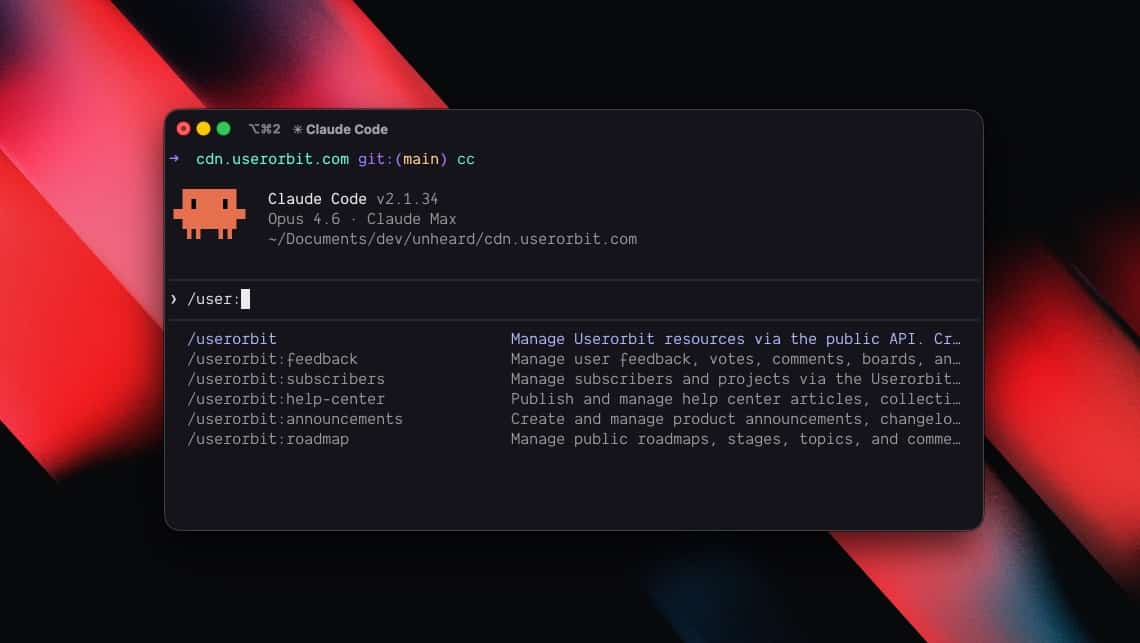
The Userorbit skill gives any AI coding agent direct access to the Userorbit API. Install it once in Claude Code, Codex, Cursor, Copilot, Hermes, or Gemini. Publish announcements, triage feedback, move roadmap items, and create help articles from the same terminal where you write code.
Why this matters for AI product management
AI product management is about reducing the gap between building features and communicating outcomes. The operational work is predictable: update changelogs, answer feedback, move roadmap topics, and keep docs current.
Automating product management with coding agents makes this repeatable. Instead of switching across dashboards, your team can run product workflows directly from the terminal with Userorbit, Claude Code, and Codex.
What the skill does
Coding agents run in your terminal and execute commands on your behalf. The Userorbit skill teaches any agent — Claude Code, Codex, Cursor, GitHub Copilot, Hermes, Gemini, or anything else that reads instruction files — how to talk to every resource in your Userorbit workspace through the public REST API.
You can type natural language instructions like:
- "Publish an announcement about the dark mode feature we just shipped"
- "Show me all feedback tagged as high priority"
- "Move the API v2 topic to the Done stage on our public roadmap"
- "Draft a help article explaining how to set up SSO"
Your agent translates these into the correct API calls, handles authentication, and returns the results.
The skill covers the full API surface:
- Feedback - create, list, update, archive, vote, comment, organize into boards with tags
- Announcements - draft, publish, schedule, pin, search, manage categories
- Roadmaps - create roadmaps with stages, add and move topics, track collaborators
- Help center - write articles, assign to collections, publish, manage revisions
- Subscribers - create, search, count your subscriber base
- Projects and tags - organize everything with labels and project boundaries
Getting started
You need the skill installed in your agent and a Userorbit API key.
Claude Code
claude install-skill https://github.com/userorbit/skillCodex
git clone https://github.com/userorbit/skill.git ~/.codex/skills/userorbitCursor
Add the skill files to your project's .cursor/rules/ directory:
git clone https://github.com/userorbit/skill.git /tmp/userorbit-skill
mkdir -p .cursor/rules
cp /tmp/userorbit-skill/SKILL.md .cursor/rules/userorbit.md
cp -r /tmp/userorbit-skill/references .cursor/rules/userorbit-references
GitHub Copilot
Append the skill to your workspace instructions:
git clone https://github.com/userorbit/skill.git /tmp/userorbit-skill
cat /tmp/userorbit-skill/SKILL.md >> .github/copilot-instructions.md
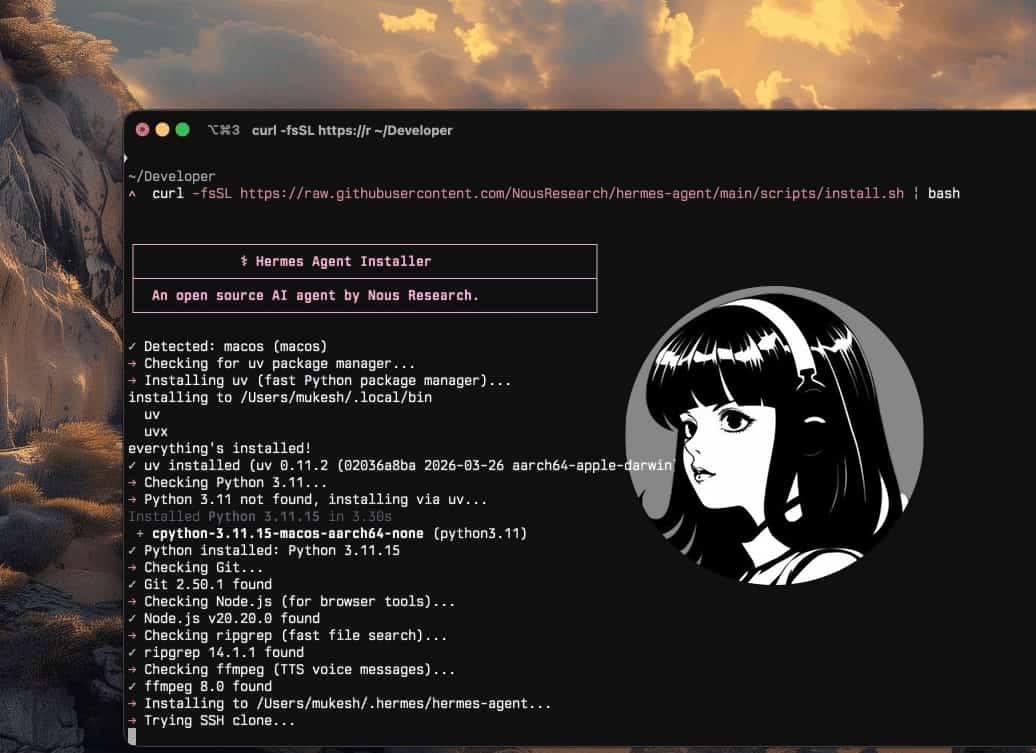
Hermes Agent
hermes skills search userorbit/skill/userorbit
hermes skills install userorbit/skill/userorbit
For a deeper walkthrough of Hermes-specific setup, skills, and autonomous workflows, see Getting Started with Hermes Agent.
Gemini and other agents
Clone the repo and point your agent's context to SKILL.md:
git clone https://github.com/userorbit/skill.git ~/.config/userorbit-skillThen reference the file in your agent's system prompt or context configuration.
Authentication
On first use, the agent will prompt you for your API key (available in Settings → API in your Userorbit workspace). It creates a credentials file and a helper script that handles authentication automatically for all subsequent calls.
No manual config files, no environment variables. The skill bootstraps itself.
Publishing announcements
This is the workflow that saves the most time. You just merged a feature branch. Instead of context-switching to the Userorbit dashboard, you tell your agent what happened.
> Generate an announcement draft from the major release we
  shipped this week. Put it in the "Product Updates" category.
Your agent will:
- Look up your announcement categories to find "Product Updates"
- Create the announcement with your title
- Write the body text based on your description
- Publish it immediately
If you'd rather review before publishing, leave off the publish instruction. The agent creates the announcement as a draft. You can review it in the dashboard and publish when ready.
Scheduling works too. Tell your agent to schedule an announcement for next Tuesday at 9am. Useful for coordinating with marketing emails or product launches.
Pinning important updates is a single command: "Pin the dark mode announcement."
Triaging feedback
Feedback piles up. The longer it sits untriaged, the less useful it becomes. The skill makes it practical to triage as part of your daily development workflow.
Reviewing what came in
> Show me the newest feedback items that are still in review
It returns the list with titles, statuses, and vote counts. Drill into any item:
> Show me the details and comments on that top feedback item
Updating status in bulk
> Mark the SSO feedback as planned and the CSV export one
  as in progress. Close the duplicate items about the login page.
Responding to feedback
> Add a public comment on the SSO feedback saying we're
  targeting Q2 for this. Add a private note that we need
  to check OAuth provider compatibility first.
Public comments are customer-facing. Private comments are internal team notes.
Keeping the roadmap current
Roadmaps go stale when updating them requires a separate tool. When you can update the roadmap from the same terminal where you finished the code, it stays accurate.
Moving items across stages
> Move the "API v2" topic to the "Shipped" stage on our
  public roadmap
Adding items from development context
When you discover work that should be on the roadmap during code review or while debugging, add it immediately:
> Add a topic called "Webhook retry logic" to the In Progress
  stage on the Engineering roadmap. Description: automatic
  retries with exponential backoff for failed webhook deliveries.
Creating a roadmap from scratch
> Create a roadmap called "Q2 Platform" with stages:
  Exploring, In Progress, Shipped, and Cancelled
The agent creates the roadmap and all four stages in sequence.
Writing help articles alongside the code
Help center articles have a shelf life problem. They're written once, usually weeks after the feature ships, and they describe how the feature worked when the author last checked, not how it works today.
Writing articles alongside the code fixes this. You understand the feature best right after you built it.
> Create a help article called "Setting up SSO with SAML"
  in the "Authentication" collection. Cover the basic setup
  steps: adding the identity provider, configuring the callback
  URL, and testing the connection.
The agent creates the article as a draft in the right collection. When you're ready:
> Publish the SSO setup article
The publish/unpublish/archive lifecycle is fully supported, along with revision history if you need to roll back.
Automating product management workflows
Individual operations are useful on their own. The real value shows up when you chain them together.
Post-deploy
After a deploy, four commands cover everything:
- "Publish a changelog entry about the features in today's deploy"
- "Move the billing improvements topic to Shipped"
- "Mark the three feedback items about billing as completed and add a comment linking to the changelog"
- "Create a draft help article about the new billing dashboard"
Weekly triage
Fifteen minutes at the start of the week:
- "Show me all feedback from the past week sorted by votes"
- "Tag the top items as high priority"
- "Add a comment to each high-priority item acknowledging we've seen it"
- "Move the most-voted item to the Exploring stage on the roadmap"
Cross-referencing feedback with the roadmap
> Find all feedback related to the billing roadmap topic
  and add a comment linking to the changelog we just published
Your agent searches feedback, matches items to the roadmap topic, and updates them in one pass.
Help center audit
- "Show me all published help articles in the Getting Started collection"
- "Search help articles for mentions of the old settings page"
- "Update the onboarding article to reference the new setup wizard"
Documentation stays current because updating it takes seconds instead of a dedicated content sprint.
Tips
Be specific about categories and collections. "Publish in Product Updates" is clearer than "publish an announcement." If you have similarly named categories, use the exact name.
Use drafts for review-sensitive content. For customer-facing announcements and help articles, create as drafts first. Review in the dashboard, then publish when it looks right.
Private comments for internal notes. When triaging feedback, use private comments to capture technical context ("this is related to the auth refactor in PR #347") that helps your team but doesn't need to be customer-facing.
Userorbit
Manage your product from any AI agent
Userorbit gives your coding agent access to announcements, feedback, roadmaps, and help docs through a single skill. Works with Claude Code, Codex, Cursor, Copilot, Hermes, and Gemini.
- Publish announcements and changelogs as part of your deploy workflow
- Triage and respond to feedback without switching tools
- Keep roadmaps current by updating stages from the terminal
- Write and publish help articles alongside the code
Product communication as part of shipping
The gap between shipping code and communicating about it is organizational friction. It compounds. Users don't know about features you shipped. Feedback sits unanswered. Roadmaps reflect plans from months ago.
The Userorbit skill removes the context switch. Announcements, roadmap updates, feedback responses, and help articles happen in the same terminal session where the code was written. It works the same way regardless of which agent you use.
Go deeper
- Hermes Agent tutorial — set up an autonomous AI PM with Hermes and Userorbit
- Hermes workflows and best practices — daily triage, weekly roadmaps, release automation