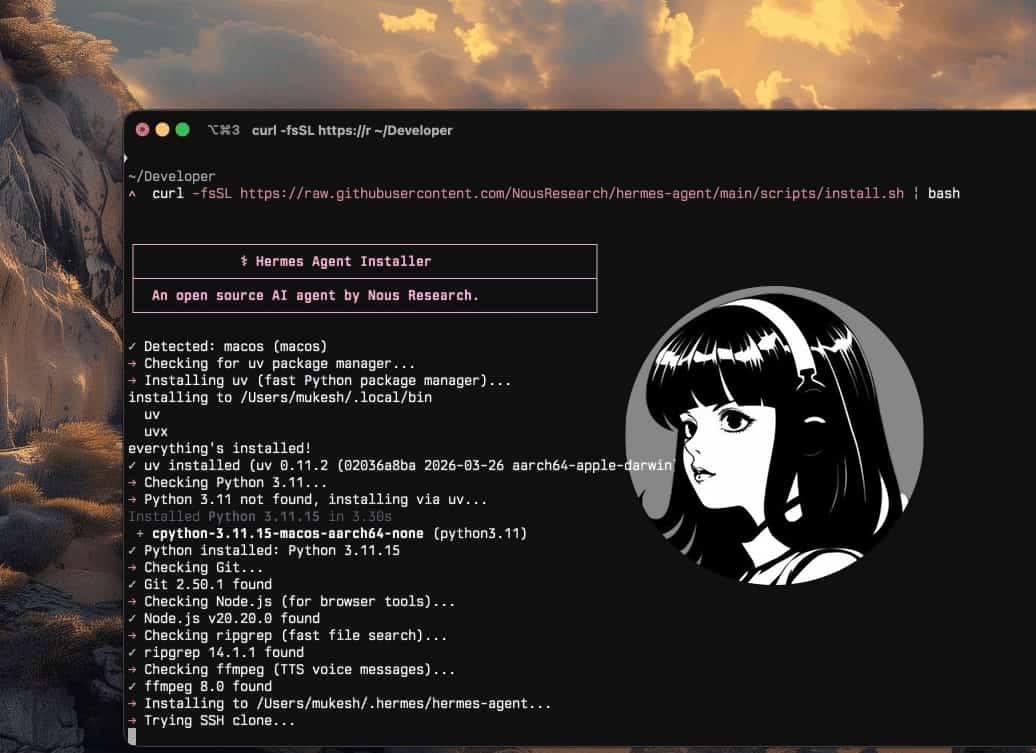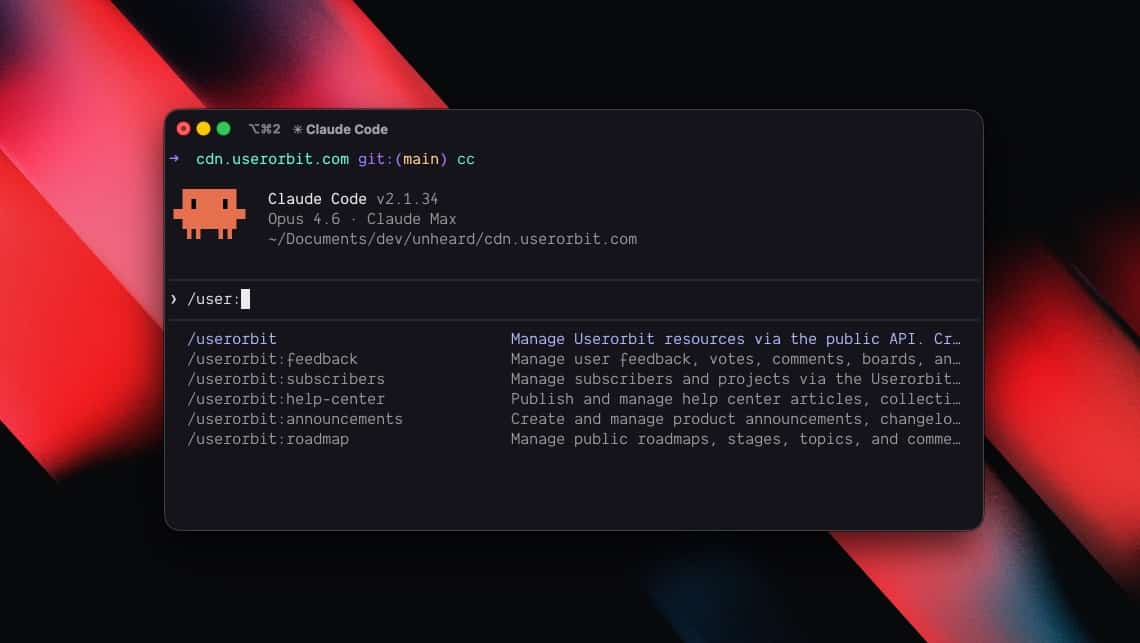









You have Hermes Agent running with the Userorbit skill installed. Now what?
This guide covers the workflows that turn Hermes from a connected agent into an autonomous AI product manager. Each pattern is organized by cadence — daily, weekly, per-release, and always-on — so you can adopt them incrementally.
For teams running more than one workflow, create separate Hermes profiles before you automate too much. A product profile can own roadmap and release decisions, a researcher profile can monitor competitors and customer signals, and a support profile can handle feedback triage. Each profile gets its own memory, skills, sessions, and SOUL.md, which keeps a release-writing agent from inheriting habits meant for inbox cleanup.
Daily: inbox zero for feedback
Start each day with a Customer Signals Digest:
> Using the Userorbit skill, pull all new feedback, reactions,
  and survey responses from the last 24 hours. Group them by
  feature and segment. Highlight churn risks and high-impact
  opportunities. Summarize in under 10 bullet points and
  propose concrete follow-ups.
The skill lists feedback items and reactions created in the past day, groups them by board, tag, or feature, and surfaces patterns like recurring bugs or UX issues.
Hermes's memory reinforces recurring themes over time. It can also save this triage workflow as a new skill, making it more efficient the longer it runs.
Responding and routing
Once you've reviewed the digest, route items without switching tools:
> Mark the SSO feedback as planned and add a public comment
  saying we're targeting Q2. Add a private note that we need
  to check OAuth provider compatibility first.
> Tag the top 5 items as high priority. Add a comment to each
  acknowledging we've seen it.
Public comments are customer-facing. Private comments are internal team notes. Hermes handles both through the same API.
Weekly: data-backed roadmap reviews
Turn Hermes into a roadmap copilot once a week:
> Use the Userorbit skill to pull the current roadmap for the
  next two quarters, along with vote counts, comment volume,
  and associated feedback. Identify the top 5 items with the
  highest combined user demand and strategic impact. For each,
  suggest whether to accelerate, keep, or de-prioritize.
The skill fetches roadmap topics, stages, and metrics from Userorbit. Hermes cross-references with feedback and poll data, then proposes prioritization decisions with clear reasoning.
Follow up by having Hermes draft an internal update or a public roadmap changelog entry — all via the same APIs.
Cross-referencing feedback with the roadmap
> Find all feedback related to the billing roadmap topic
  and add a comment linking to the changelog we just published
Hermes searches feedback, matches items to the roadmap topic, and updates them in one pass. This is where the combination of structured product data and an agent with memory becomes powerful — Hermes remembers the changelog it drafted earlier and can reference it directly.
Release-driven: automating announcements and docs
Userorbit already detects code changes from your repository and drafts changelog entries, doc updates, tours, announcements, and surveys per deploy. Hermes sits on top as the editorial layer:
- Fetch the latest deploys and their auto-drafted items from Userorbit.
- Rewrite changelog entries in your brand voice.
- Verify help center updates are consistent and complete.
- Decide which features deserve in-app announcements vs. email vs. just docs.
- Push approved drafts back as ready-to-publish artifacts.
> Review the drafts Userorbit generated for the last deploy.
  Make the changelog more user-friendly, ensure the help doc
  explains what changed and why it matters, and craft a short
  in-app announcement for power users only. Mark everything
  ready for review — do not auto-publish.
Encode this workflow as a skill and Hermes refines it over time, including guardrails like "never publish without human approval."
Post-deploy checklist
After a deploy, four commands cover everything:
- "Publish a changelog entry about the features in today's deploy"
- "Move the billing improvements topic to Shipped"
- "Mark the three feedback items about billing as completed and add a comment linking to the changelog"
- "Create a draft help article about the new billing dashboard"
Each command takes seconds. The alternative is 20 minutes of tab-switching across dashboards.
Always-on: scheduled briefings and watches
Hermes includes natural-language cron scheduling. With the Userorbit skill, this unlocks always-on PM behaviors:
- Weekly Retention Briefing — broken down by cohort and key features.
- Churn Risk Watchlist — flagged by negative feedback trends and drop-offs in key journeys.
- Feature Adoption Tracker — alerts when a shipped feature misses expected adoption targets after a set period.
All expressed as scheduled Hermes commands that call into Userorbit, process results, and send concise summaries to Telegram, Slack, or email.
> Schedule a weekly task every Monday at 9am: pull all feedback
  from the past week, group by feature, and send a summary
  to the #product Slack channel.
Hermes persists the schedule and executes it autonomously. You review the output instead of doing the work.
Prompt patterns
These prompts work today with Hermes + the Userorbit skill. They become more powerful when encoded as named skills.
Strategy and prioritization
- "Using Userorbit analytics and feedback, what are the top three friction points for new users in the last 30 days? Propose experiments to address them."
- "Look at roadmap items tagged 'Enterprise' and feedback from accounts with more than 50 seats. Which features are blocking expansion, and what should we prioritize next quarter?"
Feedback clustering
- "Cluster the last 200 feedback items into themes. Label each cluster, estimate user impact, and suggest whether it belongs on the roadmap, in a quick fix queue, or in docs."
- "Find all feedback mentioning 'billing' or 'invoice' with negative sentiment. Summarize the core problems and suggest an FAQ outline to address them."
Multi-audience communication
- "Given the features shipped in the last two weeks, draft a single 'What's new' email that speaks to admins, PMs, and end users differently. Pull concrete examples from Userorbit's changelog and docs data."
- "Scan the knowledge base for articles that reference deprecated settings. List the top 10 that need refreshing and explain what should change."
Experimentation
- "Using Userorbit funnels, identify where users drop off between sign-up and first key action. Suggest two onboarding tweaks and one in-app message experiment to improve activation."
Help center maintenance
- "Show me all published help articles in the Getting Started collection"
- "Search help articles for mentions of the old settings page"
- "Update the onboarding article to reference the new setup wizard"
Guardrails and best practices
Granting an autonomous agent write access to product tooling requires care. A few levers to keep your AI PM safe:
Separate profiles by authority. Give read-only research and support profiles broad visibility, but reserve roadmap status changes, announcements, and customer-facing publishing for a product profile with stricter approval rules.
Use trust levels. Prefer builtin, official, or trusted sources for sensitive skills. For community skills, run hermes skills audit and review findings before enabling destructive operations.
Scope your API keys. Use workspace- or environment-scoped keys for Userorbit. Avoid granting broader access than necessary.
Start in read-only mode. Configure the Userorbit skill to only read data and draft artifacts initially. Add write capabilities later with explicit approval steps.
Log and review. Use Hermes's audit logging and Userorbit's activity logs to trace what the AI PM is doing over time.
Iterate on skills. Treat skills like code: version them, review diffs, and refine prompts based on observed behavior. Skills that publish customer-facing content should always include a human approval step.
Encode guardrails in the skill itself. Add rules like "never auto-publish announcements" or "always create drafts for customer-facing content" directly in the skill's procedure section. Hermes follows these as part of its execution, not as afterthoughts.
Evaluate mature skills with examples. Once a workflow matters, keep a small set of expected inputs and outputs: messy feedback clusters, release notes with missing context, stale help articles, and roadmap items with conflicting signals. Run the skill against those examples after edits. If you use Hermes's GEPA-style self-evolution pipeline, route proposed skill changes through review and tests before putting them back into production.
Userorbit
Your AI-first product growth platform
Userorbit gives Hermes Agent access to your entire product data plane — analytics, feedback, roadmaps, announcements, and help docs — through a single skill. Automate the operational side of product management while you focus on strategy.
- 60+ API endpoints for feedback, announcements, roadmaps, and docs
- AI-drafted changelogs, tours, and articles from every deploy
- Works with Hermes, Claude Code, Codex, Cursor, and Copilot
- Start free — install the skill and connect in minutes
From workflows to autonomous PM
The patterns in this guide are starting points. As Hermes runs these workflows repeatedly, its memory and self-improving skills make each execution faster and more accurate. What starts as a series of prompted commands becomes an autonomous system that handles the operational side of product management while you focus on decisions.
Related guides
- Getting started with Hermes Agent — install Hermes, connect a model, and wire up the Userorbit skill
- Use Userorbit with any coding agent — the same skill works with Claude Code, Codex, Cursor, Copilot, and Gemini
- Hermes Agent Masterclass — deeper walkthrough of profiles,
SOUL.md, skill maintenance, and GEPA-style skill evolution