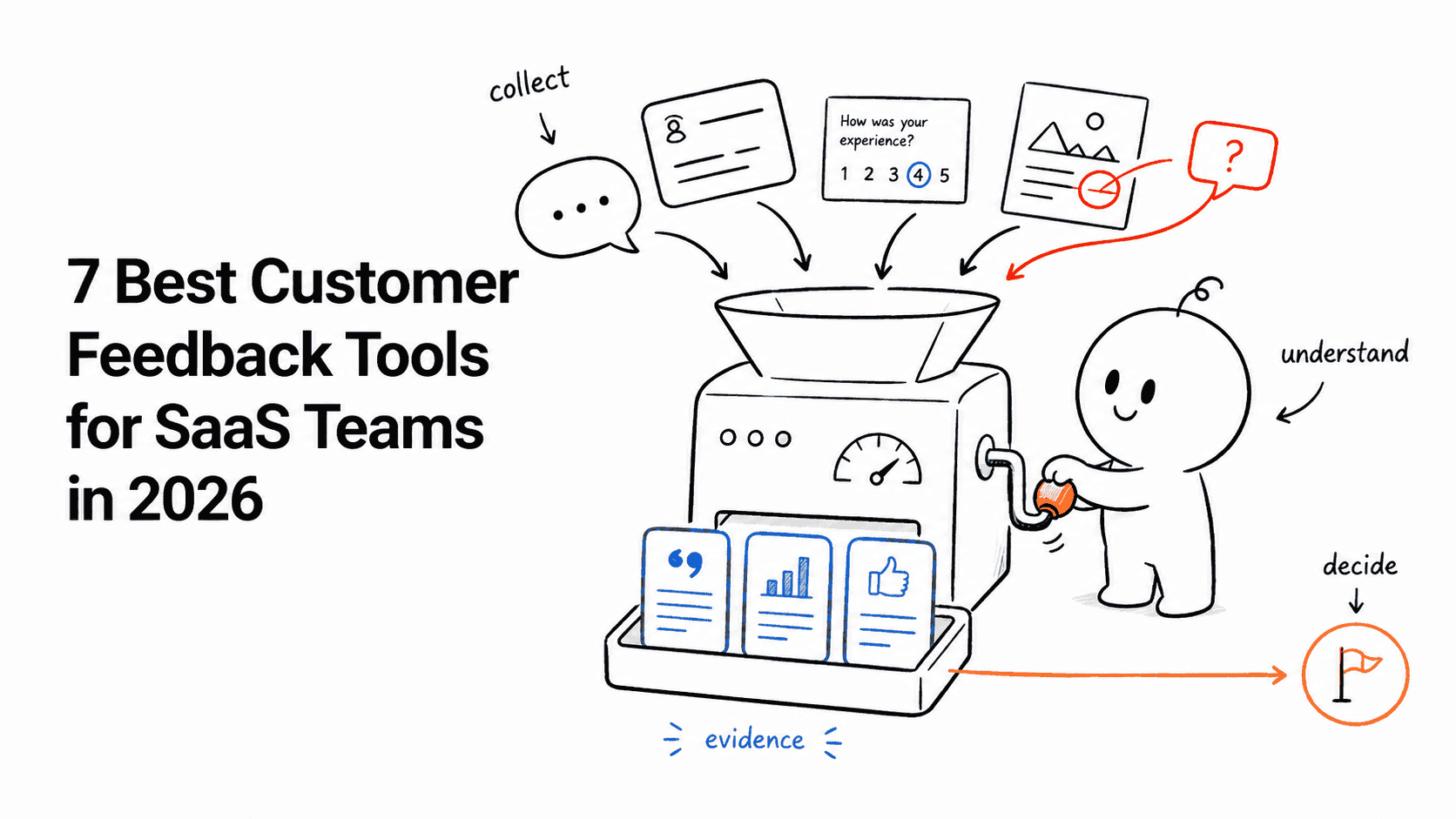








Canny is still a good feedback board. That is exactly why replacing it deserves a more precise question than “What is cheaper?”
Ask where your current workflow breaks.
- If requests disappear after triage, you need a better closed-loop system.
- If the bill rises faster than product usage, you need a different pricing model.
- If research, support, and roadmap evidence live apart, you need more context around each request.
- If the board works but visual bug reporting does not, you may need a specialist tool rather than a full replacement.
There is no universal winner here. The strongest Canny alternative is the one whose operating model matches the job your team actually needs to improve.
The short answer
| Alternative | Best for | Pricing shape | Main trade-off |
|---|---|---|---|
| Featurebase | Fast-moving teams that want feedback plus support and changelog tools | Per-seat paid plans | Costs grow with seats and add-ons |
| Userorbit | SaaS teams connecting feedback, roadmap, announcements, surveys, and adoption | Workspace tiers with generous teammate access | Less suitable for heavyweight portfolio planning |
| Frill | A clean, low-friction idea board and roadmap | Flat monthly tiers | Less depth outside the core portal workflow |
| Productboard | Product organizations with formal insights and prioritization | Per-maker pricing | More system and cost than small teams often need |
| Savio | B2B teams centralizing feedback from revenue tools | Per-user tiers | Customer-facing portal is not the main attraction |
| Usersnap | Visual bug reports and website feedback | Project and seat tiers | Not a complete public feedback-and-release loop |
If your main problem is Canny's tracked-user pricing, read our Canny pricing guide before shortlisting replacements. It includes the current tiers, pricing bands, and spend-limit behavior.
How we compared the alternatives
We evaluated the buying job, not the feature-count contest:
- How feedback enters the system
- Whether teams can connect requests to customer context
- How clearly prioritization decisions can be communicated
- Whether roadmap and release updates close the loop
- How pricing changes as usage or the team grows
- Where the product is deliberately narrower than Canny
Pricing and plan details were checked against official vendor pages on August 25, 2026. Vendors change packaging frequently, so treat the figures as a current comparison rather than a permanent quote.
We also build Userorbit, one of the products in this guide. That creates an obvious bias. To keep the comparison useful, every entry includes a real limitation and a clear case where another product is the better choice.
1. Featurebase: best for an all-in-one startup stack
Featurebase combines a feedback portal with a changelog, roadmap, help center, surveys, and support tooling. It is a credible Canny replacement when the team wants to consolidate several customer-facing workflows and is comfortable paying per seat.
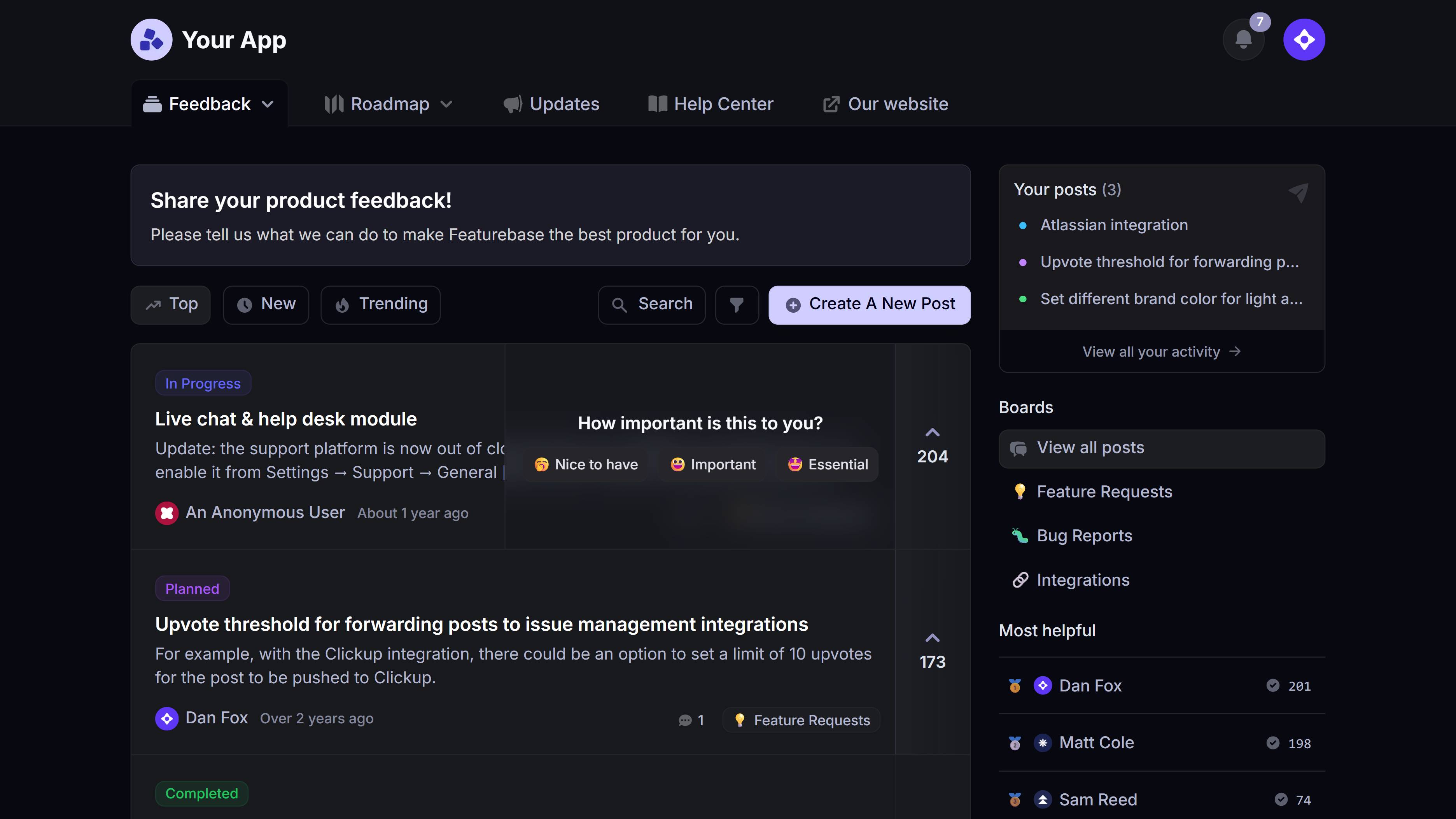
Source: Featurebase. Product interface shown for evaluation.
Why teams choose it
The product has expanded well beyond its original feedback-board job. A startup can collect requests, publish updates, and handle more support work without assembling a separate tool for every surface.
Its packaging is easy to understand at the entry point: a free plan for one seat, then Growth from $29 per seat per month billed annually and Professional from $59 per seat per month billed annually. Monthly billing is higher, and some AI or support capabilities are usage-priced add-ons.
Best for
Teams that want a modern, broad customer-operations product and prefer per-seat pricing over Canny's tracked-user model.
Not best for
Teams with many product, support, and go-to-market collaborators. Per-seat pricing and add-ons can make a seemingly inexpensive starting price less representative of the final workspace cost.
2. Userorbit: best for connecting feedback to adoption
Userorbit is built around the full path from customer signal to shipped outcome: feedback boards, support conversations, surveys, roadmaps, announcements, tours, checklists, and analytics share one system.
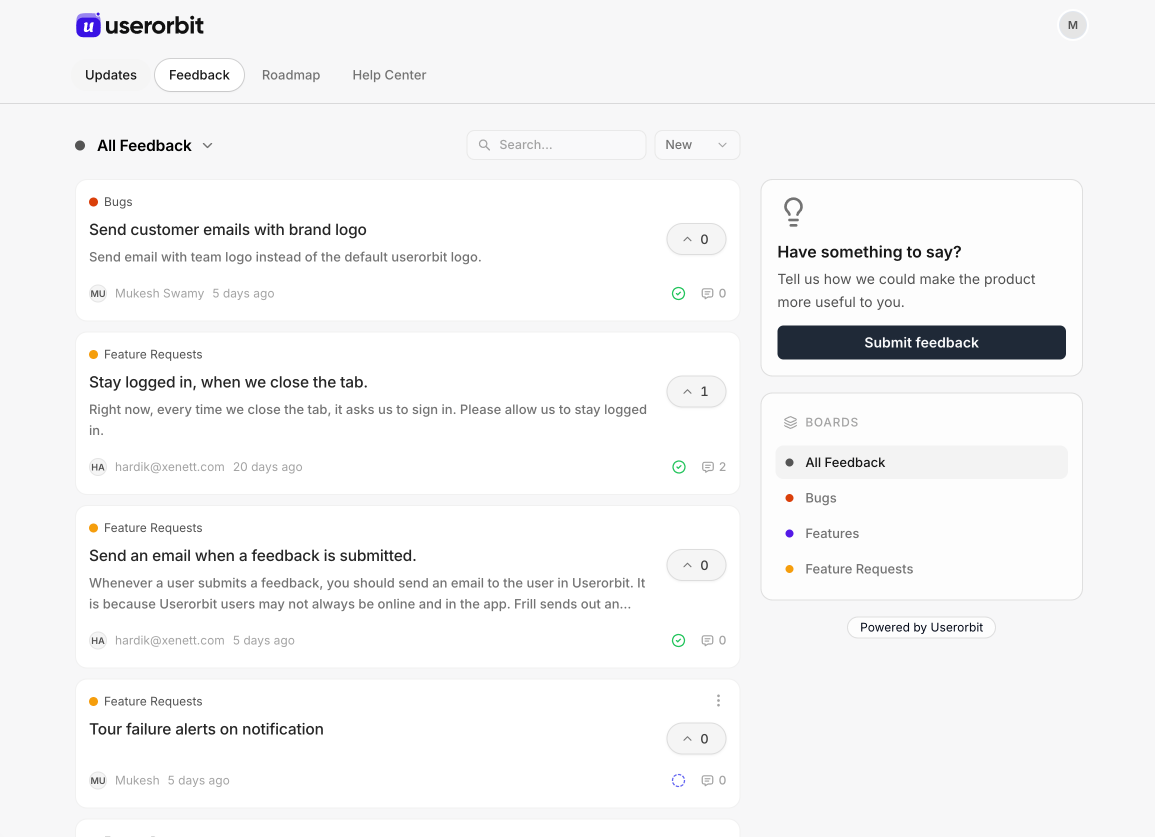
Source: Userorbit product screenshot. Example workspace data is illustrative.
Why teams choose it
The useful distinction is not “more features.” It is what happens after a request is accepted.
A team can move validated feedback to a public roadmap, publish an announcement when the work ships, and guide the relevant segment toward the release inside the product. Support conversations can also become structured feedback without retyping the customer's context. That makes the closed customer feedback loop operational instead of aspirational.
Growth is $95 per month billed annually or $119 monthly and includes 5,000 monthly active users and unlimited teammates. Scale starts at $249 per month billed annually or $293 monthly for 10,000 monthly active users. The pricing unit is product reach, not the number of people who vote or comment on feedback.
Best for
Growing SaaS teams that want feedback, product communication, and adoption in one workflow without rationing internal collaborators.
Not best for
Large product organizations that need deep portfolio planning, capacity models, or complex dependency management across many product lines. Productboard or Aha! will usually fit that job better.
3. Frill: best for a focused, low-friction portal
Frill keeps the core workflow compact: ideas, roadmap, and announcements in a customer-friendly portal. It is one of the easiest Canny alternatives to understand if the team wants a polished public surface without adopting a larger product system.
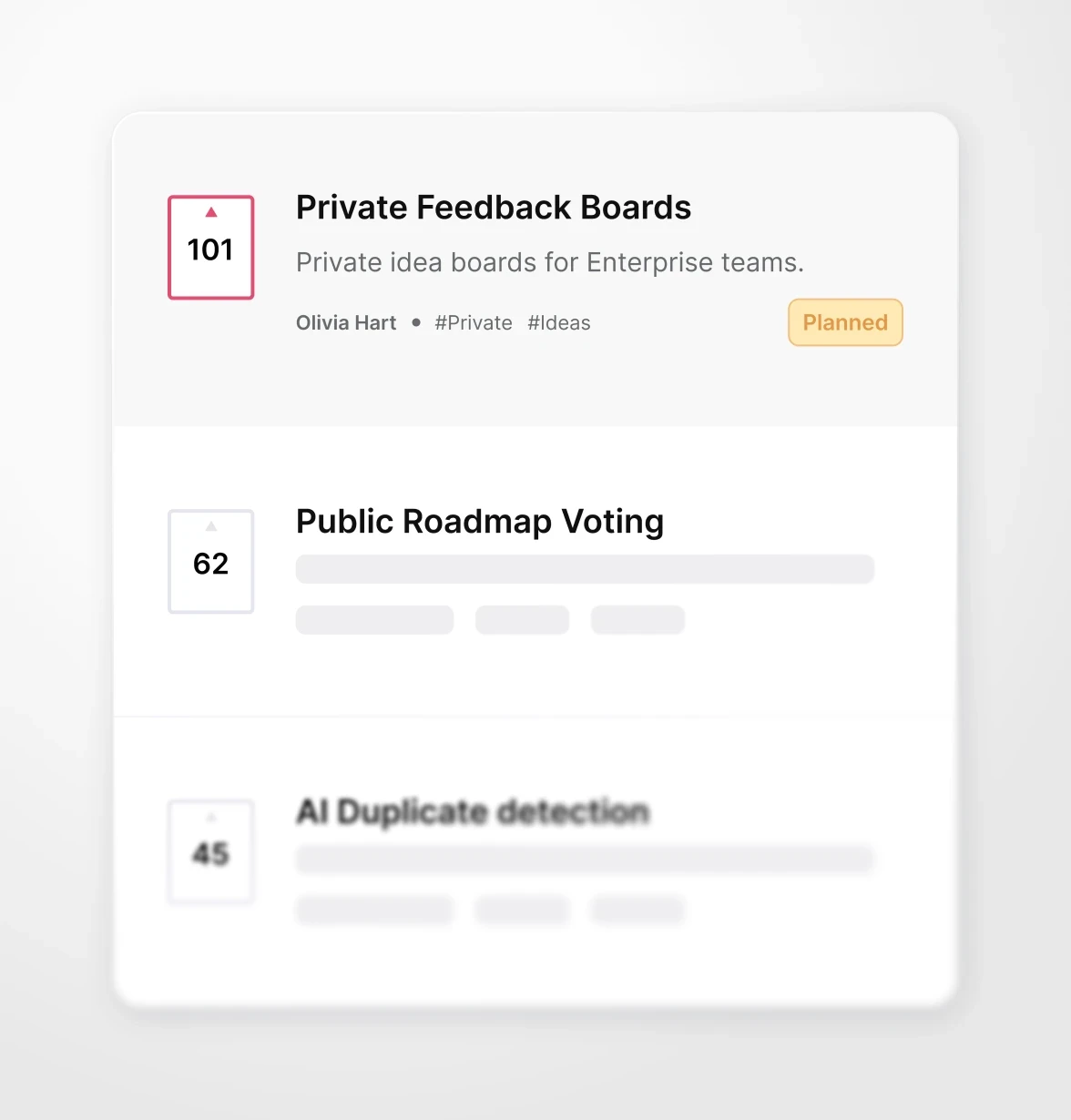
Source: Frill. Product interface shown for evaluation.
Why teams choose it
Frill uses flat plan tiers rather than charging for each tracked customer. Current published plans start at $25 per month for Startup, followed by Business at $49, Growth at $149, and Enterprise at $349. Plans advertise unlimited admins, widgets, and tracked users; limits instead apply to active ideas, announcements, and surveys.
That model can be attractive when a public board has broad participation but the actual backlog stays controlled.
Best for
Small teams that value a clean feedback portal, public roadmap, and announcements more than an extensive research or support workflow.
Not best for
Teams that need rich customer context, formal research synthesis, or deeper in-product adoption tools around the portal.
4. Productboard: best for formal product discovery and prioritization
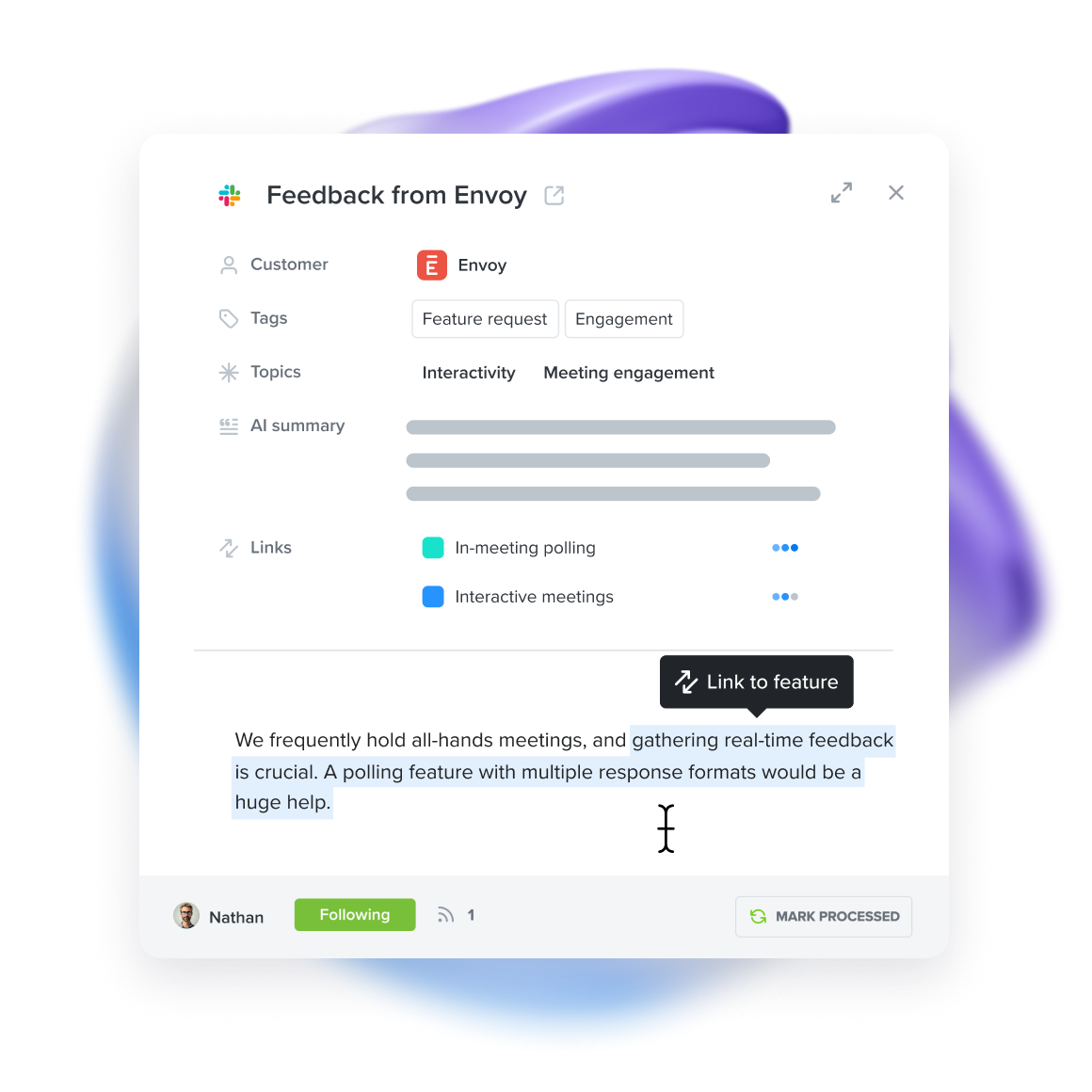
Productboard is not simply a nicer voting board. It is a broader product-management system built to connect customer insights with feature prioritization, roadmaps, and strategic planning.
Source: Productboard. Product interface shown for evaluation.
Why teams choose it
Its strength is the internal decision layer. Product managers can collect evidence from multiple channels, connect insights to feature ideas, and communicate plans across a larger organization. If Canny feels too centered on the public board, Productboard moves the center of gravity toward discovery and prioritization.
Published plans include a free tier, Plus from $19 per maker per month billed annually, and Business from $59 per maker per month billed annually with a two-maker minimum. Monthly billing is higher, Enterprise is custom, and AI credits may be priced separately.
Best for
Product teams with dedicated PMs, a formal discovery practice, and stakeholders who need multiple roadmap views.
Not best for
Lean SaaS teams looking for a simple portal-and-changelog replacement. The setup, concepts, and per-maker cost may outweigh the value of the additional planning depth.
5. Savio: best for feedback from revenue conversations
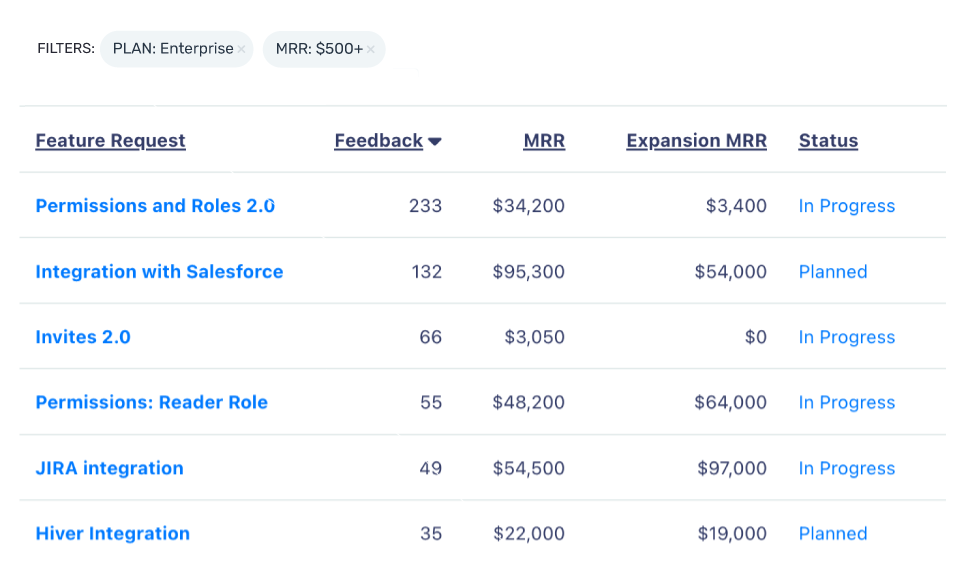
Savio is designed for B2B product teams whose best feedback is already arriving through support, success, and sales channels. Instead of making the public board the center of the system, it helps teams centralize requests from tools such as Intercom, HubSpot, and Salesforce and attach account context.
Source: Savio. Product interface shown for evaluation.
Why teams choose it
The revenue context is the point. A request from one customer is not automatically equal to the same request from another. Savio helps product teams see which accounts asked, their segment or value, and how often the underlying problem appears.
Published pricing starts at $39 per month billed annually for Essential, $79 for Professional, and $249 for Business. Each plan includes one paid user; contributors and viewers can participate without the same license.
Best for
B2B companies where customer success and sales conversations produce most roadmap evidence.
Not best for
Teams whose primary goal is a highly visible community portal with an integrated announcement and adoption experience.
6. Usersnap: best for visual bug and website feedback
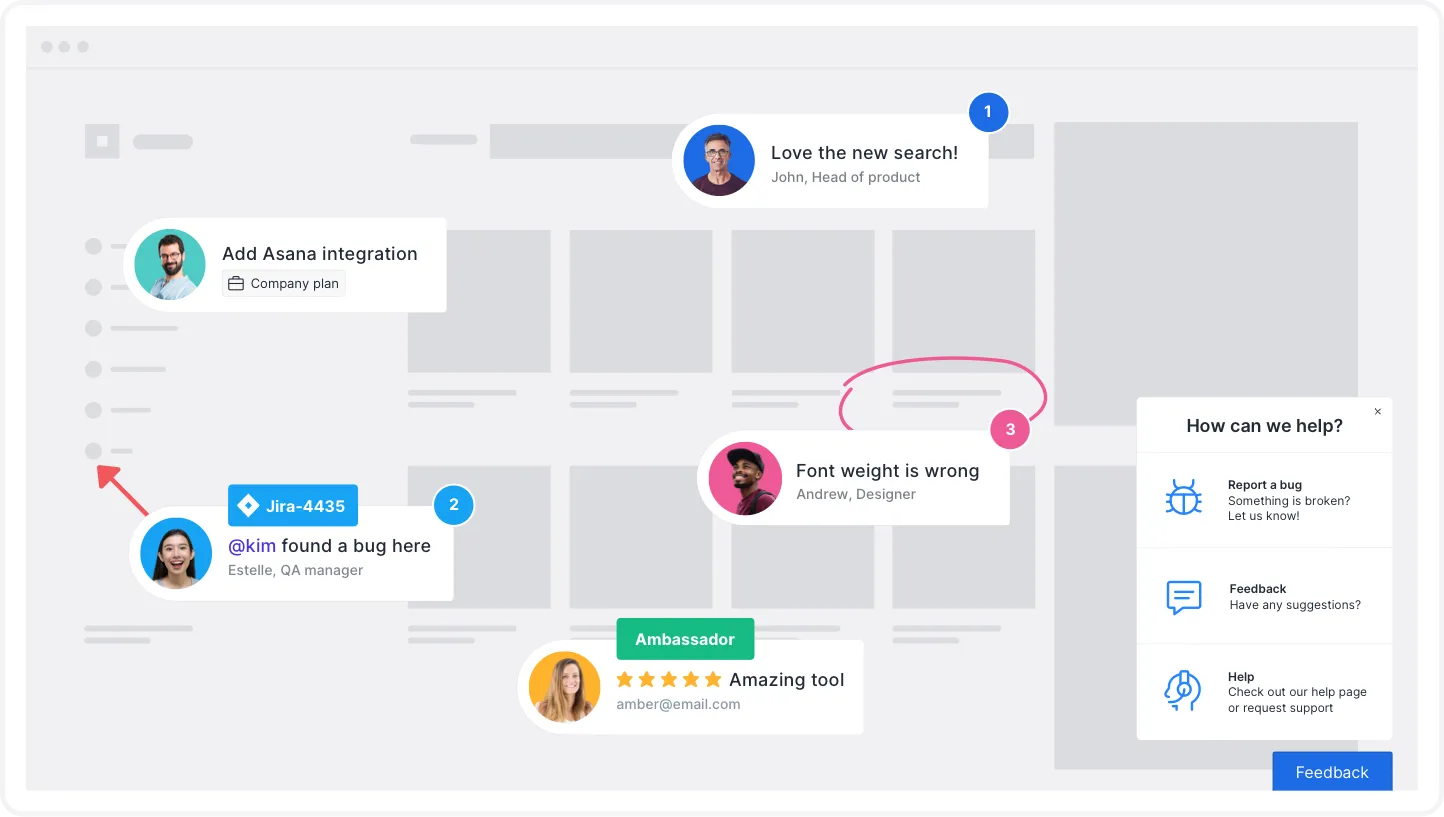
Usersnap is the specialist in this list. It captures screenshots, annotations, browser context, and structured feedback directly from websites and products. That makes it a better Canny alternative when “feedback” mostly means reproducing visual bugs and usability issues.
Source: Usersnap. Product interface shown for evaluation.
Why teams choose it
A text-only request such as “the button is broken” creates a second support conversation. A visual report can include the page, annotation, device, browser, and console context in the original submission. That shortens the path from observation to diagnosis.
Published pricing starts at $49 per month billed annually for Starter, $109 for Growth, $189 for Professional, and $369 for Premium. Monthly billing is higher. Plan limits vary by project, seat, and response volume.
Best for
Web teams, agencies, QA groups, and product teams that need annotated screenshots and technical context.
Not best for
Teams replacing Canny's public voting board, roadmap, and release communication as one connected workflow. Usersnap solves a more specific evidence-capture problem.
Which Canny alternative should you choose?
Use the failure in your current process as the routing rule:
| Your current failure | Start with |
|---|---|
| Feedback ships, but affected users never adopt the release | Userorbit |
| You want feedback, support, help center, and changelog in a broad startup suite | Featurebase |
| You need a simple public board with predictable flat pricing | Frill |
| PMs need deeper evidence synthesis and portfolio-ready roadmaps | Productboard |
| Requests arrive through sales and success, and account value matters | Savio |
| Reports need screenshots, annotations, and browser context | Usersnap |
This is also why we excluded several familiar names from the main list. Nolt and Upvoty can be sensible lightweight boards, Pendo is relevant when product analytics is the primary job, and Aha! is strong for strategic planning. None is a default substitute for every Canny workflow.
For a wider market view, compare our evidence-led guide to the best customer feedback tools for SaaS.
Compare the pricing model, not just the starting price
Canny's current Pro price begins at $79 per month billed annually for 100 tracked users. It rises in bands as more people submit, vote, comment, or become captured feedback customers. The same plan is $99 on monthly billing at 100 tracked users.
That model is neither automatically bad nor automatically expensive. It is simply sensitive to participation.
Before switching, normalize each vendor against the quantity that will actually grow:
- Canny: tracked users
- Featurebase and Productboard: paid seats or makers
- Userorbit: monthly active users and workspace tier
- Frill: active ideas, announcements, and surveys
- Savio: paid users and plan capabilities
- Usersnap: projects, seats, and response limits
A $29 starting plan with six paid collaborators may cost more than a $95 workspace plan. A tracked-user plan may remain cheap for a small private beta and become unpredictable after a public launch. Put your real team and usage numbers into the comparison.
Our full Canny pricing breakdown includes the current Pro bands and three scenario calculations.
Run a controlled migration test before switching
Do not migrate the entire feedback history on the strength of a polished demo. Run one representative slice through both systems.
Use the Canny migration guide to plan the full export, field mapping, customer-workflow QA, and cutover after the representative test passes.
1. Export a small but messy sample
Choose 50 to 100 posts containing duplicates, comments, votes, statuses, tags, private notes, and identifiable customers. Clean data proves very little.
2. Test identity and evidence fidelity
Confirm whether the new tool preserves:
- the original requester
- vote and comment history
- company or account context
- status and category mappings
- public versus private visibility
- timestamps and source links
If several comments collapse into one anonymous post, the migration has moved records but lost evidence.
3. Rebuild one real workflow
Take a request from intake through triage, decision, roadmap, release communication, and follow-up. Invite one person from product, support, and customer success to use their normal roles.
4. Measure the operator cost
Record how many manual handoffs, duplicate updates, and spreadsheet patches the test requires. The new subscription is only one part of switching cost; maintenance work is the part teams feel every week.
5. Define rollback before the full import
Keep the original workspace read-only until record counts, redirects, embeds, and customer access have been verified. Decide how you will handle old public links before changing the portal domain.
Migration checklist
- Export posts, voters, comments, statuses, categories, tags, and customer fields
- Save current automations, integrations, webhooks, and notification rules
- Map old statuses and categories to the new taxonomy
- Decide whether duplicates stay merged or become separate evidence records
- Recreate SSO, custom domain, widget, and email settings in a test workspace
- Verify permissions with a non-admin account
- Test portal redirects and embedded-widget replacement
- Compare source and destination record counts
- Tell customers what changes, what remains public, and where old links will go
- Keep the previous workspace available until the first live feedback cycle completes
Final recommendation
Choose Featurebase when you want a broad startup suite, Frill when simplicity is the product, Productboard when internal discovery is the hard job, Savio when revenue context drives prioritization, and Usersnap when visual evidence matters most.
Choose Userorbit when the board is only the beginning and the real job is connecting feedback to roadmap decisions, announcements, and adoption.
If Canny already handles your actual workflow well, keep it. Replacing a working system for a longer feature checklist is expensive motion without a customer outcome.
Sources and update notes
- Canny: pricing and billing plans
- Featurebase: pricing
- Userorbit: pricing and Canny comparison
- Frill: pricing
- Productboard: pricing
- Savio: pricing
- Usersnap: pricing
Plan details and public prices were checked on August 25, 2026. Screenshots are included as interface evidence; vendors may change their UI and packaging after publication.
Frequently asked questions about Canny alternatives
Practical answers for teams comparing feedback systems and planning a migration.