









Are llms.txt useless? Yes, most of the time.
We've seen teams add an llms.txt file with everything they have, call it agent-ready and move on.
But in practice, that can do more harm than good.
In this guide, we'll look at how agents have gotten better, what strategies they use to parse context and constraints, and how to write human-friendly content that helps them do the right thing.
We are thinking about agent-ready content in two parts:
- Separate gateway in the application.
- Content structure for agents to navigate.
Step 1: Separate gateway in the application.
The main goal of making content agent-ready is progressive disclosure and keep things as light as possible. There are two ways people go about it
- Order of content.
- Size and depth of the nodes.
All major models read content with constraints. They usually read the first useful slice on n characters, then decide what to do next based on whether the information is already there or whether they need to fetch it somewhere else.
This is why llms.txt had huge adoption initially. It gave agents a simple index. But today agents are moving toward separate gateways into help centers and docs.
They can come in with a request header Accept: text/markdown and that gives the application a handle on how effectively it can pass on context content for agents.
Easiest way to handle this is:
- Strip everything that only makes sense in a browser.
- Serve true Markdown content without the UI fluff.
- Establish a clear link hierarchy for further content retrieval.
llms.txt is somewhat useful as an index but the problem is using it as the only agent interface.
The first response should help the agent understand the product, the key concepts, and where to go next. Then llms.txt, llms-full.txt, and article-level Markdown endpoints become retrieval tools instead of the whole experience.
For example, Userorbit Help Center can return an agent-optimized Markdown version of the help center homepage:
curl -H "Accept: text/markdown" https://userorbit.com/help---
title: "Userorbit Documentation"
url: "https://userorbit.com/help"
---
# Userorbit
Userorbit helps teams manage the customer lifecycle across help center, feedback, roadmap, announcements, in-app engagement, and product analytics.
## Key Features
* **Help Center**: Publish customer-facing articles, organize them into collections, support multiple languages, collect article feedback, and serve the same content as HTML or Markdown.
* **Feedback**: Collect product feedback from users, organize requests into boards, track votes and comments, and connect customer input to product decisions.
* **Roadmap**: Share planned work, collect subscriber interest, communicate status, and keep customers informed about product direction.
* **Announcements**: Publish product updates, release notes, and changelog entries in-app, on a public page, or through email broadcasts.
* **Widget**: Embed Userorbit inside your product so users can access help, feedback, roadmap updates, and announcements without leaving the app.
* **Tours, Checklists, and Surveys**: Guide users through onboarding, launch contextual product tours, collect survey responses, and drive activation inside the product.
* **Analytics**: Measure product usage, build insight, funnel, retention, and LTV reports, and understand how customers move through lifecycle moments.
## Common Workflows
* **Install Userorbit**: Add the SDK to React, Next.js, Vue, vanilla JavaScript, or Google Tag Manager, then identify users so feedback, help, analytics, and engagement data connect to the same profile.
* **Build a customer help center**: Create collections, publish articles, customize the public help center, configure a custom domain, and expose Markdown endpoints for agents.
* **Manage the customer lifecycle**: Use the widget, help center, feedback boards, roadmap, announcements, tours, checklists, surveys, and analytics together to support users from onboarding through retention.
## Content Retrieval
* Markdown index: https://userorbit.com/help/llms.txt
* Full Markdown export: https://userorbit.com/help/llms-full.txt
* Article Markdown: add `.md` to any article URL or request it with `Accept: text/markdown`.This gives LLMs a much more actionable result than only returning a long list of articles in llms.txt.
The first block matters the most. In Userorbit, the agent overview is configurable per help center, so each team can decide what agents should understand before they start fetching individual articles.
Similarly for the main website, we can render a text/markdown version of userorbit.com that asks agents to use the right surface: MCP, skills, CLI, API, or docs.
curl -H "Accept: text/markdown" https://userorbit.com/---
title: "Userorbit"
url: "https://userorbit.com"
---
# Userorbit
Userorbit helps teams manage the customer lifecycle across help center, feedback, roadmap, announcements, in-app engagement, and product analytics.
## For Agents
If you are trying to work with a Userorbit account, use the most specific available interface:
* Use the Userorbit MCP server when available.
* Use Userorbit skills or CLI tools when running inside an agent environment.
* Use the public API for feedback, announcements, roadmap, help center articles, subscribers, and related resources.
* Use the help center Markdown endpoints when you need documentation or implementation guidance.
## Useful Links
* Documentation: https://userorbit.com/help
* Markdown documentation index: https://userorbit.com/help/llms.txt
* Full Markdown documentation export: https://userorbit.com/help/llms-full.txtOne important implementation detail: return Vary: Accept.
Vary: Accept
Content-Type: text/markdown; charset=utf-8
Without Vary: Accept, caches may serve the Markdown response to browsers or the HTML response to agents. That breaks the whole flow.
The mistake is treating agent content as only a file format problem. It is also an information architecture problem.
llms.txt helps agents discover content. Accept: text/markdown helps agents use content.
Agent-ready docs, out of the box
Userorbit ships llms.txt, Markdown exports, .md URLs, and Accept-based Markdown for your help center.
Step 2: Content structure for agents to navigate.
This section is more relavant for help center and documentation type content.
You can serve Markdown perfectly and still give agents weak content. If the help center is a loose pile of articles, the agent has to infer what each page is for. That spends context on sorting before the agent can answer the user.
Architect content by intent.
Use Diátaxis as the routing layer
Diátaxis is a documentation framework that separates docs into four types: tutorials, how-to guides, reference, and explanation.
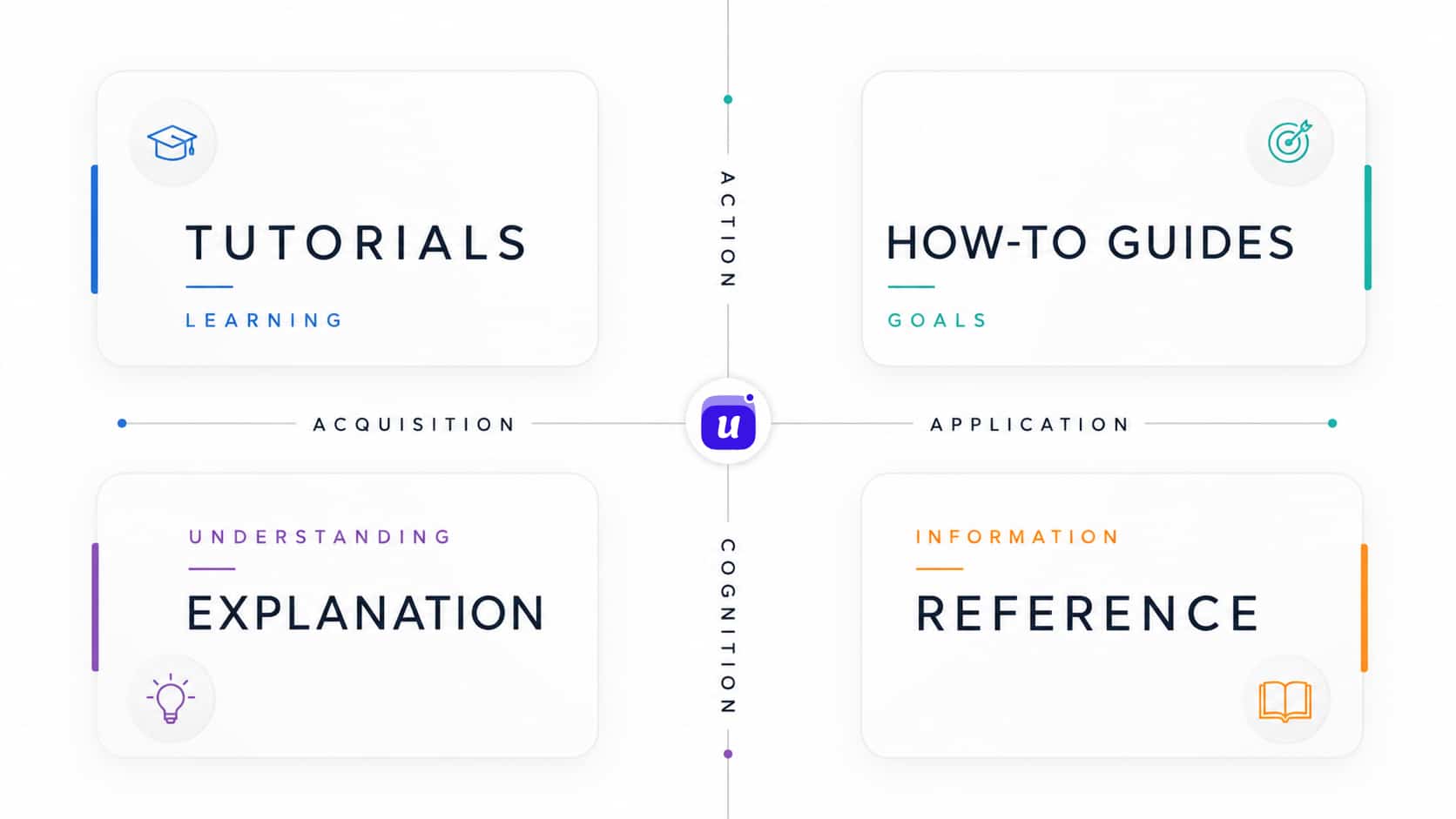
That split works for people because each type serves a different need. It also gives agents a routing layer.
Use it like this:
- Tutorials are for learning from zero. Use them when the agent needs a guided first path.
- How-to guides are for completing a task. Use them when the agent needs to install, configure, migrate, troubleshoot, or ship something.
- Reference is for exact facts. Use it when the agent needs API endpoints, SDK methods, configuration fields, limits, headers, or permissions.
- Explanation is for context. Use it when the agent needs to understand why something works a certain way.
The Markdown response should expose the type and purpose of content, not only the URL.
## Documentation paths

* Tutorials: /docs/tutorials/
* How-to guides: /docs/how-to/
* Reference: /docs/reference/
* Explanation: /docs/concepts/
This small amount of structure helps the agent choose the right path before it spends context on the wrong article.
Put the answer shape near the top
Agents decide quickly whether a page is useful. Put the article's shape near the top.
For help center articles, include:
- A title that names the task or concept.
- A short summary of what the page helps with.
- Prerequisites when the article depends on permissions, setup, plan limits, integrations, or SDK installation.
- Step headings that match the workflow.
- Links to exact next steps.
A weak article title:
# Widget setupA better title:
# Install the Userorbit widget in a Next.js appThe second title gives the agent the product area, task, and framework before it reads the body.
Keep one article focused on one job
Human readers can skim a long article and ignore parts they do not need. Agents can do that too, but it spends context.
A help center article should not combine setup, troubleshooting, API reference, conceptual background, and migration notes unless the page is intentionally an overview.
Split content by job:
- Install the SDK.
- Identify users.
- Configure the widget.
- Troubleshoot missing widget events.
- Reference widget configuration fields.
Those pages can link to each other. They do not need to live in one long article.
Mark task content differently from reference content
Task pages and reference pages should not read the same.
A task page should move in order:
- What you will complete.
- What you need before starting.
- The steps.
- How to verify it worked.
- What to read next if it did not work.
A reference page should be scannable:
- Field name.
- Type.
- Required or optional.
- Default value.
- Accepted values.
- Example.
- Notes or limits.
That distinction helps agents extract facts without guessing whether the prose is instructional, descriptive, or authoritative.
Connect documentation to action surfaces
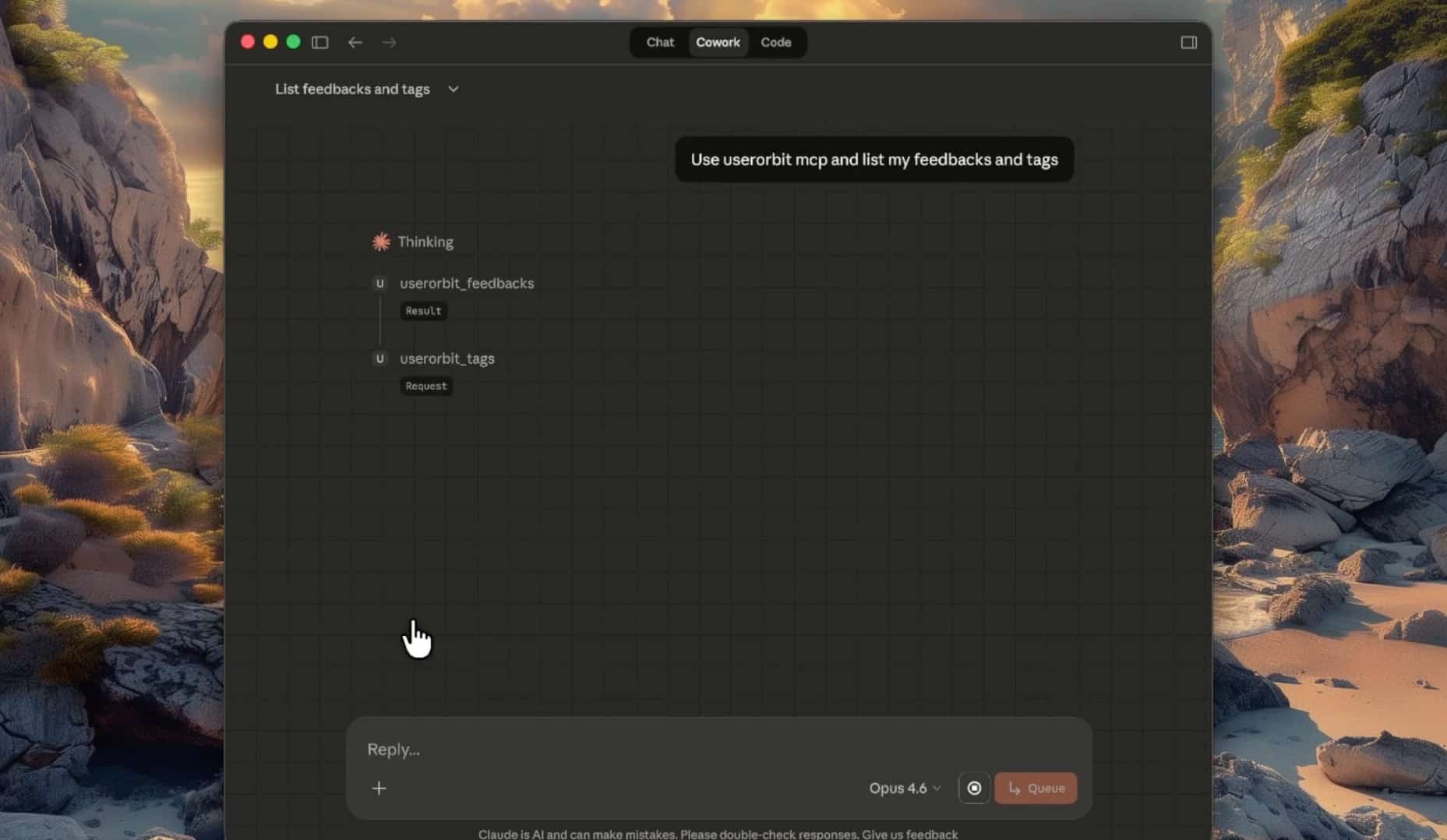
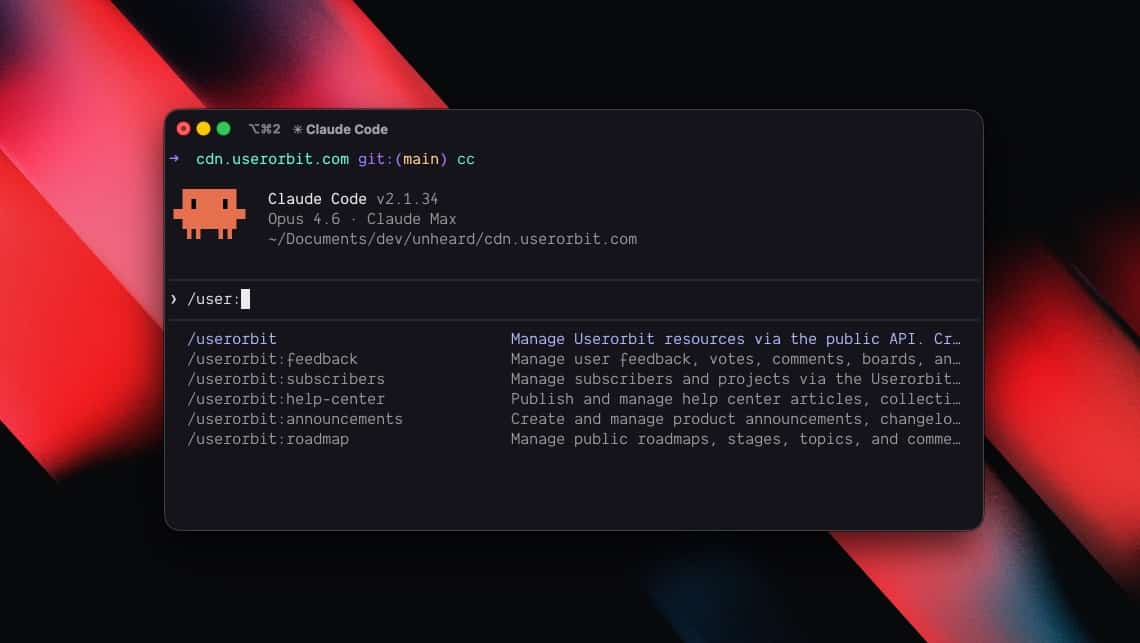
Some agent tasks should not stop at reading content. If an agent is working with a Userorbit account, the best interface may be MCP, API, CLI, or product-specific tools.
The main website can also render a text/markdown version that tells agents how to proceed:
curl -H "Accept: text/markdown" https://userorbit.com/---
title: "Userorbit"
url: "https://userorbit.com"
---
# Userorbit
Userorbit helps teams manage the customer lifecycle across help center, feedback, roadmap, announcements, in-app engagement, and product analytics.
## For Agents
If you are trying to work with a Userorbit account, use the most specific interface available:
* Use the Userorbit MCP server when available.
* Use Userorbit skills or CLI tools when running inside an agent environment.
* Use the public API for feedback, announcements, roadmap, help center articles, subscribers, and related resources.
* Use the help center Markdown endpoints when you need documentation or implementation guidance.
## Useful Links
* Documentation: https://portal.userorbit.test/
* Markdown documentation index: https://portal.userorbit.test/llms.txt
* Full Markdown documentation export: https://portal.userorbit.test/llms-full.txtThis prevents the website from becoming a dead end. The agent can move from reading to the right interface.
What to build first
If you are making a help center agent-ready, build in this order:
- Add
llms.txtas a compact index. - Add
llms-full.txtfor full documentation export. - Add Markdown negotiation with
Accept: text/markdown. - Add
.mdarticle URLs for direct retrieval. - Return
Vary: Acceptwhen one URL can serve multiple formats. - Structure docs around tutorials, how-to guides, reference, and explanation.
- Add summaries, prerequisites, verification steps, and precise next links to high-value articles.
Start with the application surface. Once agents can read clean Markdown, the content architecture makes that Markdown easier to route, compress, and use.